Laser Technology Inc. - TruPoint
™
300
44
ENFunctions
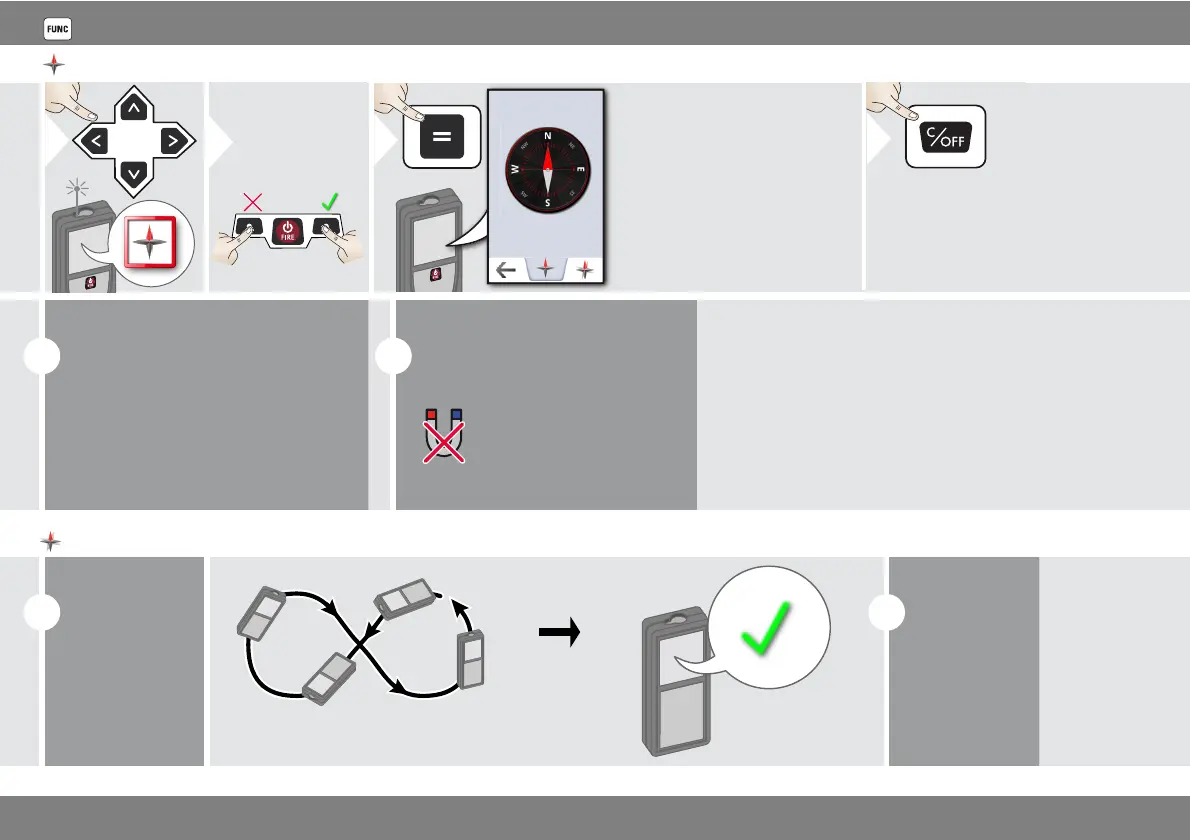
Compass
2
Calibrate
Compass?
Refuse Confirm
The arrow always
points to true north.
3
i
At the following places the compass
probably does not work correctly:
• Inside of buildings
• Close to high voltage lines (e.g. on
train platforms)
• Close to magnets, metal objects or
electrical household appliances
i
If an error message occurs, the
device is tilted too much (>20°
over the front / > 10° sidewise).
Keep the device
away from any
magnet!
Calibration of Compass:
i
The compass
has to be cali-
brated before
every first
measurement
after switching
on the device.
Rotate the device slowly in a figure 8 motion until OK
icon appears on the display.
i
After 2 sec the
device goes
back to the
compass mode.












 To Next Page