Laser Technology Inc. - TruPoint
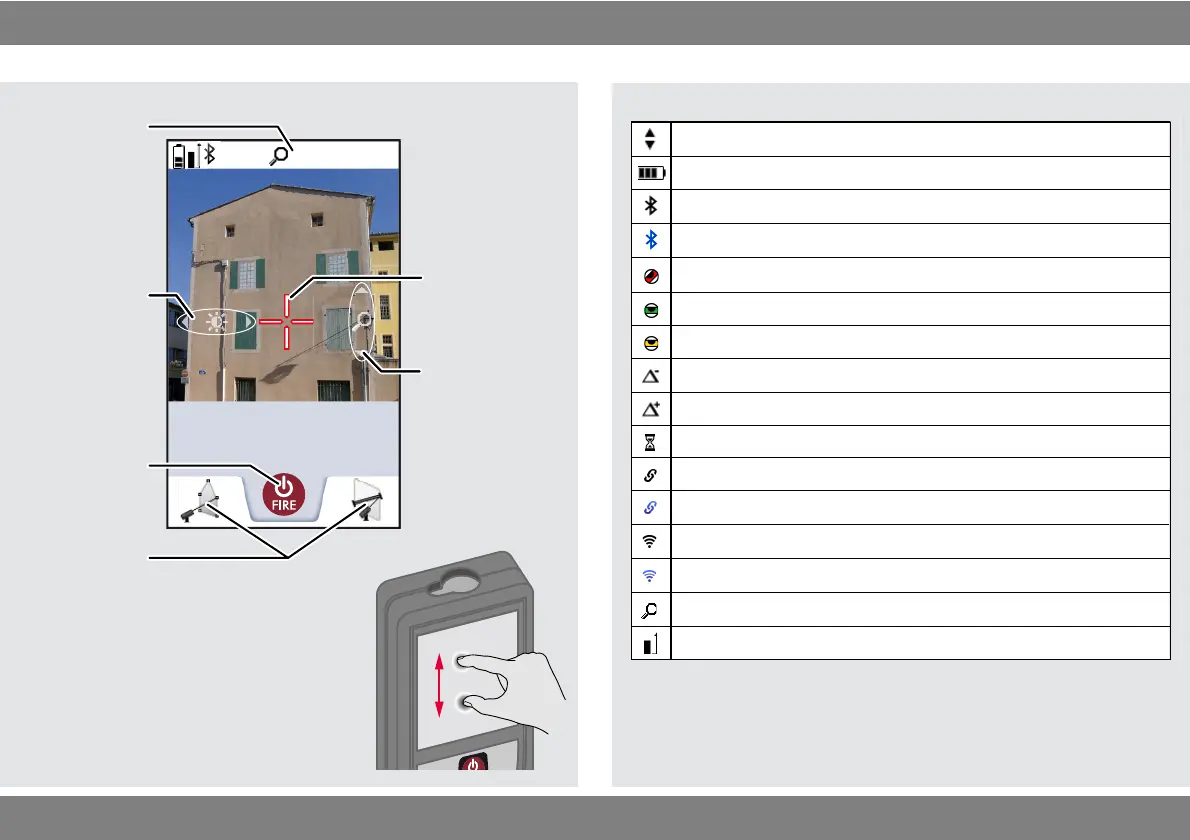
Scroll up and down for further results
Battery power
Bluetooth
®
is switched on
Bluetooth
®
connection established
Device is not leveled
Offset is activated and subtracts the defined value from measured distance
Offset is activated and adds the defined value from measured distance
WLAN client mode activated
TRUPOINT 300 connected as client to WLAN
Zoom
Device is leveled
TRUPOINT 300 WLAN hotspot activated
Other device connected to TRUPOINT 300 WLAN hotspot
Device is measuring
Measuring reference
Device was moved after leveling - affects measuring accuracy












 To Next Page