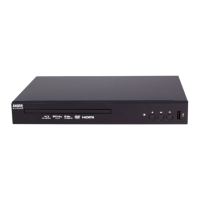
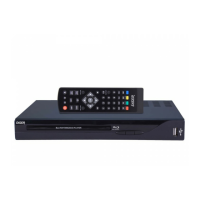
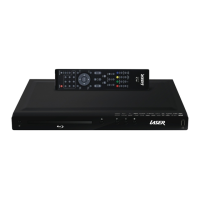
BLU-BD1000 USER MANUAL
19
CONNECTING THE PLAYER
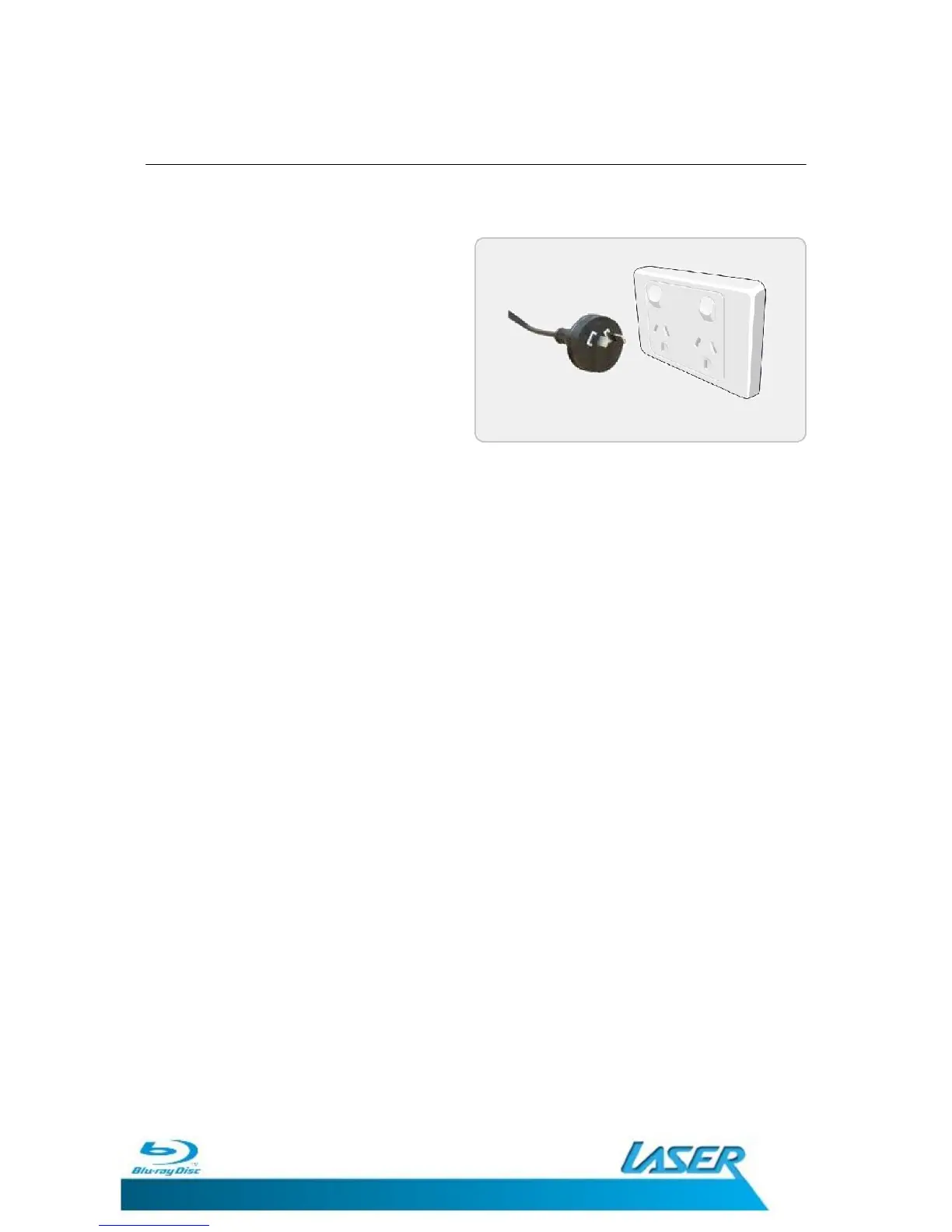
CONNECTING POWER
1. Connect the power plug from the
player to a mains power outlet and
then turn the switch on.
2. The red stand-by power LED on the
front panel of the player should now
be off.
3. Allow for up to 10 seconds for Blu-ray
disc data to load
4. The BLU-BD1000 is now ready to use.


 To Next Page