BLU-BD1000 USER MANUAL
25
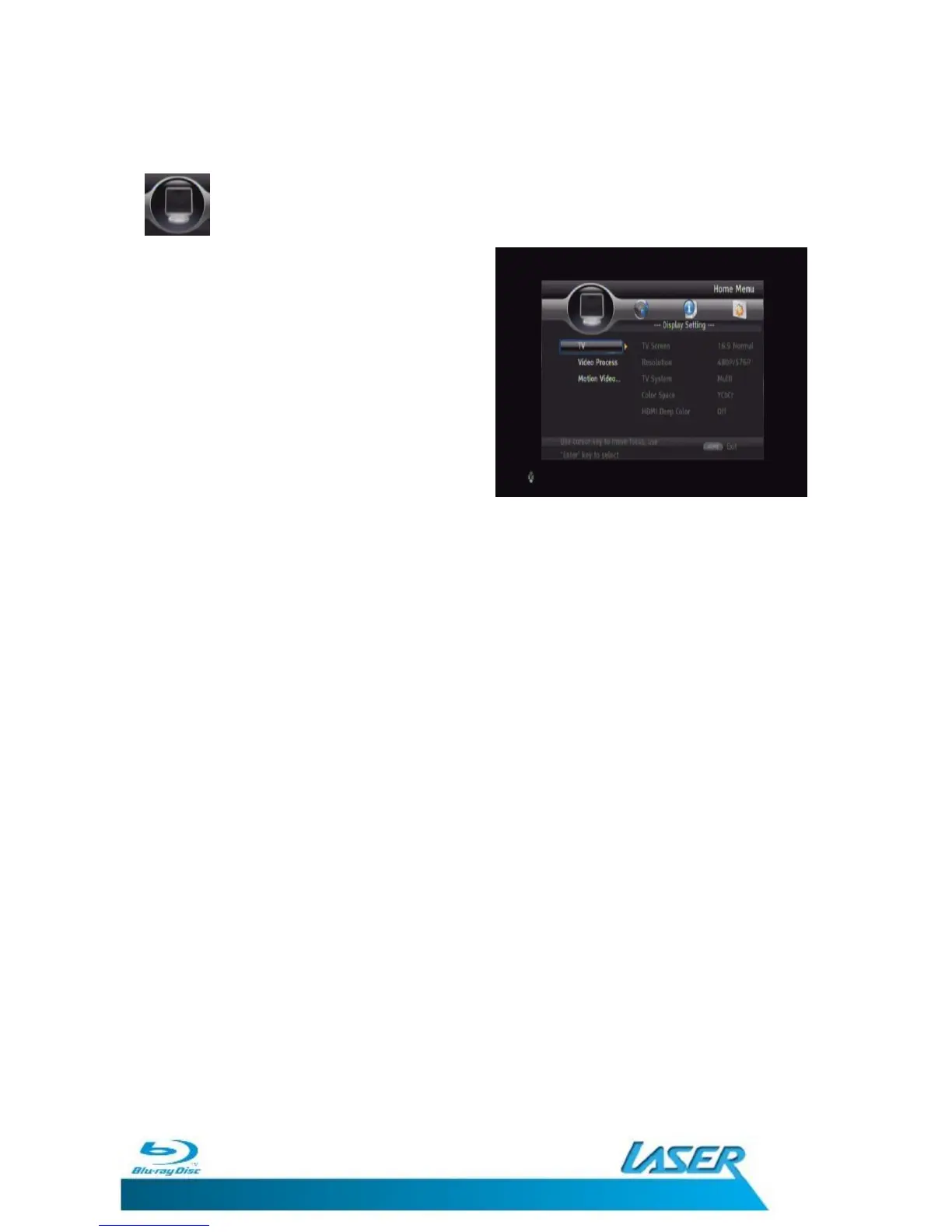
DISPLAY SETTINGS
The Display Settings menu allows you to fine
tune the way the BLU-BD1000 presents the
video on your Television or monitor.
Use the UP and Down navigation button on
the remote control to select the sub setting to
change.
Use the Right navigation button to access the
option.
The Current set option is marked.
Press the Left navigation button on the remote control to go back a level or the
SETUP/HOME button to exit the Setup Menu entirely.


 To Next Page