BLU-BD1000 USER MANUAL
40
Blu-ray Discs may contain many types of audio signal formats, some of those are of the high
resolution types such as Dolby TrueHD and DTS-HD Master Audio. Blu-ray Discs also have
many optional audio components such as the Secondary Audio Program and menu clicking
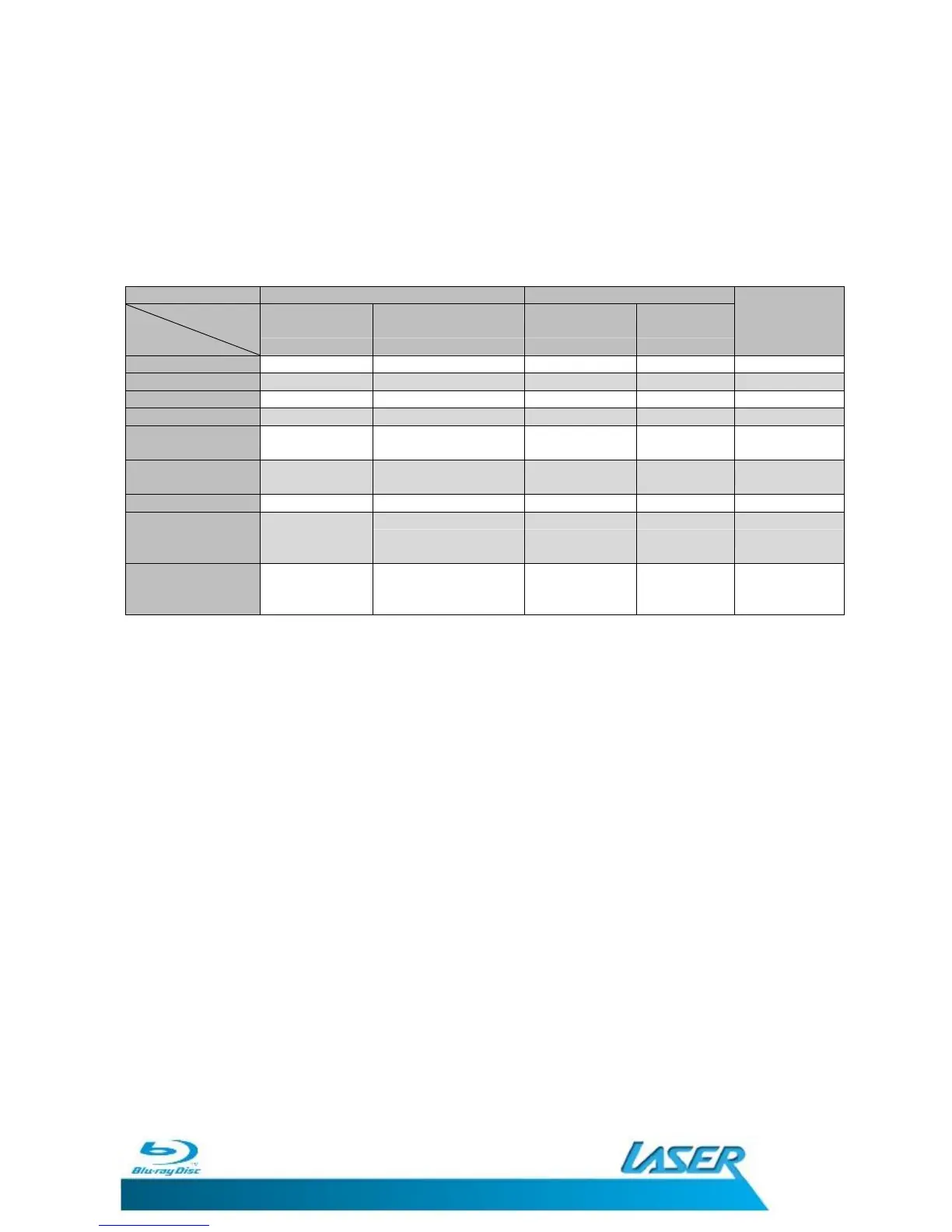
sound. The player’s Audio Format Setup menu allows you to configure the audio output to
meet your specific preference. The following chart provides a reference to what type of
audio signal can be expected when Secondary Audio option is set to off.
DTS (core) PCM 2ch -
Note: If you use HDMI to connect audio to an HDMI A/V receiver or audio
processor, it is important that you choose 720p or higher HDMI output
resolution when playing high resolution audio content (DVD-Audio, SACD,
Dolby TrueHD and DTS-HD Master Audio). According to the HDMI
specification, the bandwidth available for audio is proportional to the total
bandwidth used by video. At 480p/576p resolution, the HDMI specification
can only support 2 channels of audio with high sample rate (up to 192kHz) or
8 channels of audio with standard sample rate (up to 48kHz). If you play high
resolution audio content at the 480p/576p resolution, you may get reduced
audio resolution, incomplete audio channels, or even no audio/video output
at all. Choosing a higher output resolution such as 720p or above allows
enough bandwidth for all high sample rate audio channels.


 To Next Page