MP4-T10 USER MANUAL
11
Note 2: You are not able to move to the next or previous picture until the Scale button has returned
the current picture back to normal size
4. Rotate : Rotate the picture in clockwise increments of 90°
Picture playback options - the settings icon
From the picture playback screen, click the settings icon . Options include: Slide
effect, delete, information and screen size.
Note. Use the BACK button at the bottom of each list to return back to the previous menu.
1. Settings: Choose between; Slide effect, Delete, Information and Screen Size
1.1. Slide Effect: Choose between Move page, Louver and Fade Display
1.2. Delete – Delete current picture. A confirmation window will then appear asking you
to confirm your selection
2. Information – displays Picture Name, Resolution and Created Date information.
3. Screen Size- display pictures as Full Screen, in Original Size or as Scale
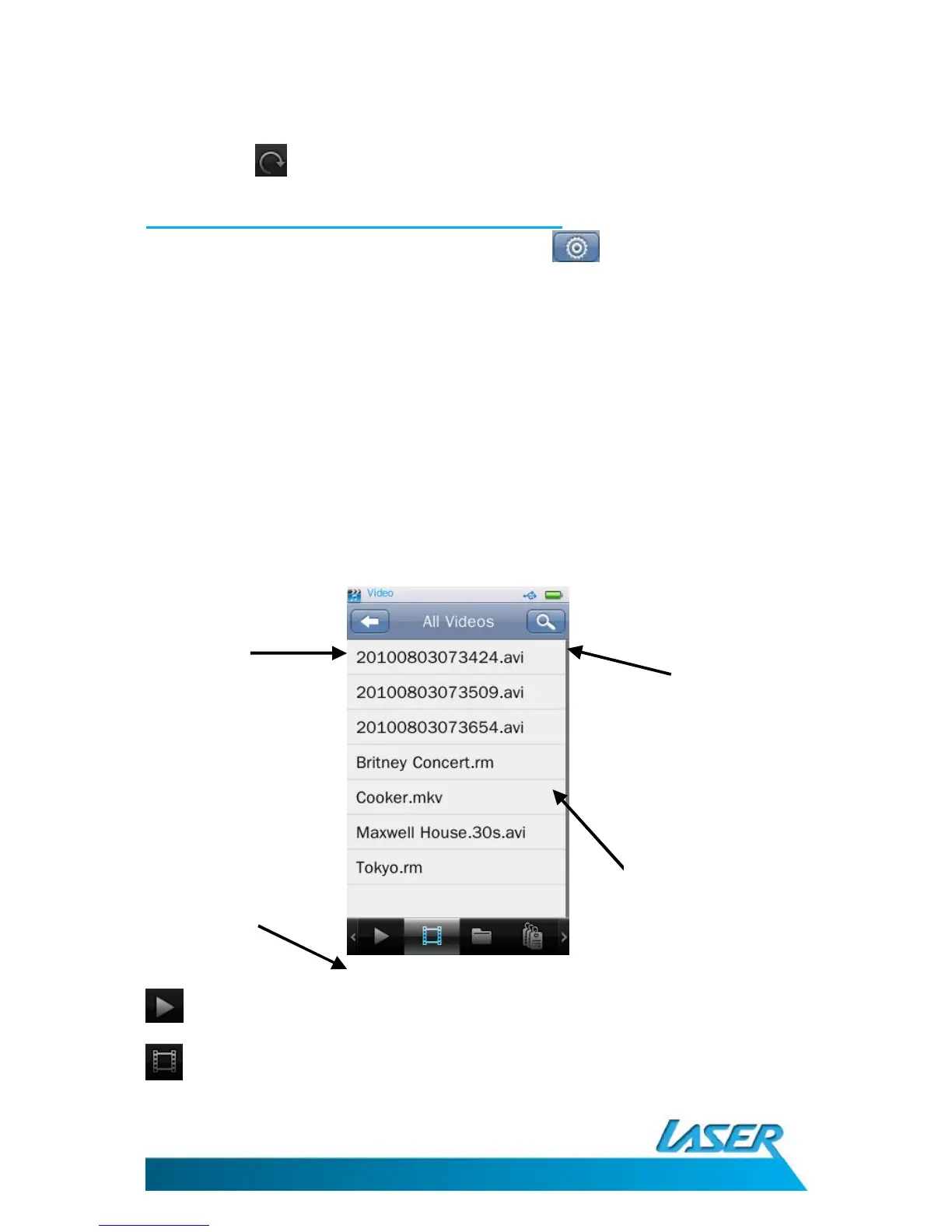
VIDEO MENU OPTIONS – THE MAIN SCREEN
Click the Video icon from the main menu screen.
Now Playing - Shows all recently accessed videos
All Video- Show all video files



 To Next Page