MP4-T10 USER MANUAL
12
Directory Browse - Manually browse through folders
Tag List – [Please refer to the music section Tag list for this common instruction]
My Video- Browse videos taken by your T10 camera
Search- Search video files by entering video file name
Back – return to the previous screen
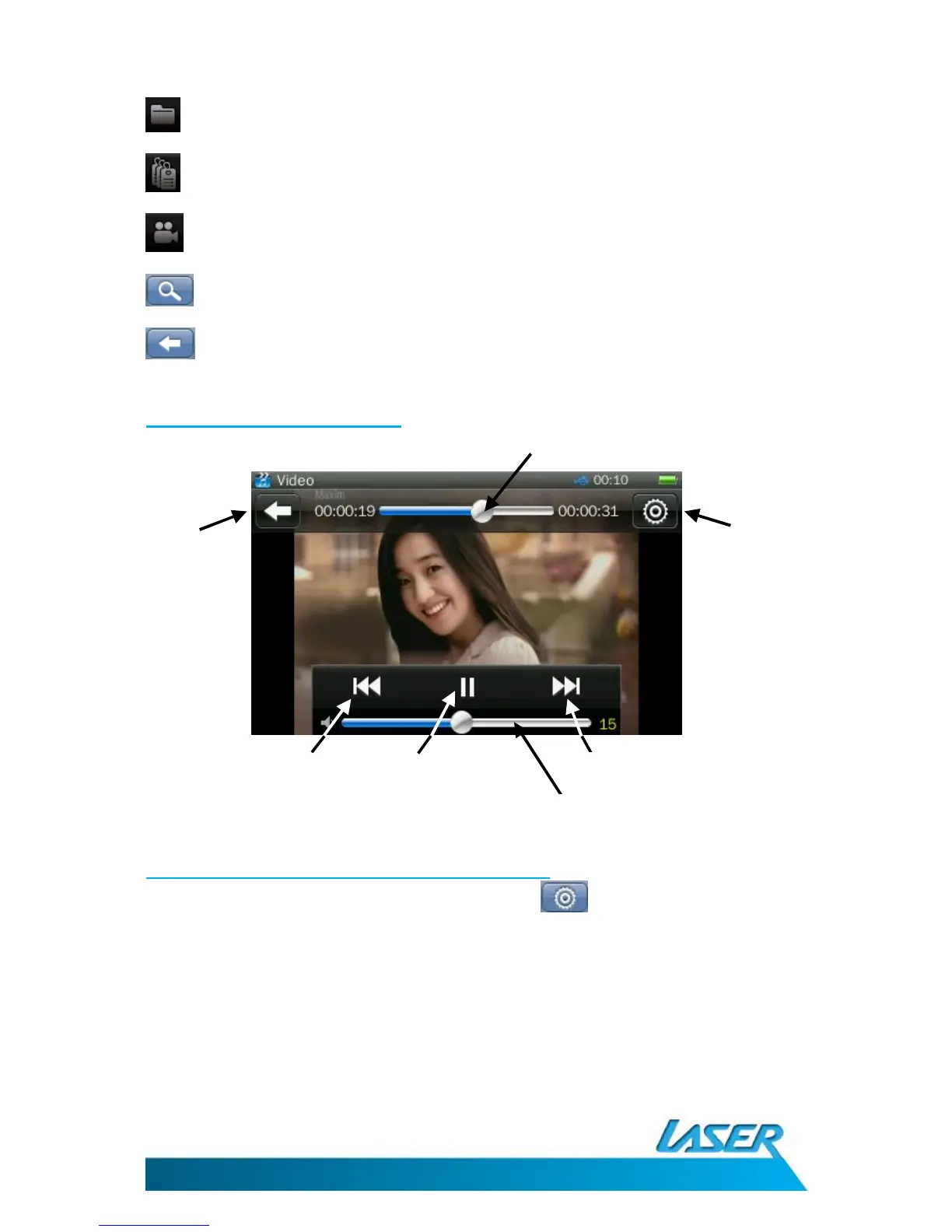
The video playback screen
Video playback options - the settings icon
From the video playback screen, click the settings icon . Options include: Subtitle,
Playback mode, add tag, screen size, resume, delete and information
Note: Tap the screen to show the on-screen options if they have disappeared.
1. Subtitle: Turn off or on (dependant on the type of file being used)
2. Playback Mode: Choose between Sequence, Repeat One, Repeat All, Shuffle,
Shuffle + Repeat



 To Next Page