MP4-T10 USER MANUAL
7
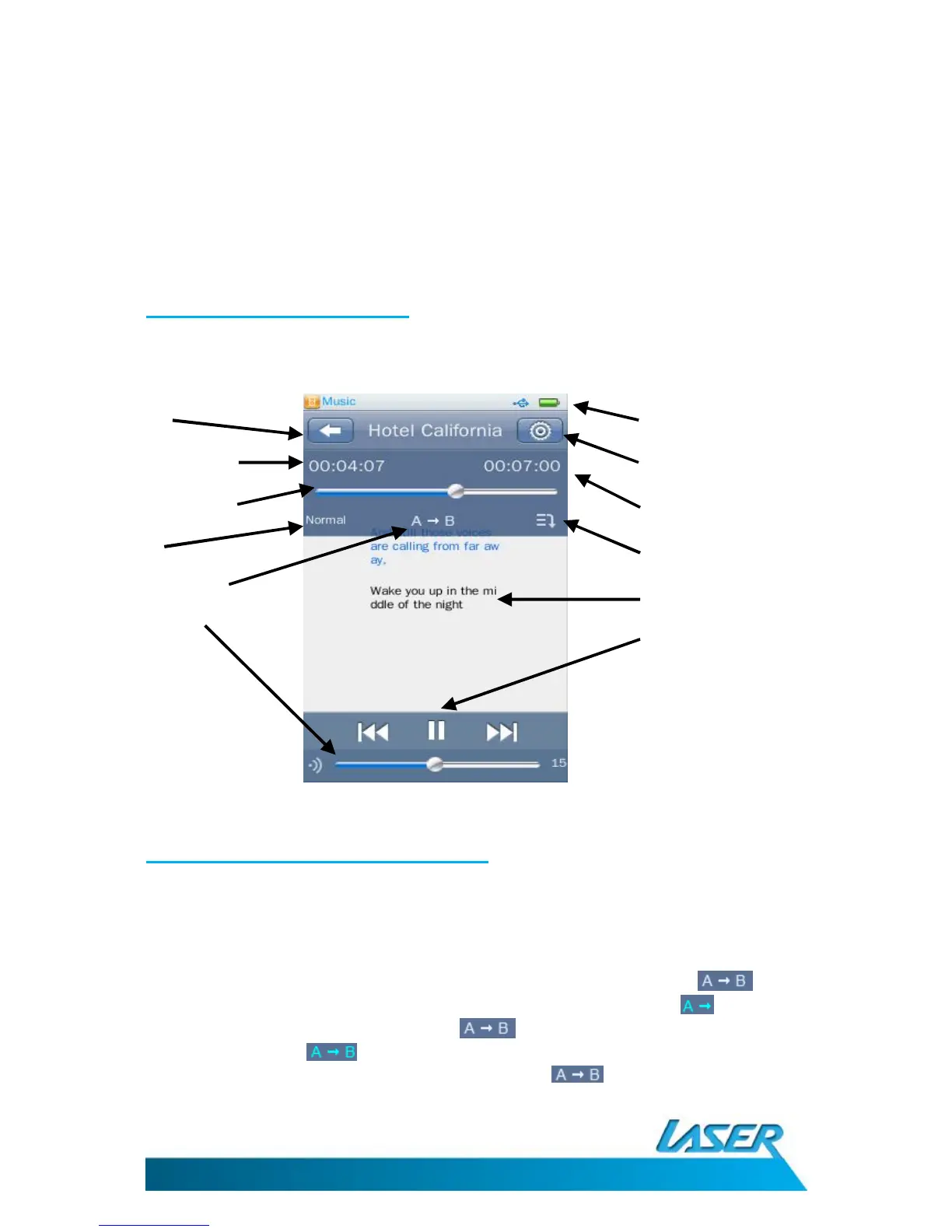
The music play back screen
Music playback options - on-screen
Note: After a short period, this information (upper dark blue coloured section) will disappear
from view. Re-enter the playback screen from the previous song list view, if this information
needs to be viewed again.
1. AB Repeat: This feature allows you to select a specific sample section of a music track and
play it back as a constant loop. To begin a sample section press the button while
the music track is playing. The colour of the “A” will then change. When you wish to
finish the sample section press the button again. The colour of the “B” will then
change colour . The sample section will then loop and automatically play back. To
finish/cancel the loop playback, simply press the again.



 To Next Page