MP4-T10 USER MANUAL
24
9.4 Reset: Use to return the device back to factory settings. You must then confirm
your choice in the pop-up dialogue box.
9.5 Format internal memory: Use to format the internal memory. You must then
confirm your choice in the pop-up dialogue box.
9.6 Format card: Use to format the external memory (Micro SD card). You must then
confirm your choice in the pop-up dialogue box.
TV OUT
Turn the TV output feature on and select the correct output stream (PAL or NTSC).
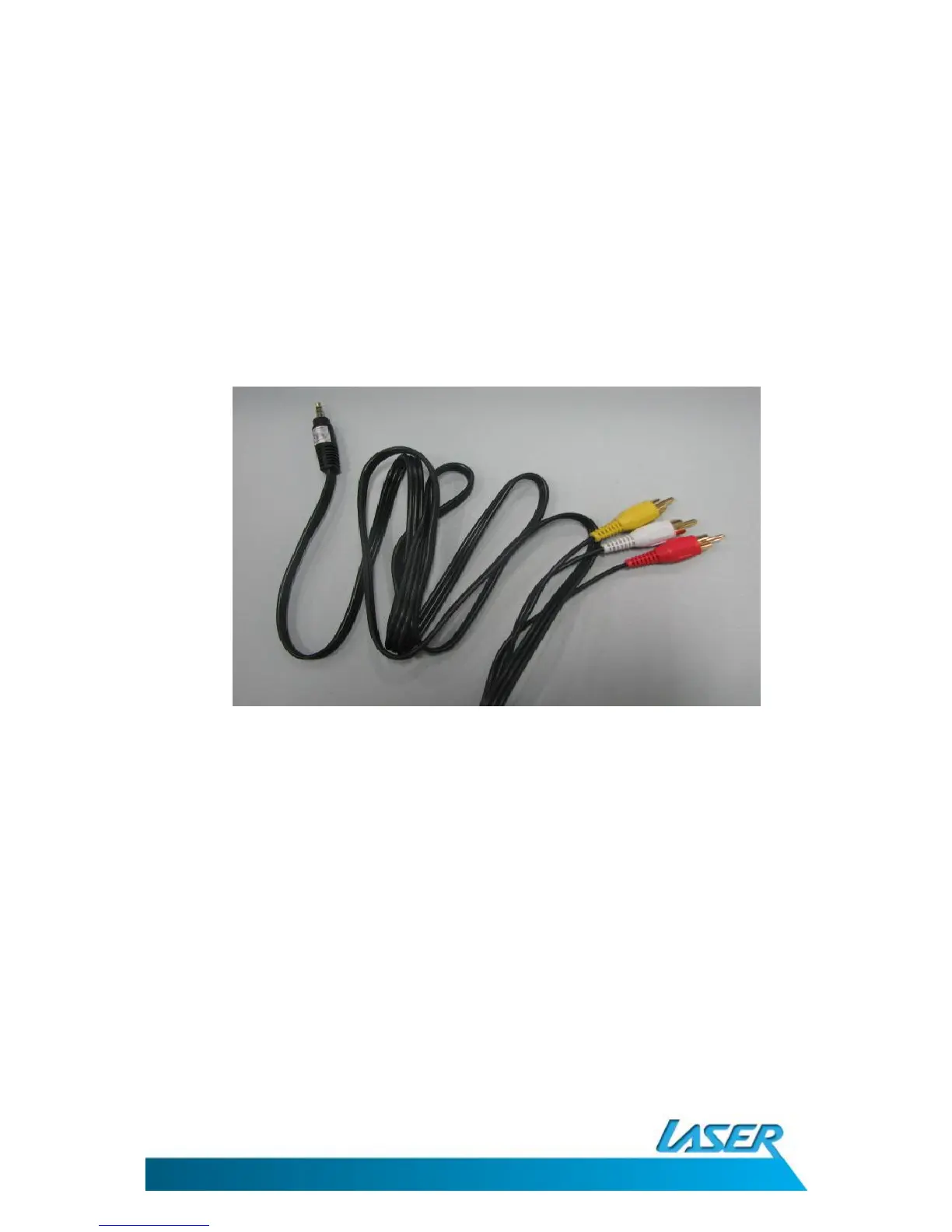
Then connect the AV cable into the T10 (3.5mm jack end) and then to your TV or display (RCA –
Red, Yellow white ends). Then select a file (image or video) for play back.
SPECIFICATIONS
TFT LCD screen: 400 x 240, 260,000 full-colour
Memory capacity: 8GB
Supported AV formats: Music: WMA, WMA, OGG, APE, FLAC, WAV, AAC
Picture: JPEG, BMP, GIF, TIF, PNG
Video: AVI, WMV, FLV, RM, RMVB, H.264 , MP4, 3GP, MPEG, VOB,
DAT, SWF, MKV, VP6, MOV
FM and MIC (recording): WMA, WAV
Supported memory card formats: SD/MMC/SDHC/MS
Built-in long life 4.2v lithium battery



 To Next Page