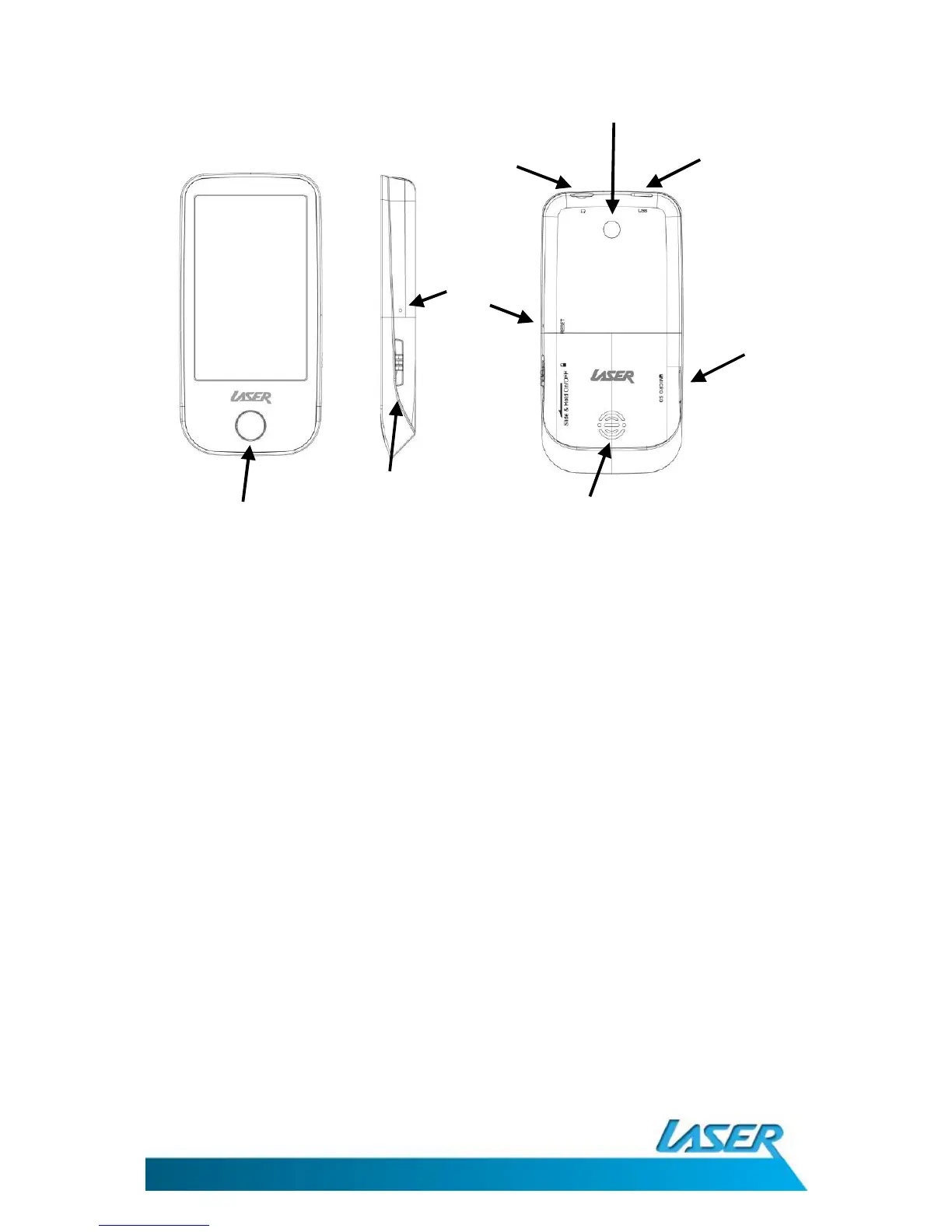
WHAT’S IN THE BOX
Laser T10 Video/MP3 Player, Ear buds, USB cable (charging and data transfer), AV cable
POWER ON & OFF
Slide the On/Off switch and hold down until the unit turns on (same procedure to turn off) Sliding
the power switch to lock, is used to avoid accidental key presses while the unit is either in use or in
storage.
CONNECTING TO A PC
While your T10 is connected via USB cable to a PC, you can choose between the following three
options:
1. Power & Data – Charge while transferring files
2. USB Charge- charge only
3. Charge & Play – Charge and continue to use your T10 as normal.



 To Next Page