MP4-T10 USER MANUAL
5
CONNECT TO USB CHARGING ADAPTOR
While your T10 is connected via USB cable to a PC, you can choose between the following two
options:
1. USB Charge- charge only
2. Charge & Play – Charge and continue to use your T10 as normal.
OPERATION
Standby mode
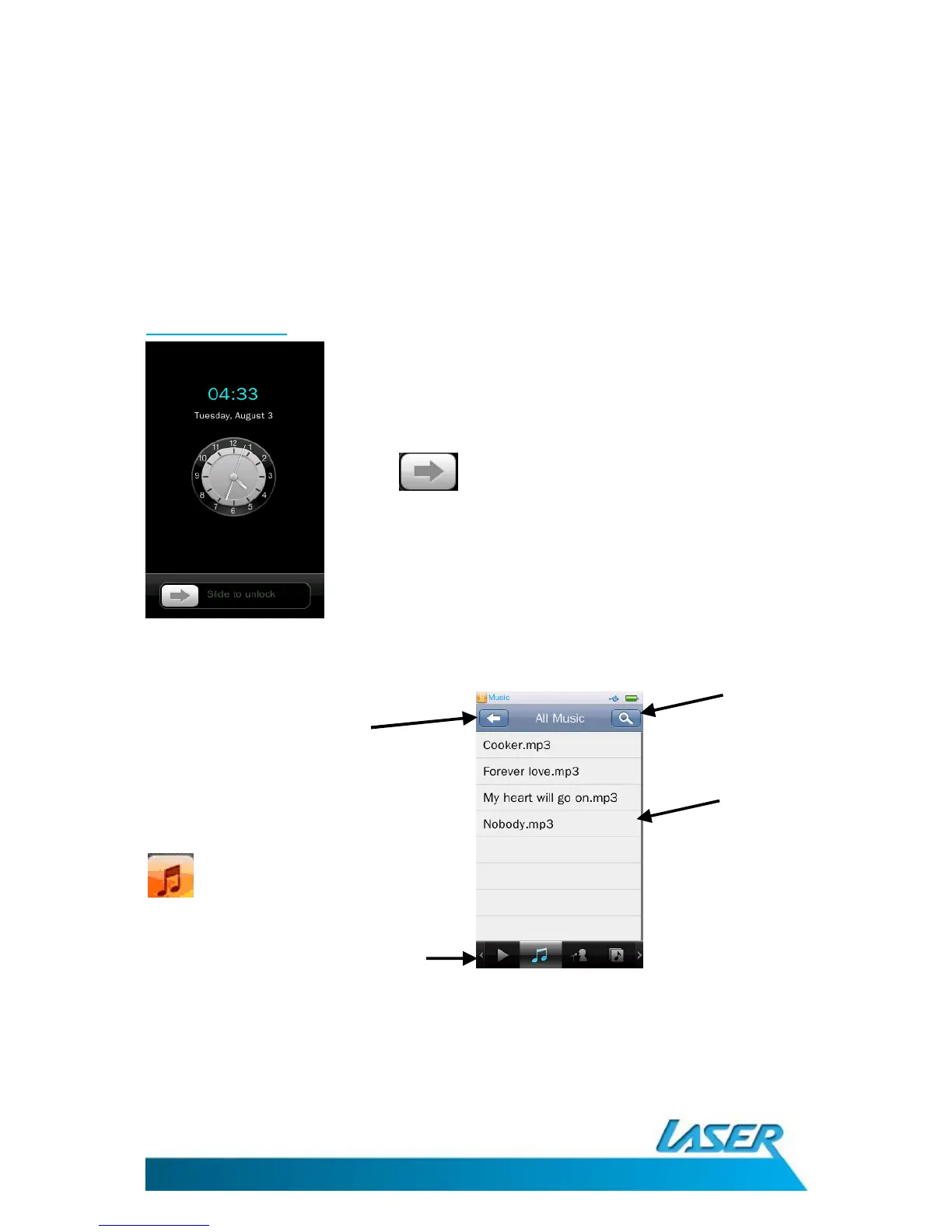
MUSIC MENU OPTIONS - MAIN SCREEN
Touch and swipe the bottom row of icons to explore/scroll through the following features:
From the stand by screen, use the slide
bar to enter main menu



 To Next Page