MP4-T10 USER MANUAL
21
UTILITY TOOLS
Include: Calculator, Calendar, PC Webcam (Connect to your PC via USB cable, then follow standard
hardware setup procedures)
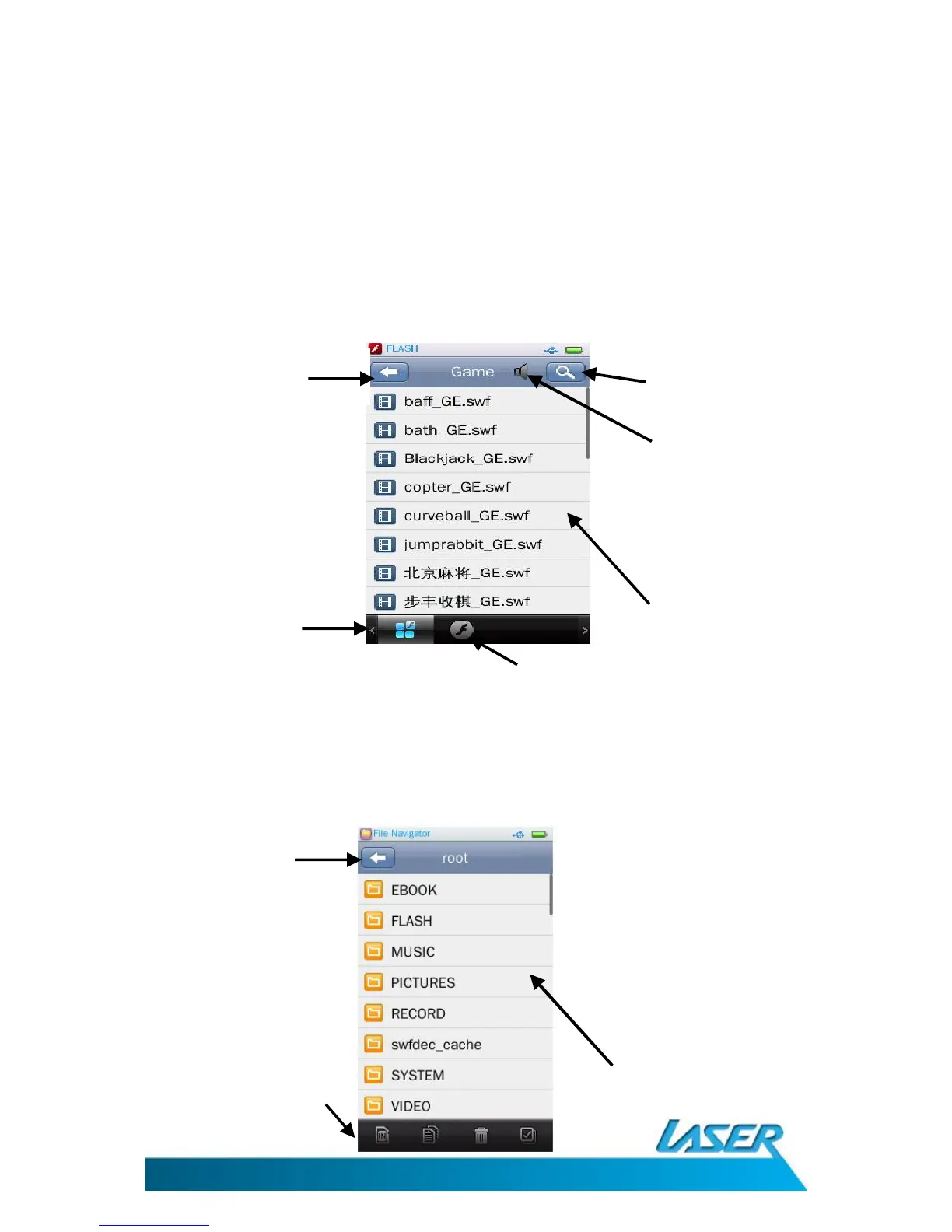
FLASH GAMES OPERATIONS MENU – THE MAIN SCREEN
Select the flash icon from the main menu. Select any of the factory supplied games
Note: Actual games supplied may be different to those listed below
BROWSER OPERATIONS MENU – THE MAIN SCREEN
Click the browser icon from the main menu screen. Use this screen to navigate or browse through
all folders contained on your T10 device.
Browser screen
options
Main screen
List view
Previous



 To Next Page