MP4-T10 USER MANUAL
18
Save/Delete:
1.1: When listening to an automatically saved station this icon will appear as an “X”
icon. Click this icon to delete the currently played radio station.
1.2: If listening to manually selected radio station this icon will appear as the “save to
disk” icon. Click this icon to save your manually selected station. (Such stations
typically do not have strong reception for the unit to detect and therefore it is not
saved automatically)
Mute: Click to switch between Play and Mute functions
FM Radio operation - the settings icon
Click the settings icon from the main menu screen. Options include channel list, tuner region, FM
sensitivity, record quality, record gain, save path and record format.
1. Channel List: Set as default only
2. Tuner region: [Australian and New Zealand users please select “CHN/USD”]
3. FM Sensitivity: Choose between High, Medium and Low
4. Record Quality: Choose between High, Medium and low
5. Record Gain: Choose between levels 1 to 5
6. Save Path: Choose between Internal Memory and Micro SD Card. By default files are saved
to the internal memory.
7. Record format: Choose between WAV, MP3 and WMA formats
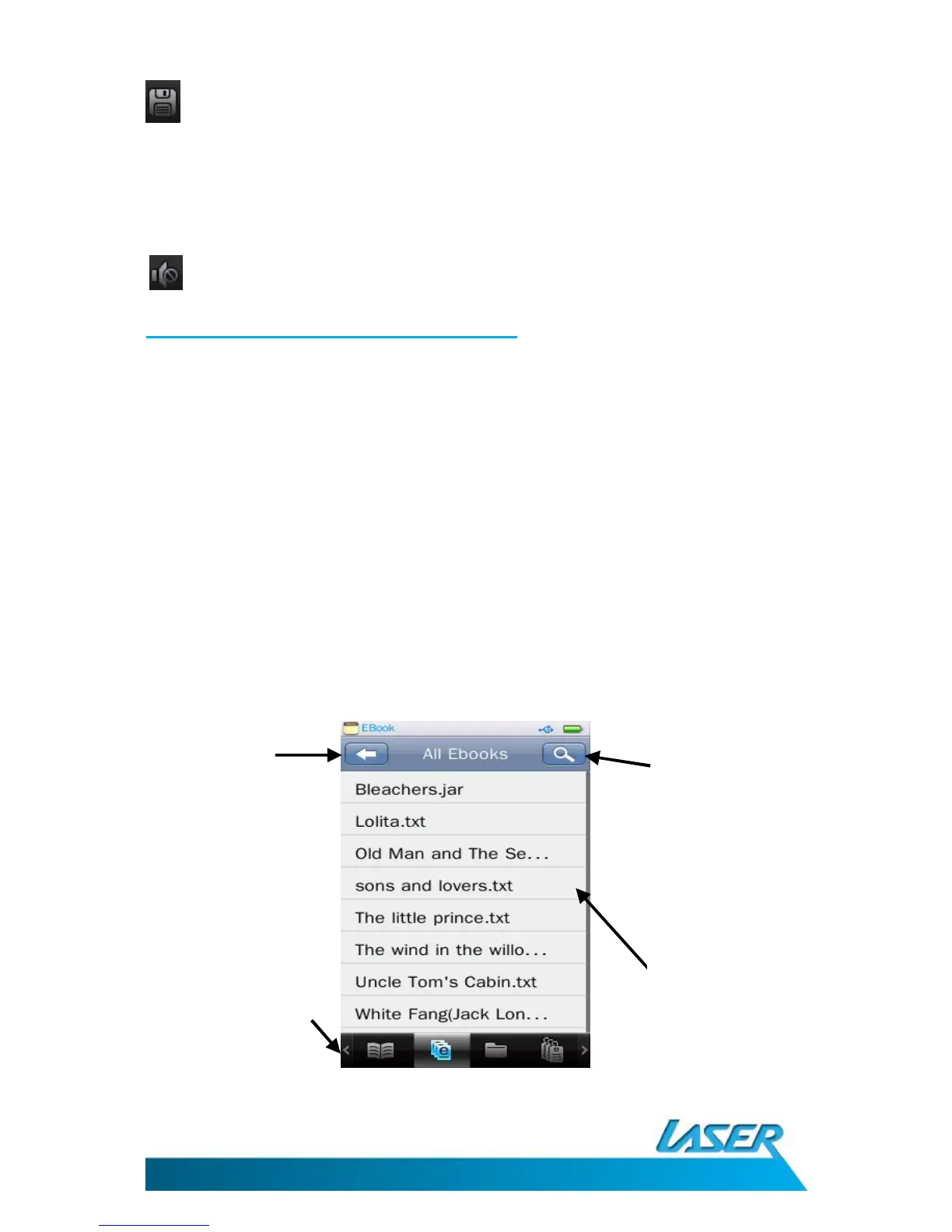
E-BOOK READER OPERATIONS MENU – THE MAIN SCREEN
Select the e-Book icon from the main menu screen
Previous



 To Next Page