April 8, 2011 HN FAQ Memo, Version 2.0 Page 102 of 108
5.6 HN2 AI startup settings.
5.6.1 Step 1 : Connect AI to the Ethernet.
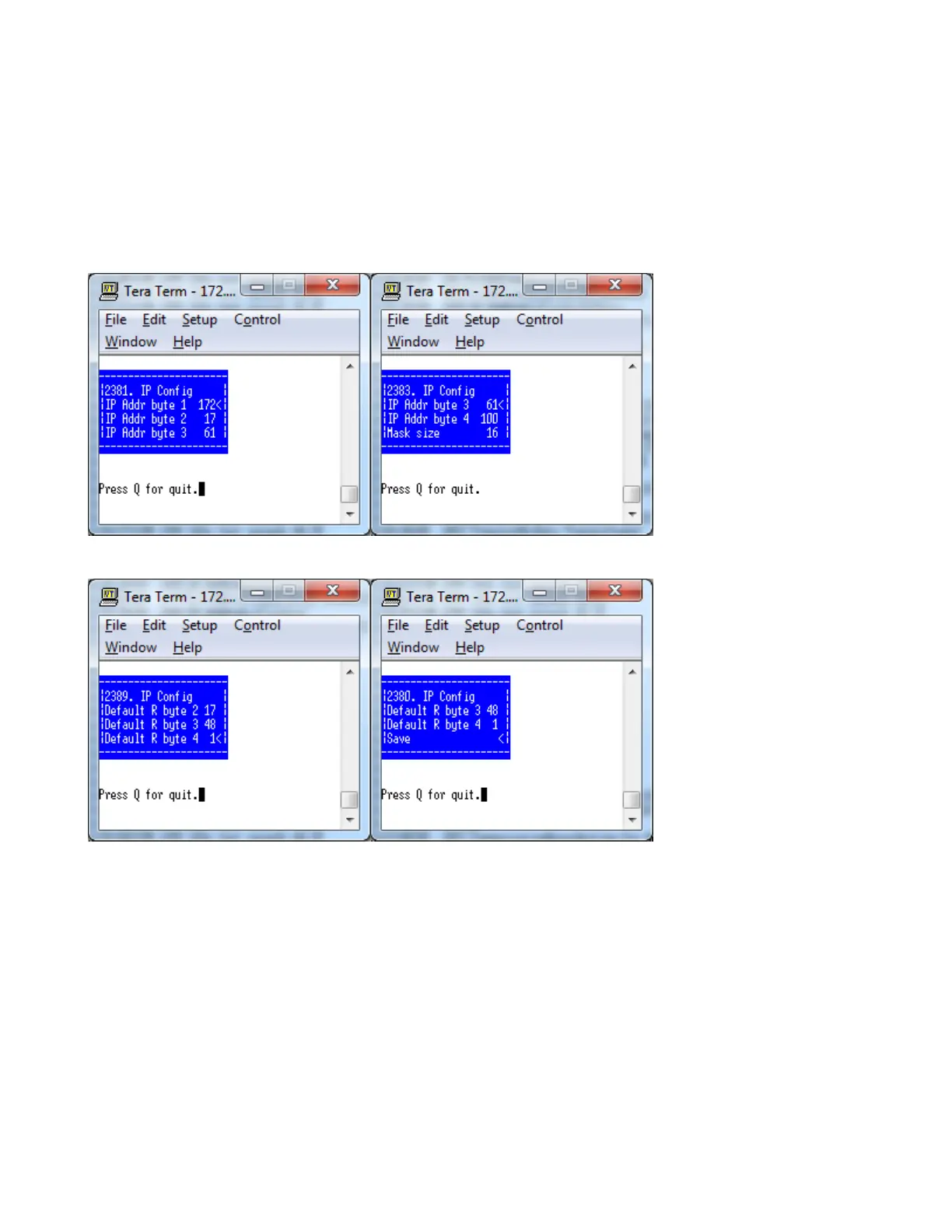
Use USB Cable to connect to AID board, and go to Menu 2-3-8-1
Enter the IP address for the AI. + Set Mask size (standard is 24 = 255.255.255.0)
Enter the Gateway/router address.
Remember to Save the new settings.



 To Next Page