April 8, 2011 HN FAQ Memo, Version 2.0 Page 91 of 108
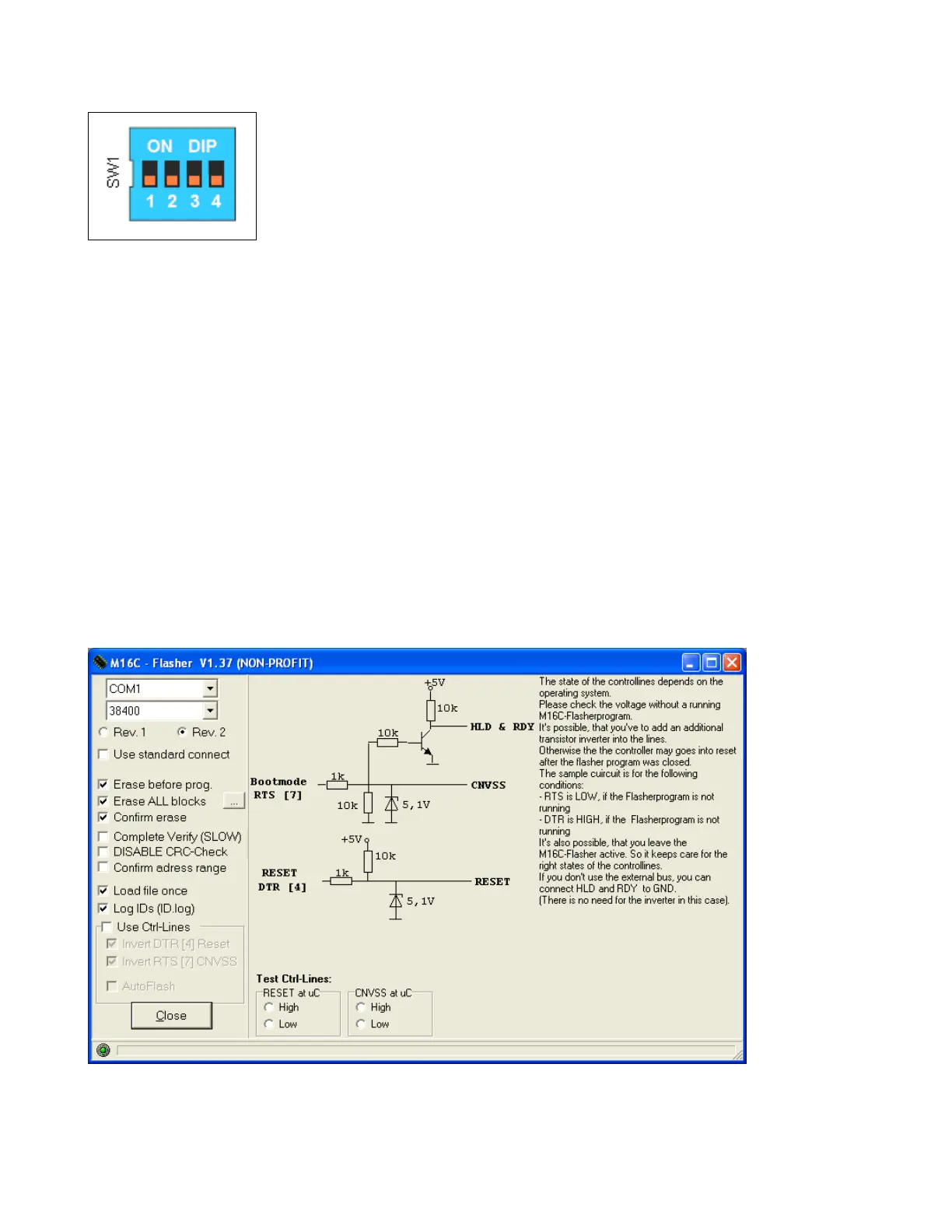
Step 9 : Set the DIP switch on the board with all switches set to OFF.(normal operation
mode) (as shown on the figure).
The procedure is now finished and the board is now ready for firmware download.
Refer to chapter 5.2 updating firmware in the HN units.
Installation guide to the M16C Flasher program, if not installed on the PC.
Run the M16C Flasher version 1.37 installations program. Click the “Settings” button and
apply the settings as shown in this figure.



 To Next Page