Proline Low-temperature Thermostats
YACE0072 / 21.08.07 Starting up 61
Master
Rr@pr
3x to LMDls
to
O@p@ 2x
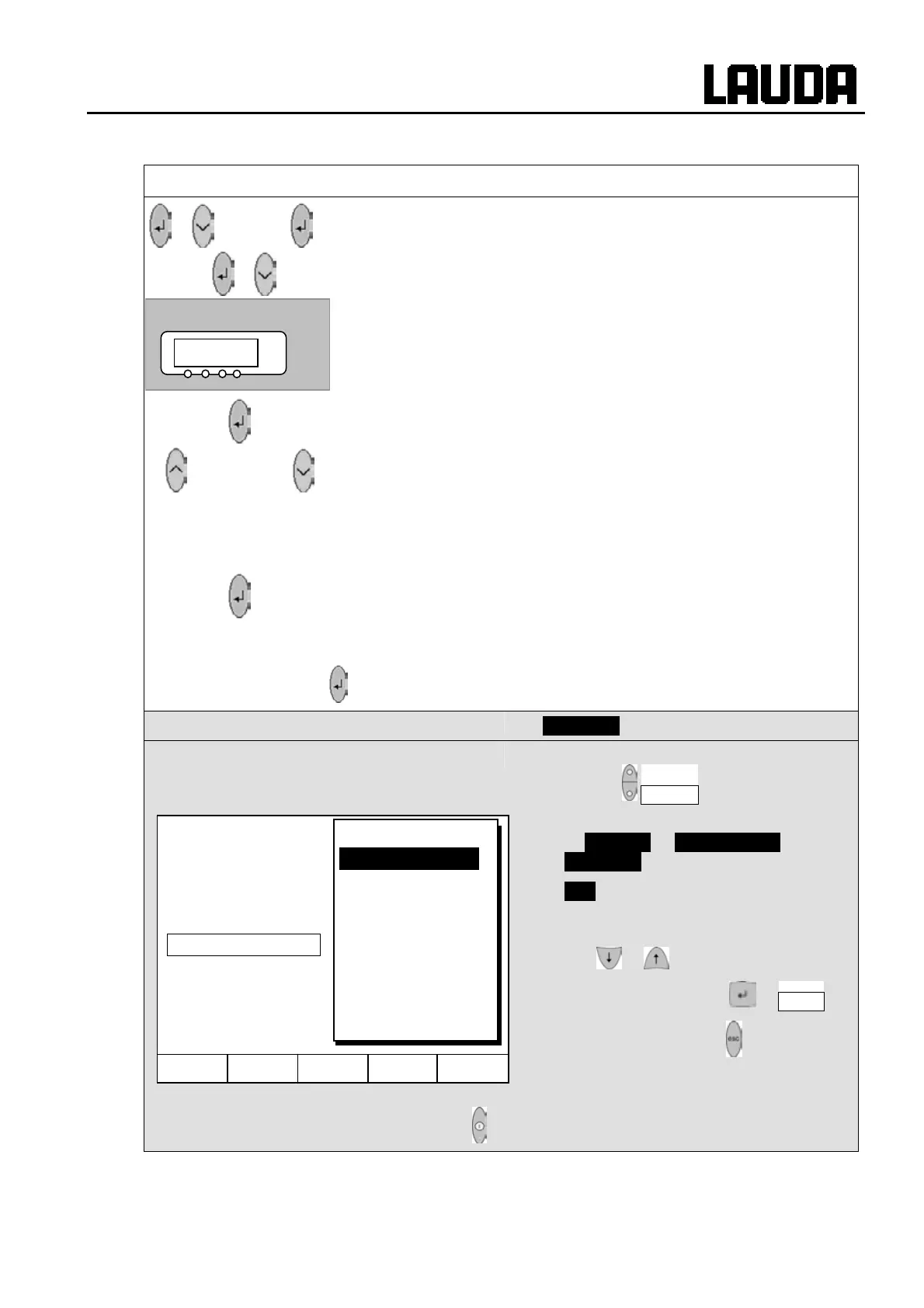
− Call the start option
Rr@pr .
− The start mode can be changed here.
− The display
@srm or LM@l flashes.
or
−
@srm, when operation is be restored automatically again after
an interruption.
−
LM@l, when the standby mode is to be activated after a mains
interruption.
Wait 4 seconds or
− Display flashes 4 s Æ new value is automatically accepted, or
− Value is immediately accepted with the Enter key.
− When the mains voltage is restored after an interruption, standby is activated in
the
LM@l mode and Rr@pr is displayed. You can quit the standby mode
with
.
Command
Auto start
− Open the device parameter menu via the
soft key Menu .
− With the cursor keys continue to:
Æ Settings Æ Basic settings Æ
Auto start .
− On is currently active.
− If the standby mode is to be activated
after a mains interruption, activate "Off"
with or .
− Accept the change with or End ,
− or quit the window with without making
changes.
− When the mains voltage has been restored after an interruption, you can quit
the standby mode with .
Rr@pr
°C
Hel
Menu End T
set
T
fix
Off
On
Display
Sounds Master
Sounds Command
Language
Master Mode
Autostart
Current consumpt.



 To Next Page