Proline Low-temperature Thermostats
YACE0072 / 21.08.07 Starting up 65
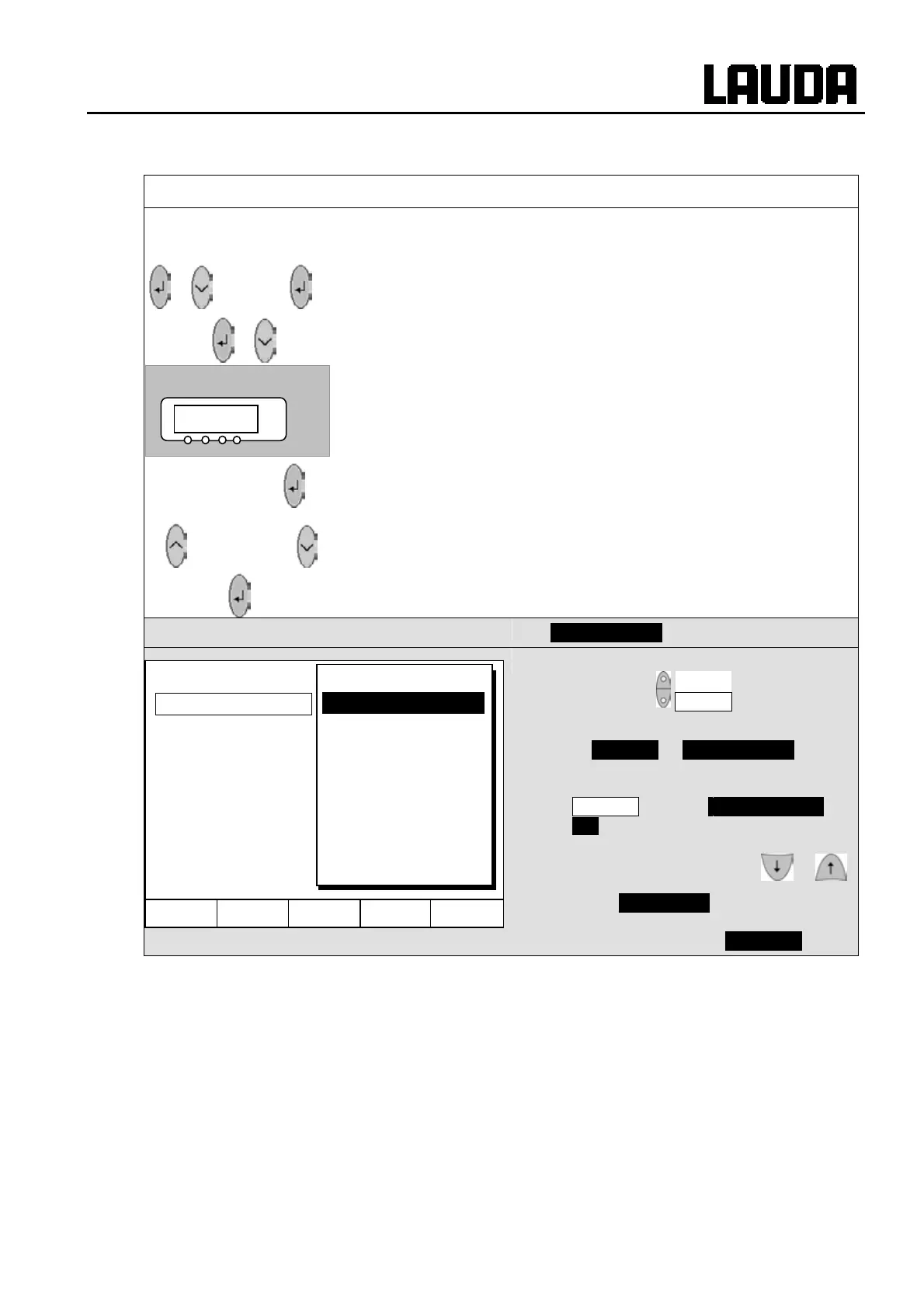
7.8.5 Restoring works settings
Master
cDE
If you would like to restore all the works settings except the control
parameters
O0c and the probe calibrations B@K,
3x to LMDls
to
O@p@ 3x
− call the works settings
cDE .
−
cDE is displayed.
3 seconds long
− Press longer than 3 sec.
− The changeover is acknowledged with
cmlD.
or
− Proceed to the next menu until
Dlc appears.
− Press this key.
Command
Works settings
− Open the device parameter menu via
the soft key Menu .
− With the cursor keys continue to
Æ Settings Æ Works settings .
− The window shown opposite appears.
− Master and then only control par.
int. is shown as a possible choice.
There are however various possibilities,
which can be selected with or :
− Under All modules Master, Command
and all connected modules are reset to
the works setting with all default .
cDE
°C
Hel
Menu End T
set
T
fix
All modules
Master
Command
Cool
all default
only control par. int
only control par. ext
only miscellaneous



 To Next Page