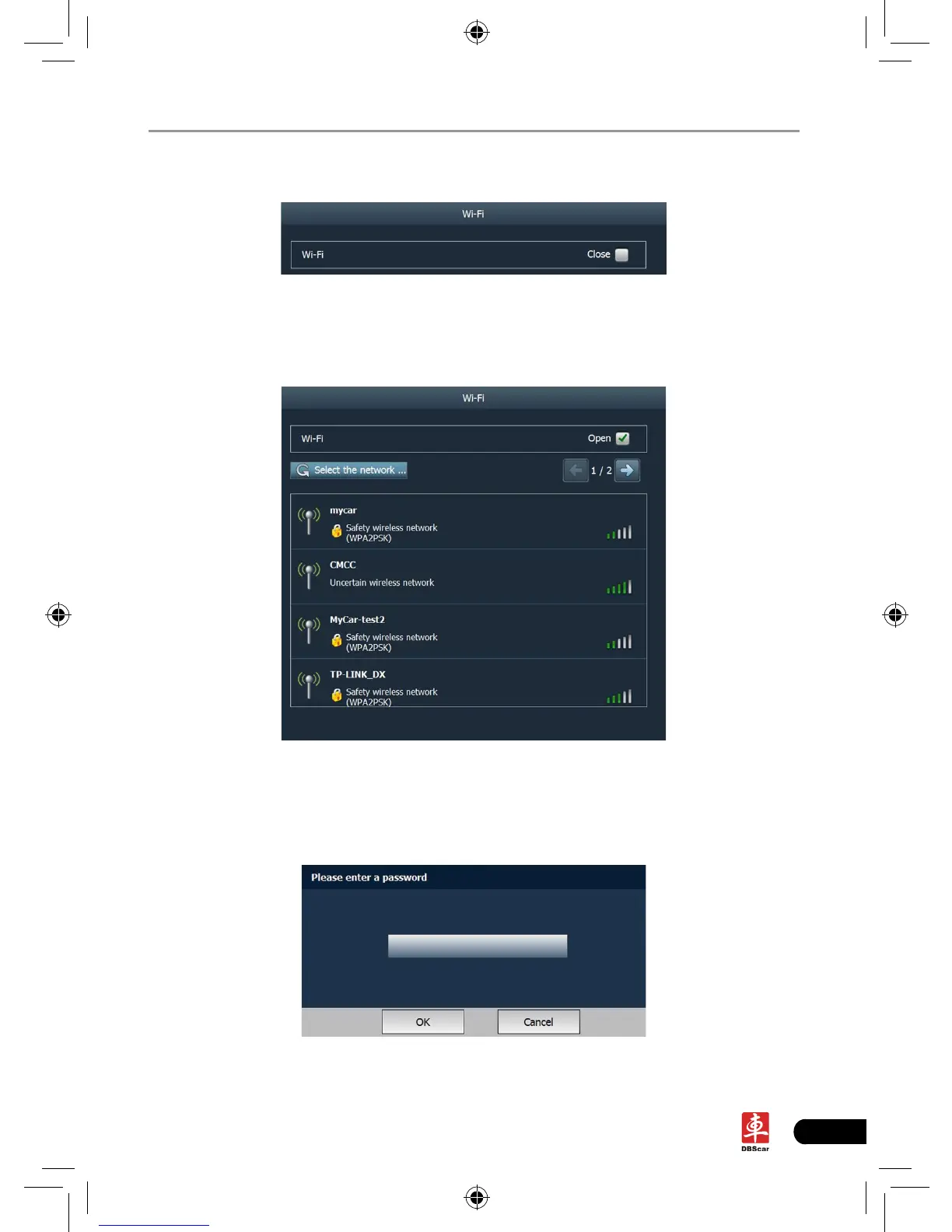
Click “Wi-Fi”, the screen will be shown as follows:
Fig. 2-19
Click the checkbox in Fig. 2-19 to activate the Wi-Fi network, the system will
start searching wireless network.
Fig. 2-20
Choose one from the search result list to link. If the desired wireless router is
encrypted, you can not connect to it until correct password is keyed in. See Fig.
2-21.
Fig. 2-21














 To Next Page