9. System information
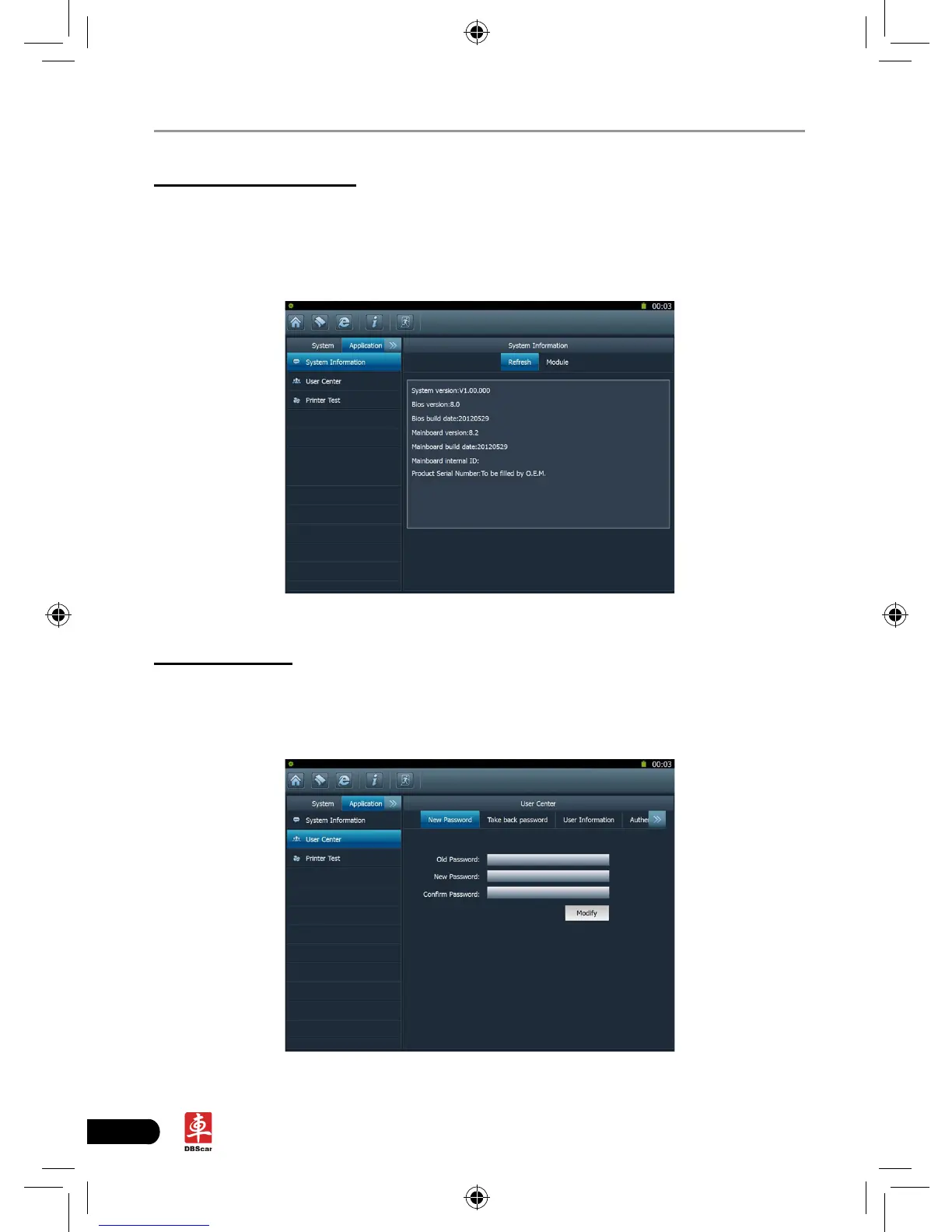
This option enables you to view the relevant system information.
Click “System information” under the Application tab, a dialog box prompting
“Please click the refresh button to get the system information” will pop up, click
[Refresh], a screen identical to Fig. 2-22 will appear.
Fig. 2-22
10. User center
This option allows you to set the relevant user information. Before setting this
option, please make sure the X-431 PAD is properly connected to the internet.
Click “User Center” under the Application tab, a screen identical to Fig. 2-23 will
appear.
Fig. 2-23














 To Next Page