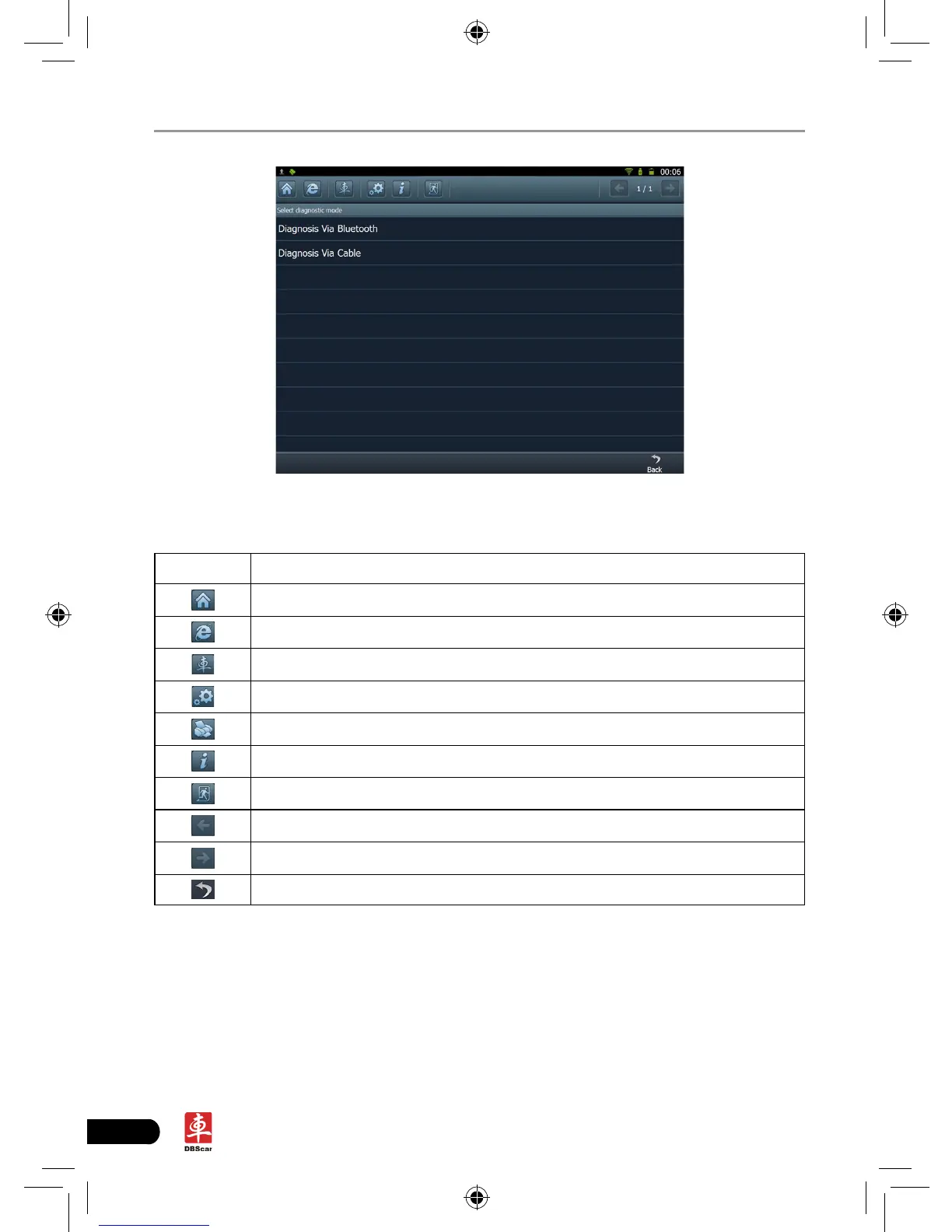
Fig. 3-1
Descriptions for on-screen buttons:
icons Name & functions
Desktop: to return to the main menu.
Browser: click to open web browser.
Car cloud website: click to visit www.dbscar.com directly.
Settings: enter system settings interface.
Printer: click to print the content of current screen.
Update: click to enter update center directly.
Exit system: to exit the current program.
Previous page: scroll to the previous page.
Next page: scroll to the next page.
Return: return to the previous screen.
In Fig. 3-1, choose one of the communication mothods. If Diagnosing via cable
is selected, please make sure DBScar USB cable is properly connected.
Take “Diagnosis via Bluetooth” as example for demo.
Click “Diagnosis via Bluetooth”, the screen will be shown as Fig. 3-2.














 To Next Page