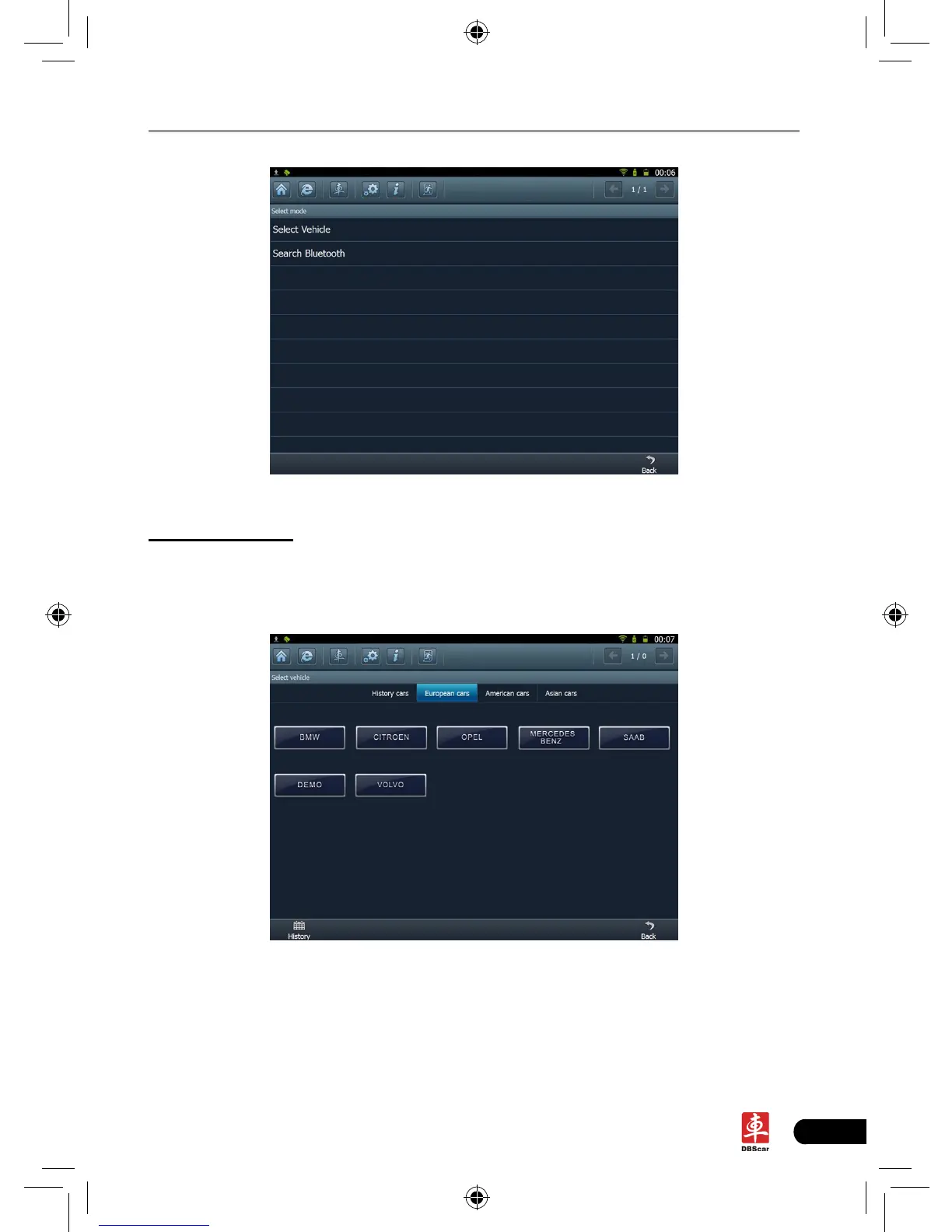
Fig. 3-2
A. Select Vehicle
Enter vehicle make selection interface which includes 5 kinds of options, namely
history cars, European cars, American cars and Asian cars. Click “European
cars”, the system will display all European vehicle makes. See Fig. 3-3.
Fig. 3-3
Click the desired one (for example, DEMO) to enter the software version
selection screen. See Fig. 3-4.














 To Next Page