The connection is made using standard CAT 5 Ethernet network cable RJ-45 T568B
(the connection cable is supplied with the equipment).
Marki
ng
Description Type Signals Activation
X/A/B Ports for system connection Port
Ethernet
CAT5
Flexnet (propriety protocol)
UDP
Cobranet
Table 7: System connection ports
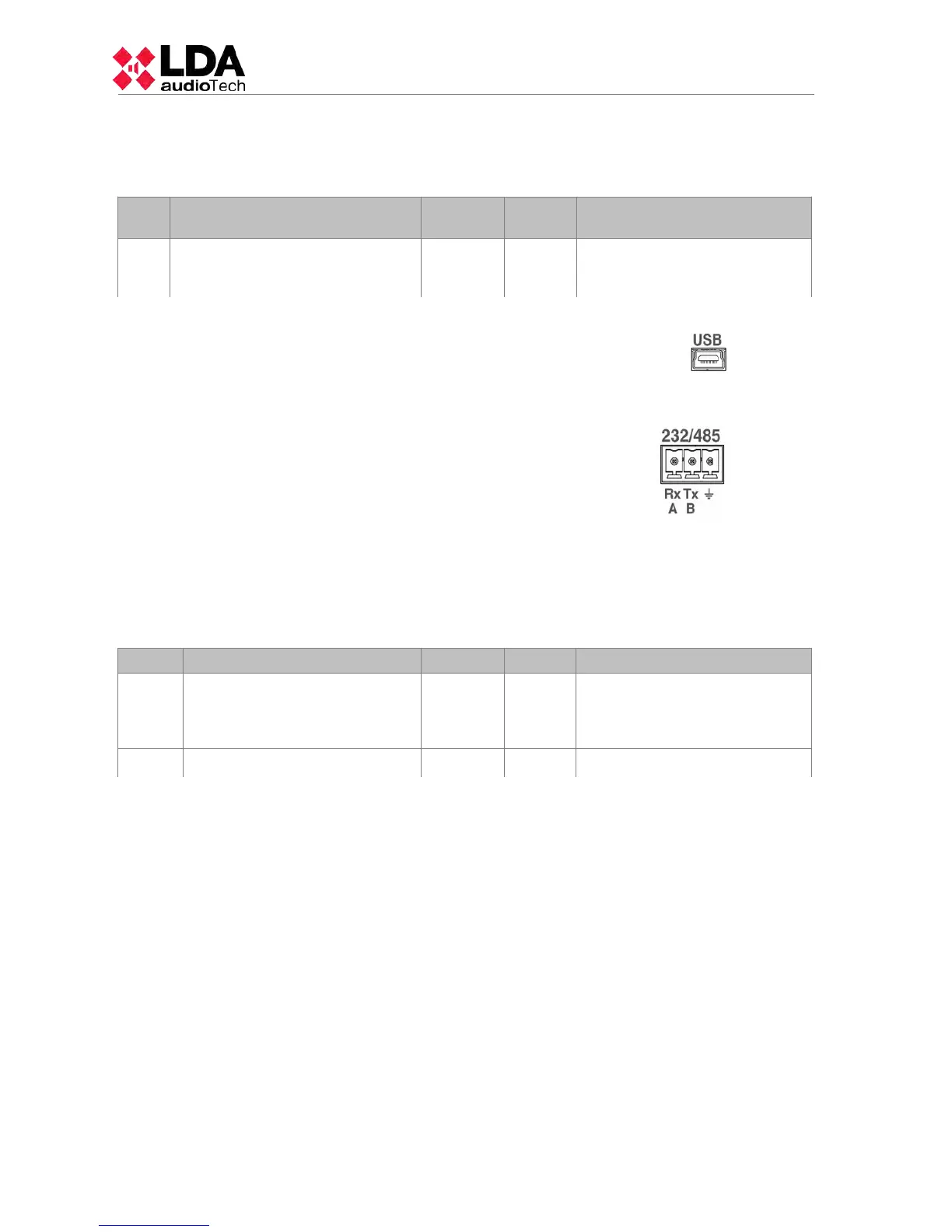
(c) USB PORT (reserved)
The USB port (mini USB type AB) integrated in the equipment
is reserved.
(d) INTEGRATION SERIAL PORT
The equipment has a two-wire RS-485 serial port.
The default configuration for events for integration with third
party systems is: 19200bps, 8 bits, even party bit, 1 stop bit.
The commands admitted in this port can trigger events in
the system that can be configured through the configuration
application.
NOTE: If configured for use of LDA VCC units, this port
could not be used for other devices.
The connection is made using a 3-pin female euroblock connector and pitch 3.81 mm
(supplied with the unit). The wire size range for each pole of this connector is: 0.14 1.5 mm2
(30 14 AWG). It is recommended to use twisted pair cabling for the connection of serial
signals.
Marking Description Type Signals Activation
485-AB
Terminal A and B, Serial
connection port for RS-485
integration
Port AB
Standard RS-485/9600/8/N/1
see configuration software.
485 ┴
Cable net drape NA NA NA
Table 7: Integration serial port
NOTE: The 232 marking corresponds to a reserved future use.
(e) SYSTEM CONNECTION CONFIGURATION SWITCH
The equipment has a dip-switch for configuring the behavior of the system connection
ports. Depending on the position according to the following table
12
www.lda-audiotech.com



 To Next Page