6: Context sensitive help
199
GNSS management: External USB drive
Background Information
External USB drive configuration allows the user to
• View the number of files queuing to be pushed to the external USB drive
• Delete the queue of files to be pushed
The external USB drive is used to push data created by a logging session on the receiver to an external USB drive. The USB
drives can be swapped while logging is active. If a USB drive is not connected while the file push is attempted, the number of
files in the queue will show how many files could not be pushed to the USB drive.
When the external USB drive is assigned to a logging session, the logged data from this session is automatically pushed to the
USB drive.
Setting Descriptions
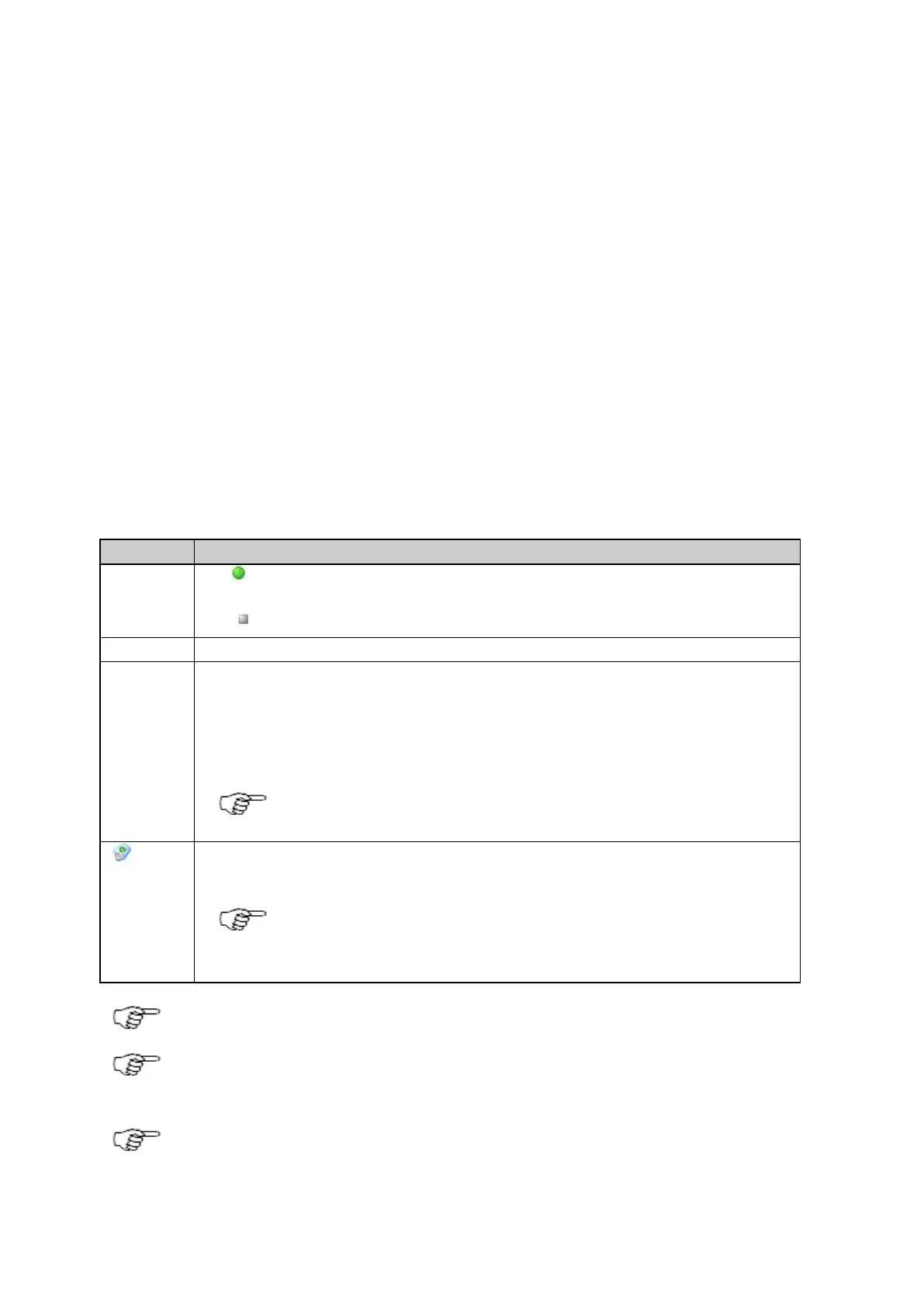
The table below describes the fields in the External USB drive overview page.
The icon is shown when an external USB drive is detected on the receiver.
If the
icon is shown, no drive was detected and no data can be pushed.
External USB drive, cannot be edited.
The total number of files queued to be pushed to the external USB drive. This number is zero unless a
problem occurs when trying to push the files.
Files in the queue are pushed as soon as the USB drive is accessible again. If the queue number keeps
increasing, check the USB drive is connected properly.
Files deleted from the queue will not be automatically pushed to the USB drive.
Clear
Press to clear the queue of pending files to be pushed to the connected USB drive. This deletes a backlog
of files caused by for example, USB drive unavailability.
The Clear icon is only shown when the Queue number is greater than zero.
• Files deleted from the queue will not be automatically pushed to the USB drive.
FAT32 format should not be used for memory devices bigger than 32GB.
The GR25 supports the use of FAT16/FAT32/ExFAT devices. NTFS devices are not supported. Formatting of
NTFS devices is possible. The disk format will be changed to ExFAT.
External hard disks that comply with USB 2.0 specifications (do not use more than 500 mA at any time) can
be powered by the GR25 receiver.



 To Next Page