Operational Manual (Online Help)
242
Remote access wizard: Configure Serial port
Background Information
Configure the serial port settings to connect the receiver to a computer directly via a serial cable.
The settings for the COM port on the computer must match the settings for the serial connection on the receiver.
Setting Descriptions
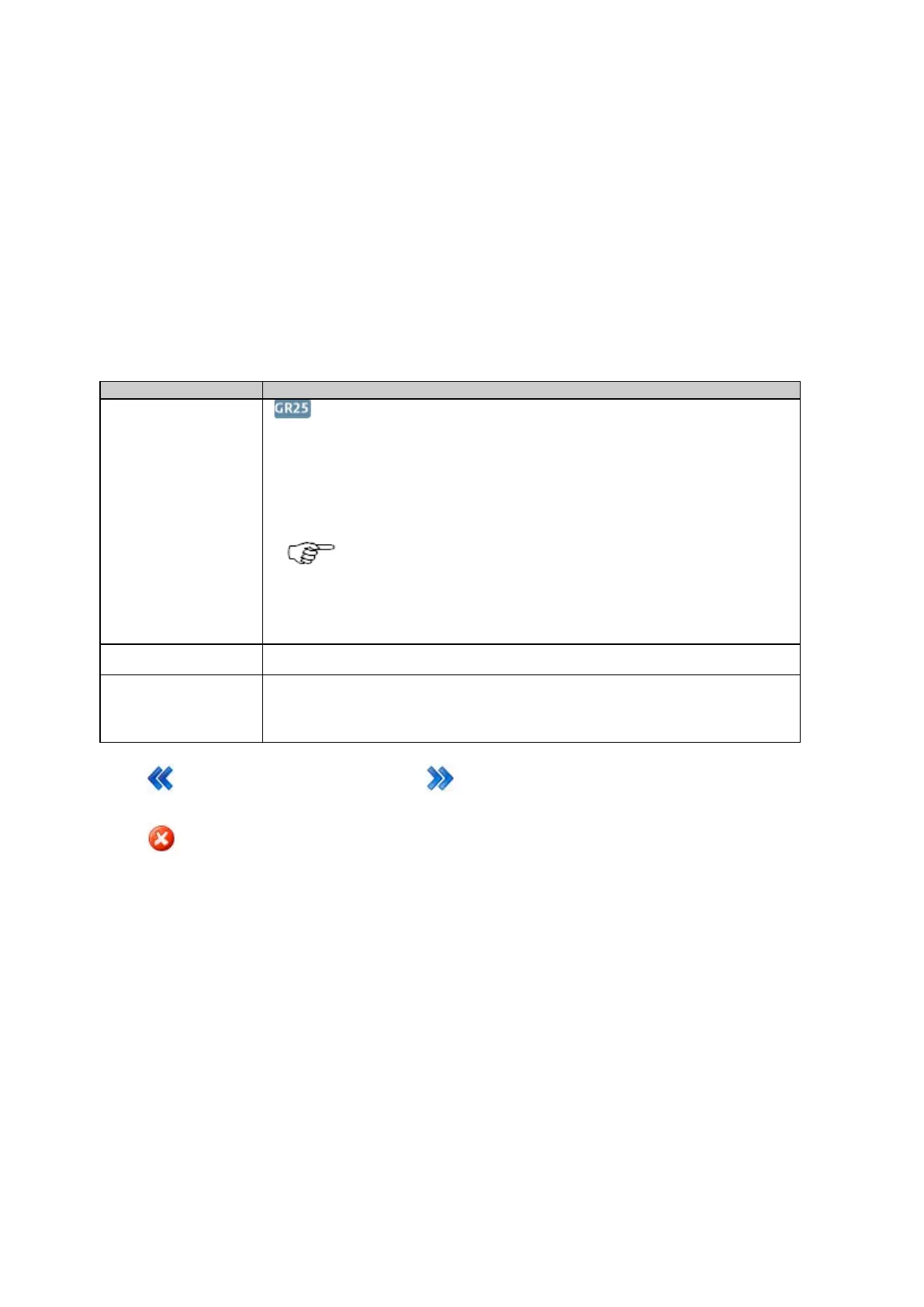
The table below describes the settings that can be configured on the Configure serial port page.
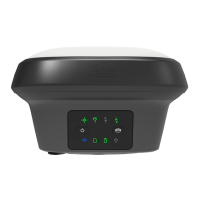
Only available on the GR25.
Select the physical serial port for data transmission
• Serial port 1
• Serial port 2
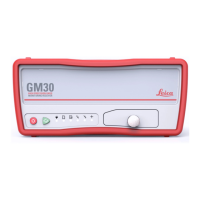
For the GR/GM10, Serial port 1 is configured automatically as there is
only one serial port available.
For slot in devices, this field is not available, the slot-in port is selected
automatically.
Baud rate, Parity, Data
bits, Stop bits
Select the port settings for the communication between the receiver and the PC's Com port.
Defines which kind of handshake is used.
• None: No handshake.
• RTS/CTS: Handshake in both directions.
Press
to go back to the previous wizard step. Press to continue to the next wizard step.
Press
to cancel and return to Spider and remote access: Overview .


 To Next Page