Operational Manual (Online Help)
54
Web interface
Web Interface: Login
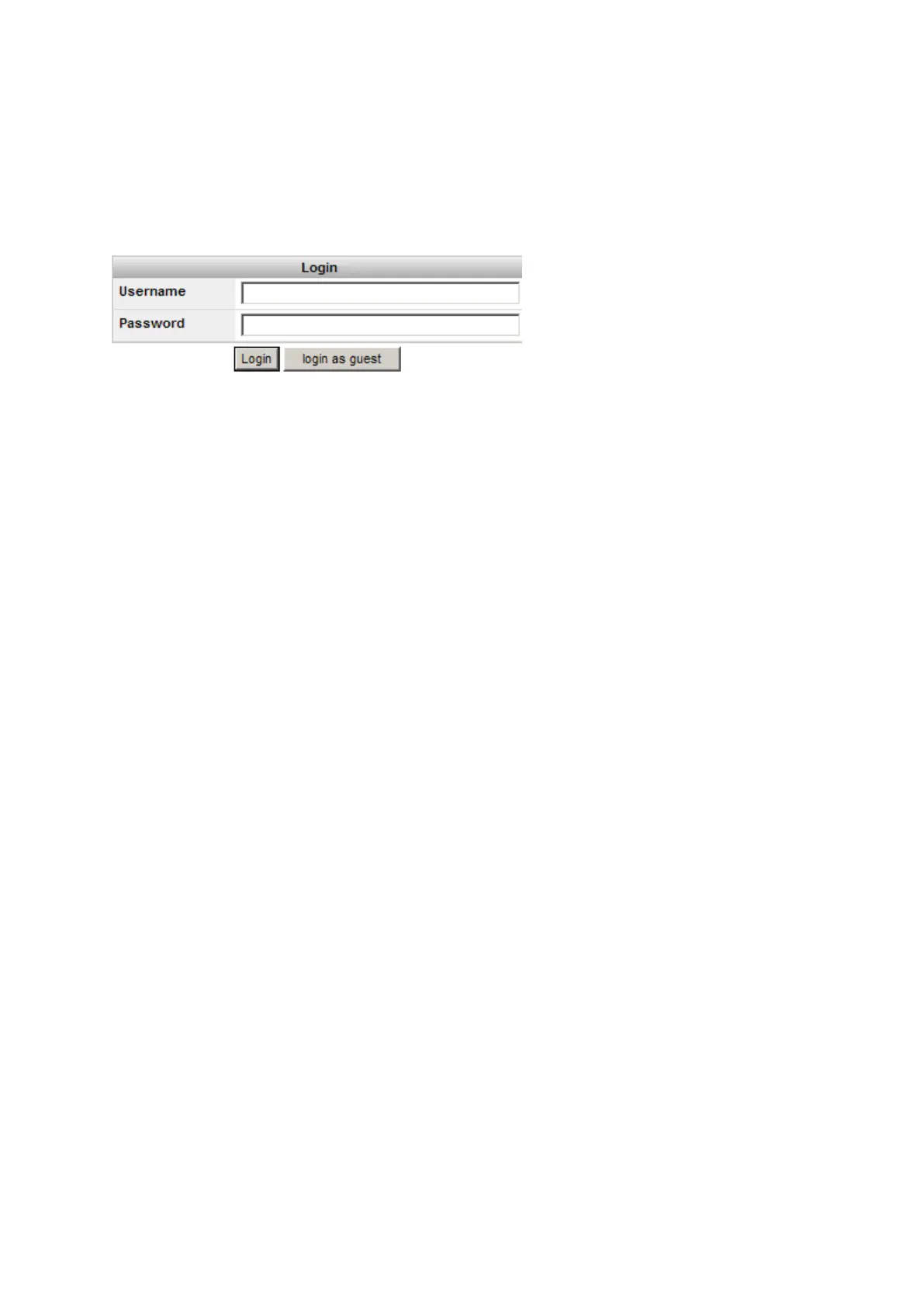
Entering the receivers IP address or hostname in a browser window always displays the web interface login page.
• For a partially restricted web interface access, the login as guest button can be used. This login allows access to all
Status information.
• The login page is not shown if the web interface access level is set to unrestricted. The web interface home page is
opened directly. For security reasons it is not recommended to set the web interface access to unrestricted.
• To change the access setting, go to Receiver Setup / Access Management / Access settings.



 To Next Page