Operational Manual (Online Help)
230
Access Management: User management
Background Information
User management configuration allows the Administrator to
• View configured users
• Create new users
• Delete users
• Edit users details and password
Setting Descriptions
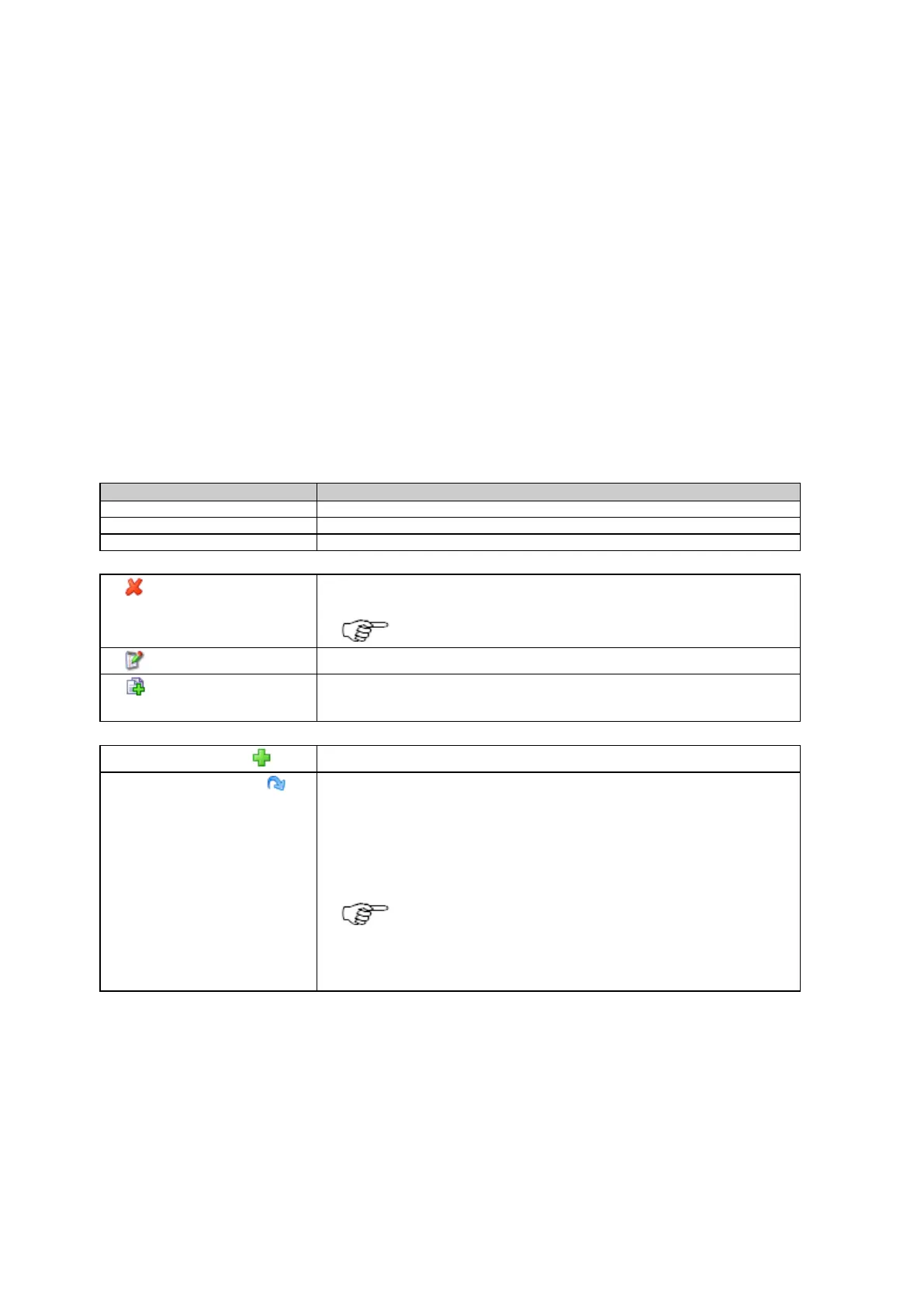
The table below describes the settings that can be configured on the User management tab.
The configured user name.
The users web interface access rights.
The users FTP server access rights.
Press delete to permanently delete the user.
The last remaining Administrator user cannot be deleted.
Press to edit the selected users details and password.
(copy)
Press to create a new user based on the existing user settings.
Press to create a new user.
values
Restore the default user settings. This will delete all users and load the admin user
with the default values.
If the web interface access level is set to Restricted, then pressing this icon will
redirect you to the login page. Login is then only possible with the default
administrator settings.
The restore default button fills all fields with the default values
and stores these values. Pressing the save button is not
necessary. When accepting the confirmation message, all
settings on this page are overwritten with the default settings.
Related topics
Access Management: Access settings
Access Management: New user / Edit User
Access the web interface for the first time and change the default user



 To Next Page