4: User Interface
61
No time signal is available from the configured external oscillator.
If no position is available either, no time signal is available to the receiver.
If a position is available, the receiver has not received a time signal from the external oscillator for
more than 5min and an automatic fallback to the internal oscillator has occurred.
Please see GNSS management: Tracking for more information on the
automatic fallback to internal oscillator.
Status: Event log
The Event log box shows the latest eight messages from the Status / Event log page. The Event log box is updated
every 5 seconds.
Information message.
User action: No action is required from the user.
Receiver message.
User action: A change in the receiver operation has occurred. Check that this was an intended change.
Warning message.
User action: Receiver warning message, an action is required from the user.
Hints
On each Web interface page that allows configuration changes, the shown input fields are described in hints. Hints provide a
quick context based help system. For more information consult the online help available via the Show help button
.
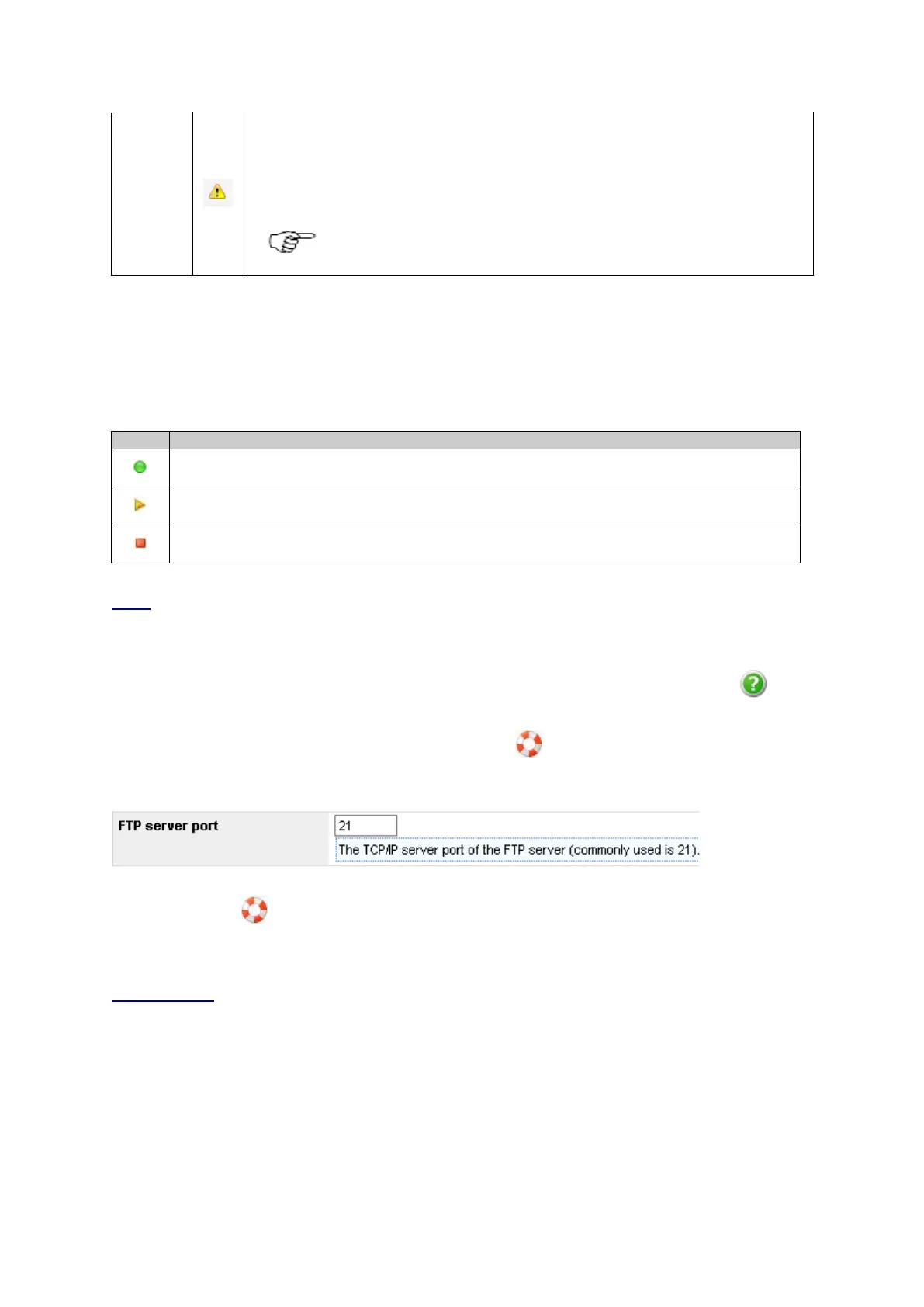
For better clarity, the hints are hidden per default. Press the Hints button
to display the information. After pressing the
button, a blue box appears underneath each field to explain the setting.
Press the Hints button
again to hide the hints.
Pop-up boxes
Pop-up boxes provide quick access to additional status information that per default is hidden for better clarity. A pop-up box
opens when the user clicks on underlined text in the web interface.



 To Next Page