32
Instructions for Use, V 2.2 RevI – 09/2016
• Using the CUT MODE button, select the desired operating mode, CONT,
SINGLE or STEP, on the control panel (Fig. 18).
CONT (continuous stroke) operating mode
• Press the foot switch once briefly to start motorized sectioning.
5. Operation
• Press the foot switch again to stop it.
The specimen stops in the next upper end position.
SINGLE (single stroke) operating mode
• Press the foot switch once briefly to start motorized sectioning. After
every step, the specimen stops automatically in the upper end position.
STEP (step stroke) operating mode
• Press down the foot switch to start the sectioning process. The speci-
men is now moved for as long as the foot switch is depressed.
• If the foot switch is released, the specimen remains stationary in the
position that it has reached.
How to activate the emergency stop function
• Press the foot switch strongly to activate the emergency stop function.
Sectioning stops immediately.
The red LED in the E-STOP field on the instrument (Fig. 14) is lit up as long
as the foot switch remains depressed.
• To continue, restart the sectioning process using the foot switch. The
operating mode remains unchanged.
If the foot switch remains pressed for longer than half a second, the
specimen stops in the next upper end position.
Caution!
In addition to the foot switch, all control panel functions and all but-
tons on the instrument continue to be active.
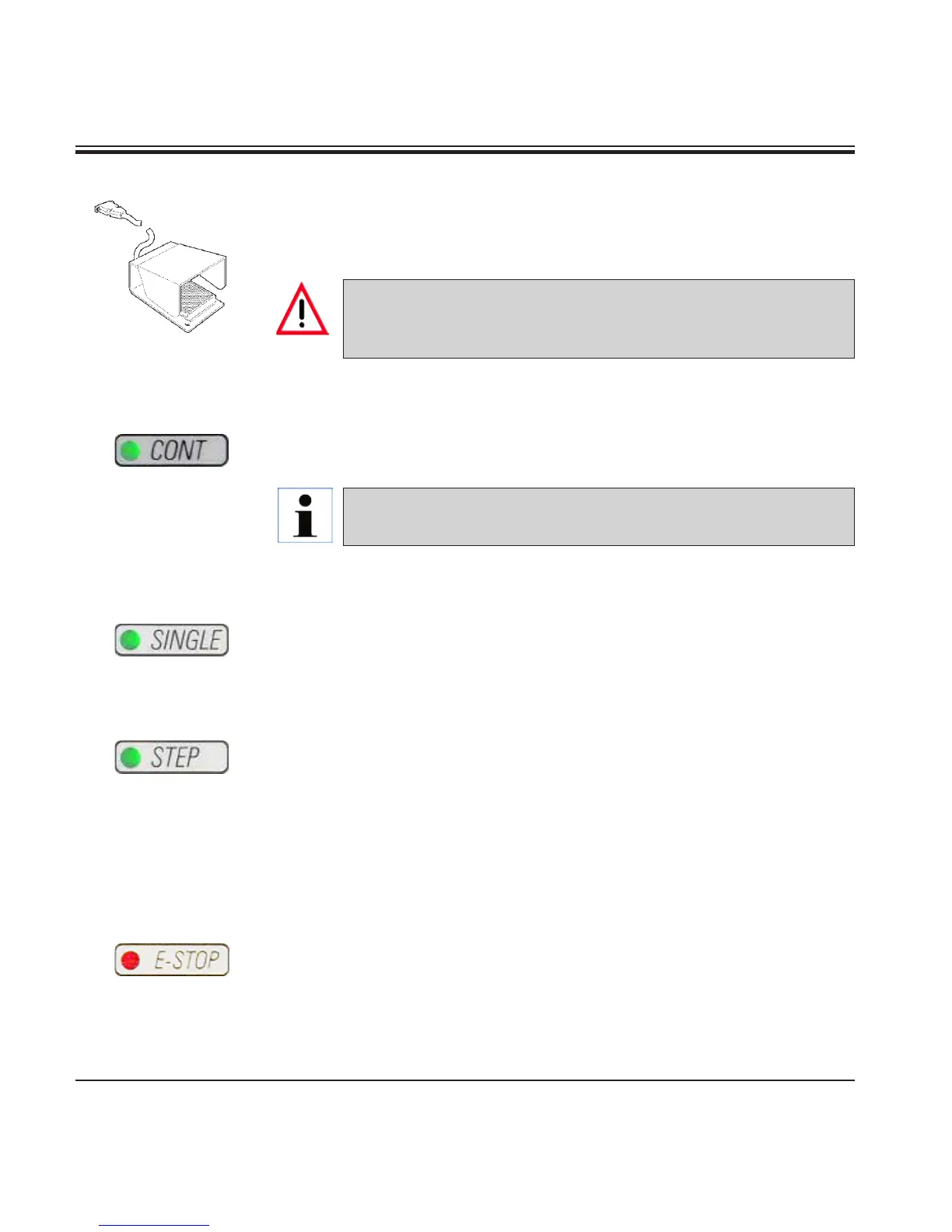
Foot switch (optional accessory)
The foot switch can be used to control the motorized sectioning process. It
also has a function that is similar to the emergency stop function.



 To Next Page