41
Leica RM2255
5. Operation
5.10 Sectioning
• Center the handle of the handwheel.
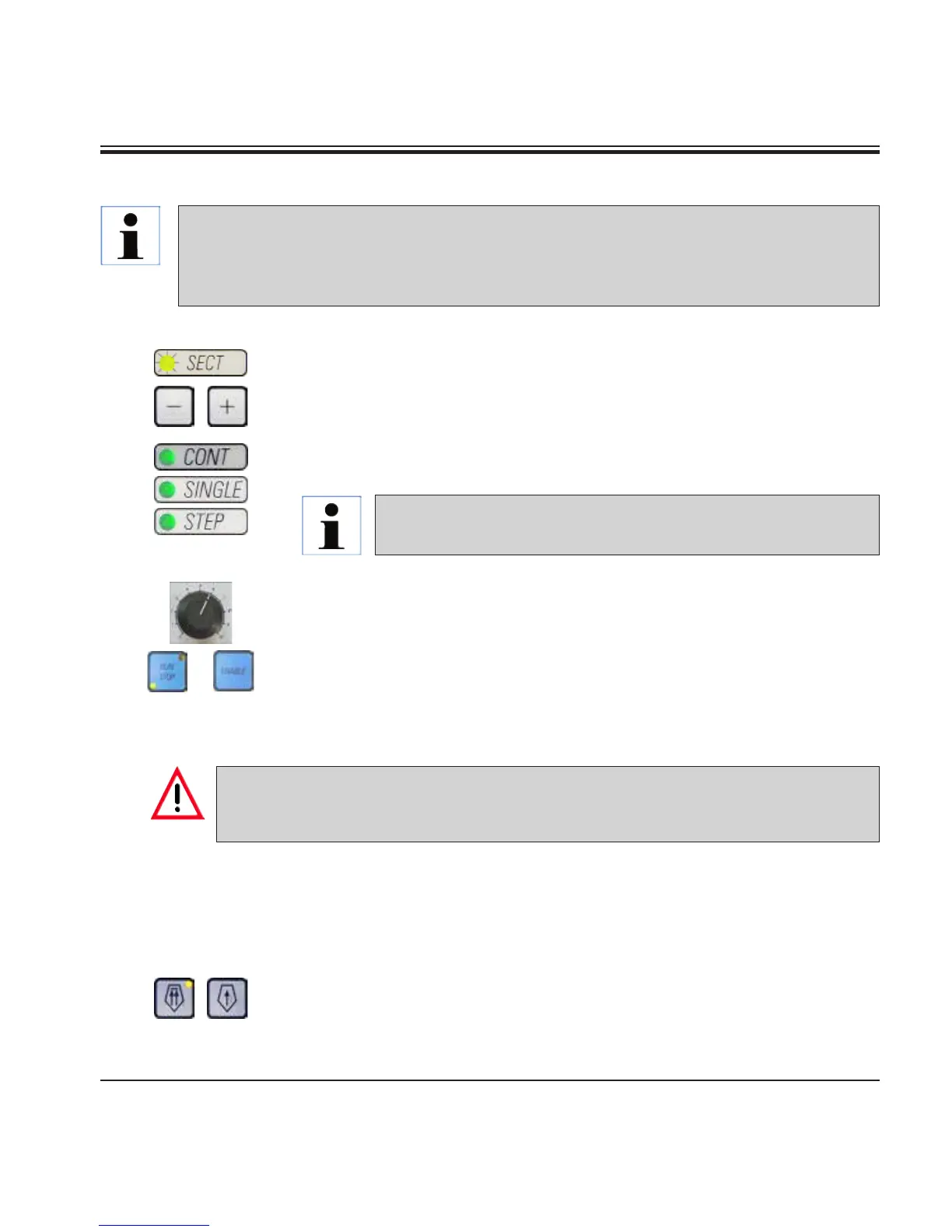
• Use the TRIM/SECT key to select the sectioning mode.
• Adjust the appropriate sectioning thickness or verify the selected value.
• Depending on the operation planned, use the CUT MODE key to select
one of the motorized sectioning modes, CONT, SINGLE or STEP.
+
5.11 Changing the specimen or interrupting sectioning
Lock the handwheel and cover the knife edge with the knife guard prior to any manipula-
tion of knife or specimen head, as well as prior to changing the specimen block and dur-
ing all work breaks!
• Raise the specimen to the upper end position and activate the mechani-
cal handwheel lock.
• Cover the sectioning edge with the knife guard.
• Remove the specimen from the specimen clamp and mount a new sam-
ple to continue.
• Before cutting into a new specimen, move the specimen head back to
the rear end position.
• Check the sectioning speed setting and set an appropriate speed.
• Start motorized sectioning.
• Pick up the sections and mount them on microscope slides.
Always set the sectioning speed according to the hardness of the
specimen! For hard specimens, always select a slow speed.
Always use a different area of the cutting edge for trimming and sectioning. To do so, laterally
displace the blade or knife in the knife holder.
When using the knife holder E with lateral displacement, it is sufficient to move the knife
holder sideways.



 To Next Page