3 User Interface
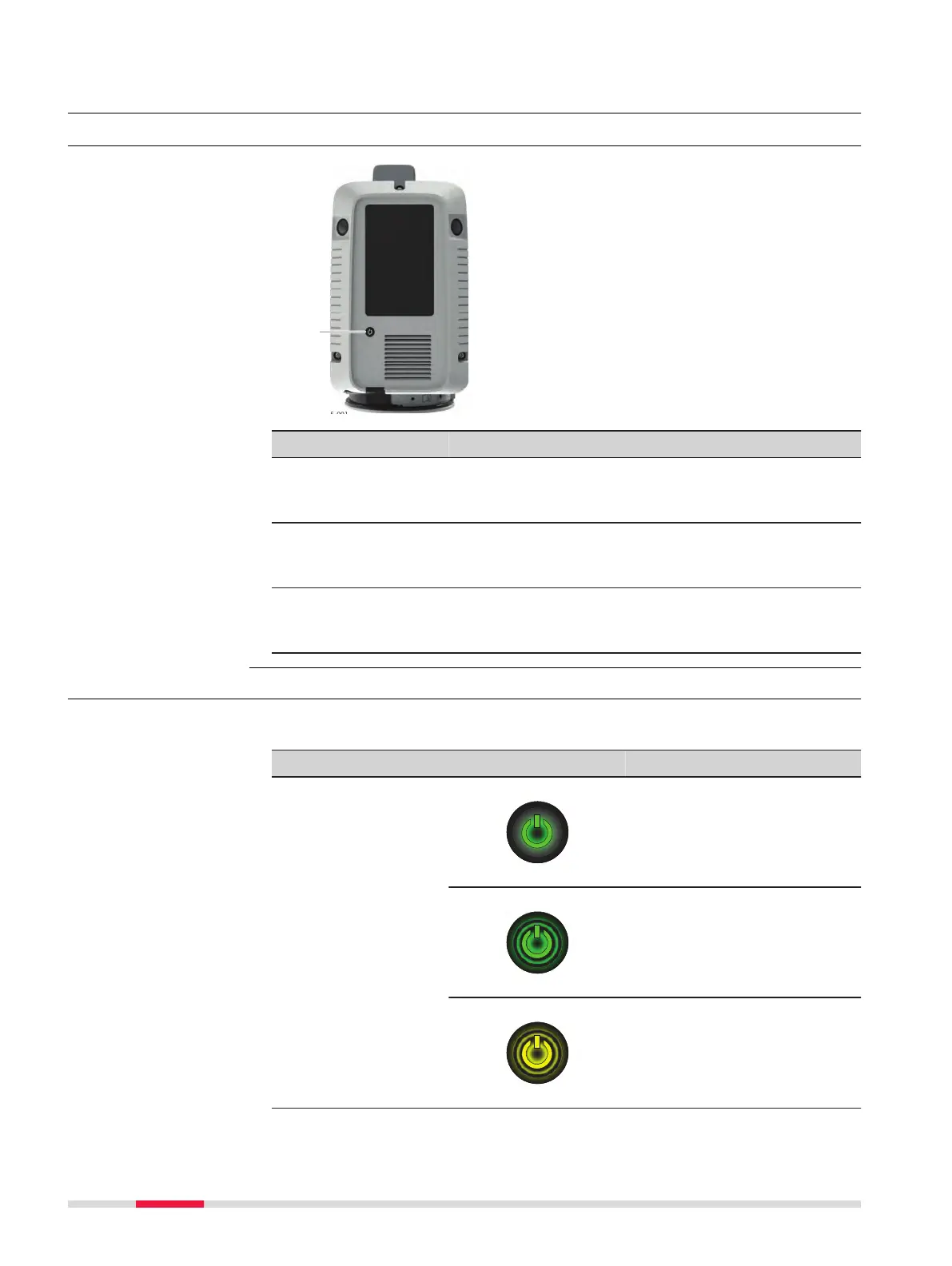
3.1 Power Button
a Power button
Power button when the instrument is THEN
Press and hold the
button 1 sec.
off. The instrument switches
on and the Power button
starts blinking yellow.
Press and hold the
button 1 sec.
on and ready. The Power button starts
blinking yellow and the
instrument switches off.
Press and hold the
button 10 sec.
on. The instrument switches
off immediately. Hard
shutdown.
3.2 Instrument Status
The power button and the LED indicator light up green, yellow or red to show
the operation states of the instrument.
Component Status
Power button
lights up continuous.
is blinking.
is blinking.
Power button
Instrument status
22 User Interface



 To Next Page