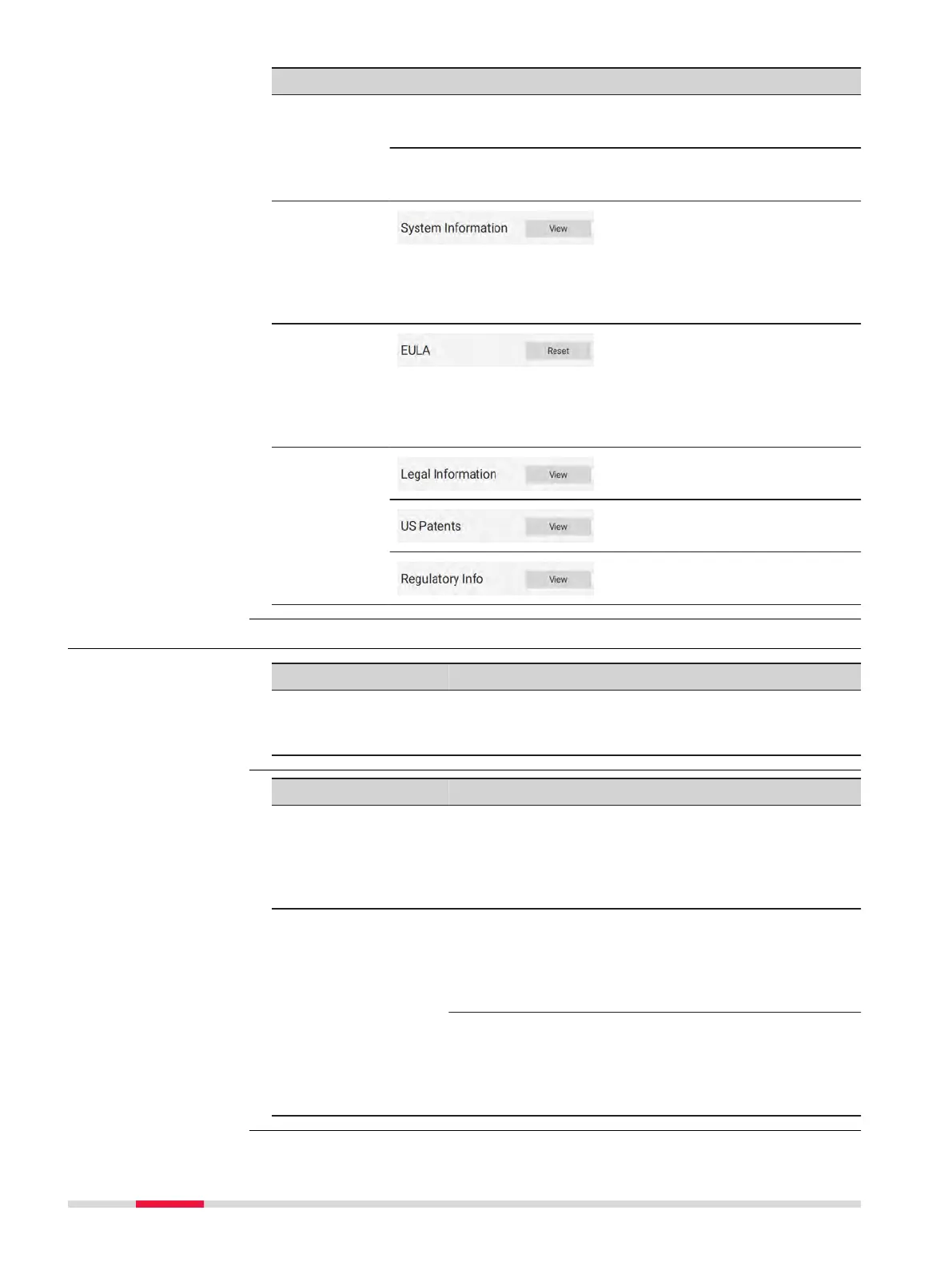
Element Description
☞
Refer to section 5.2 Check & Adjust for more
information about the Check & Adjust.
☞
Do not remove the USB stick during Check &
Adjust procedure.
System
information
Tap View to get displayed
information like:
•
Instrument Type
•
Serial Number
•
Firmware Version
•
WLAN Password
Resetting
EULA
Tap Reset to reset the EULA
(end-user licence agreement).
☞
With the next start-up of the instrument, the EULA
is displayed and must be accepted before the
instrument can be used.
Viewing
information
Tap View to display legal
information.
Tap View to get displayed US
patents.
Tap View to get displayed regu-
latory information.
4.5.4 Troubleshooting
Problem Possible Cause(s) Suggested Remedies
Missing points in
scan.
Dust, debris or nger-
prints on the rotating
mirror-protection glass.
Use a glass cleaning tis-
sue to clean the specic
areas.
Problem Possible Cause Suggested Remedies
When switching on
the instrument or
starting a scan, the
system switches off
automatically.
Capacity of battery is too
low.
Recharge or change bat-
tery.
When switching on
the instrument or
starting a scan, the
system switches off
automatically even
though it was totally
recharged.
Battery charger is
defective.
Check the function of
the battery charger.
Please note the charging
status displayed on the
battery charger.
Exchangeable battery is
no longer charging.
At the end of its life time
the exchangeable battery
has lost most of its
capacity. The battery
needs to be replaced.
Basic troubleshooting
Advanced
troubleshooting
38 Operation



 To Next Page