If you experience problems with your instrument, e-mail the scanner's log les
to your local support:
•
For America:
us-support@hds.leica-geosystems.com
•
For South America:
suporte@leica-geosystems.com.br
•
For Europe, Middle East and Africa:
euro-support@hds.leica-geosystems.com
•
For Asia:
asia-support@hds.leica-geosystems.com
☞
Log les can be transferred to the USB stick using the Transfer com-
mand in the Settings screen.
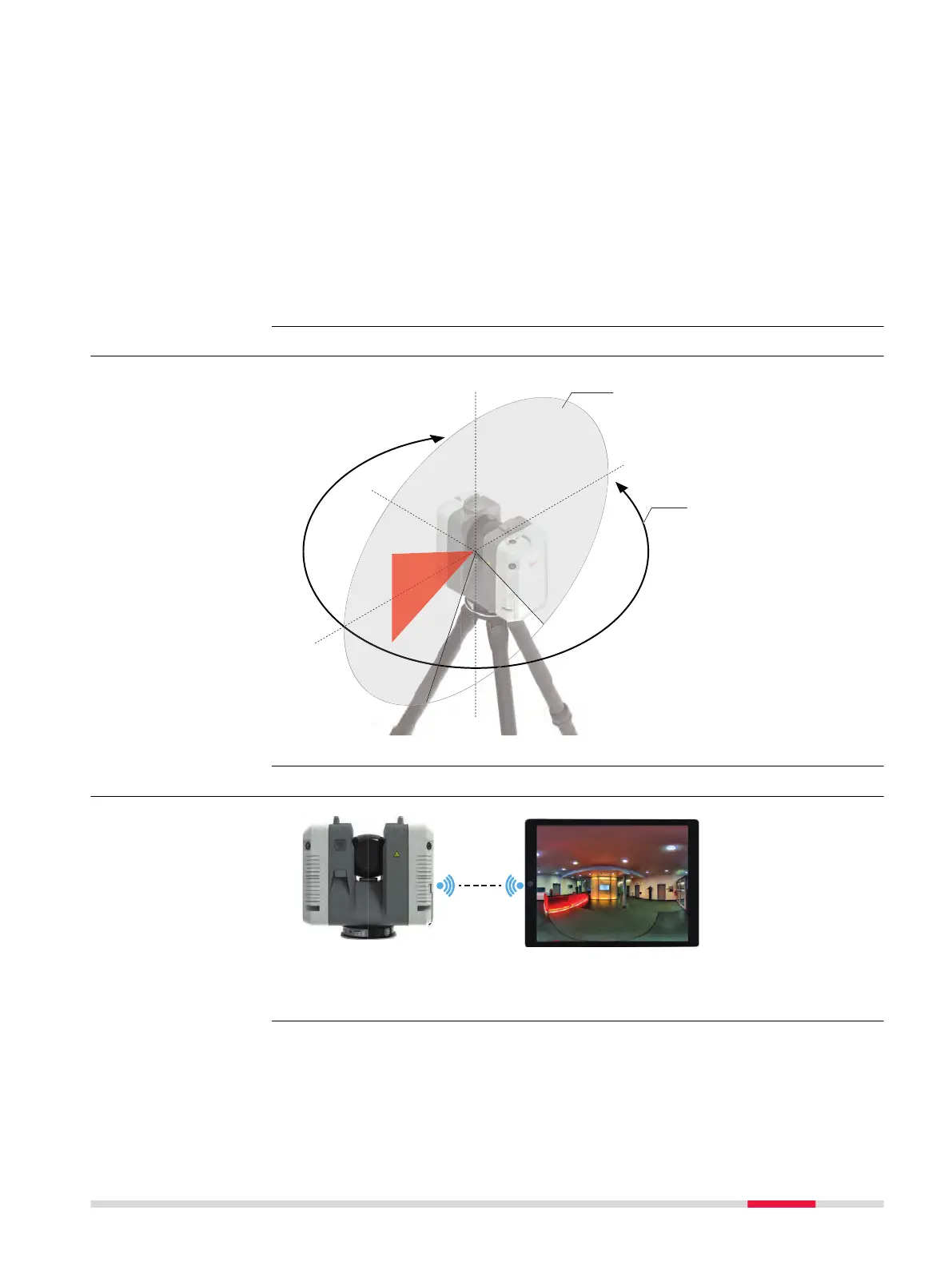
4.5.5 Field of View (FoV)
60°
60°
0°
0°
360°
360°
90°
a
b
17033_003
a Vertical eld of
view: 300°
b
Horizontal eld
of view: 360°
4.6 Data Transfer
a Preview data transfer from instrument to handheld device. Refer to
4.3 Operation - Getting Started.
Troubleshooting -
support contacts
Scanning laser -
eld of view
Description
Operation 39



 To Next Page