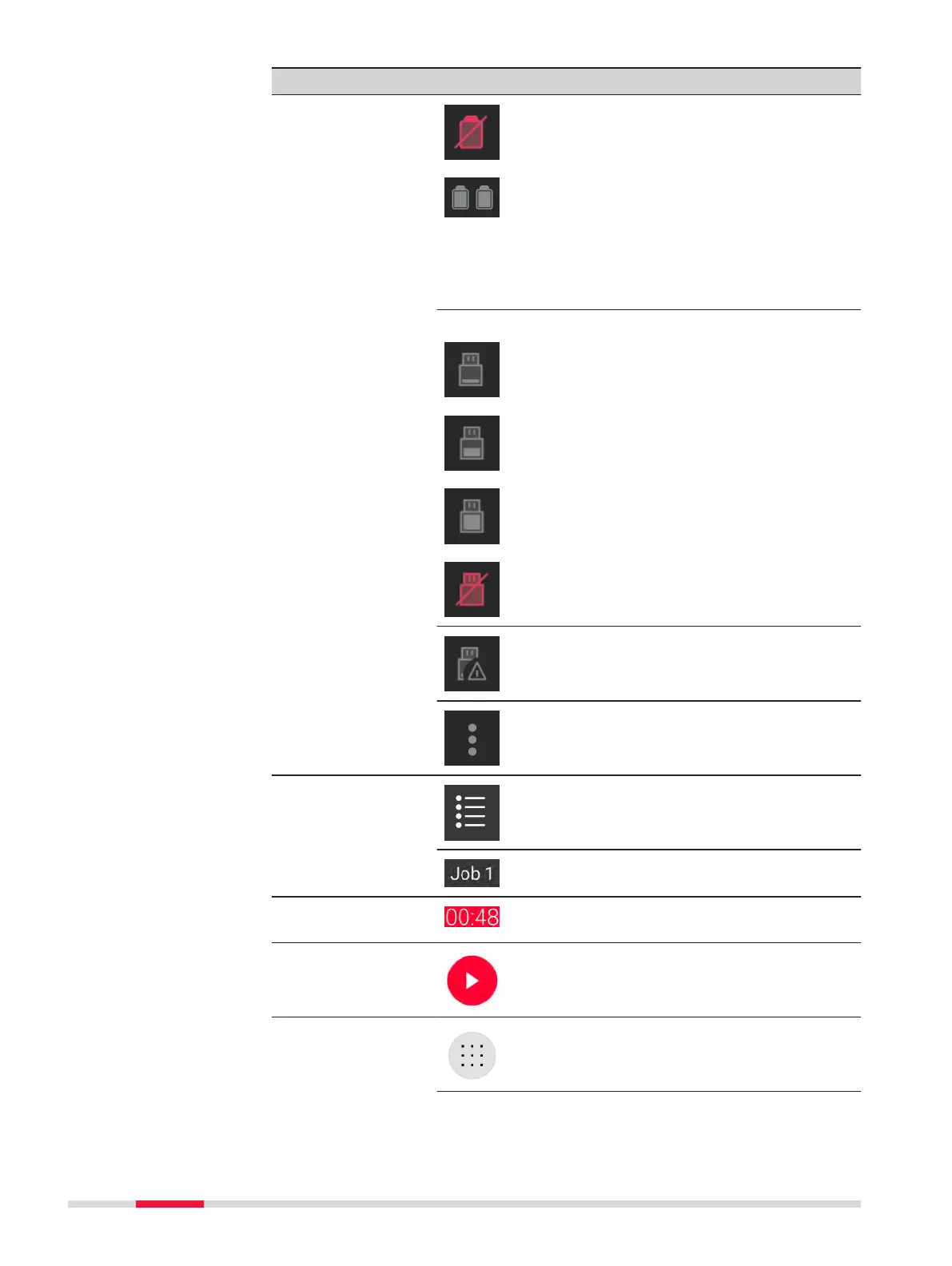
Element Description
Battery not inserted
When facing the battery compartment:
•
Left battery icon indicates the status
of the battery on the left side of the
battery compartment.
•
Right battery icon indicates the status
of the battery on the right side of the
battery compartment.
Status of USB storage device
0% - 25% of storage used
25% - 75% of storage used
More than 75% of storage used
USB storage device not attached
Do not remove the USB storage device.
Click the Settings icon to open the Settings
screen.
Job eld
Click the Job icon to open a list of all stored
jobs.
Name of the current scan job
Time Display of the acquisition time depending on
the scan settings
Start
Click the Start button to start the scan and
image acquisition as dened in the scan set-
tings.
Scan settings
Low scan resolution: 12 mm@10 m, max-
imum range 130 m
32 Operation



 To Next Page