EN
127
Camera operation
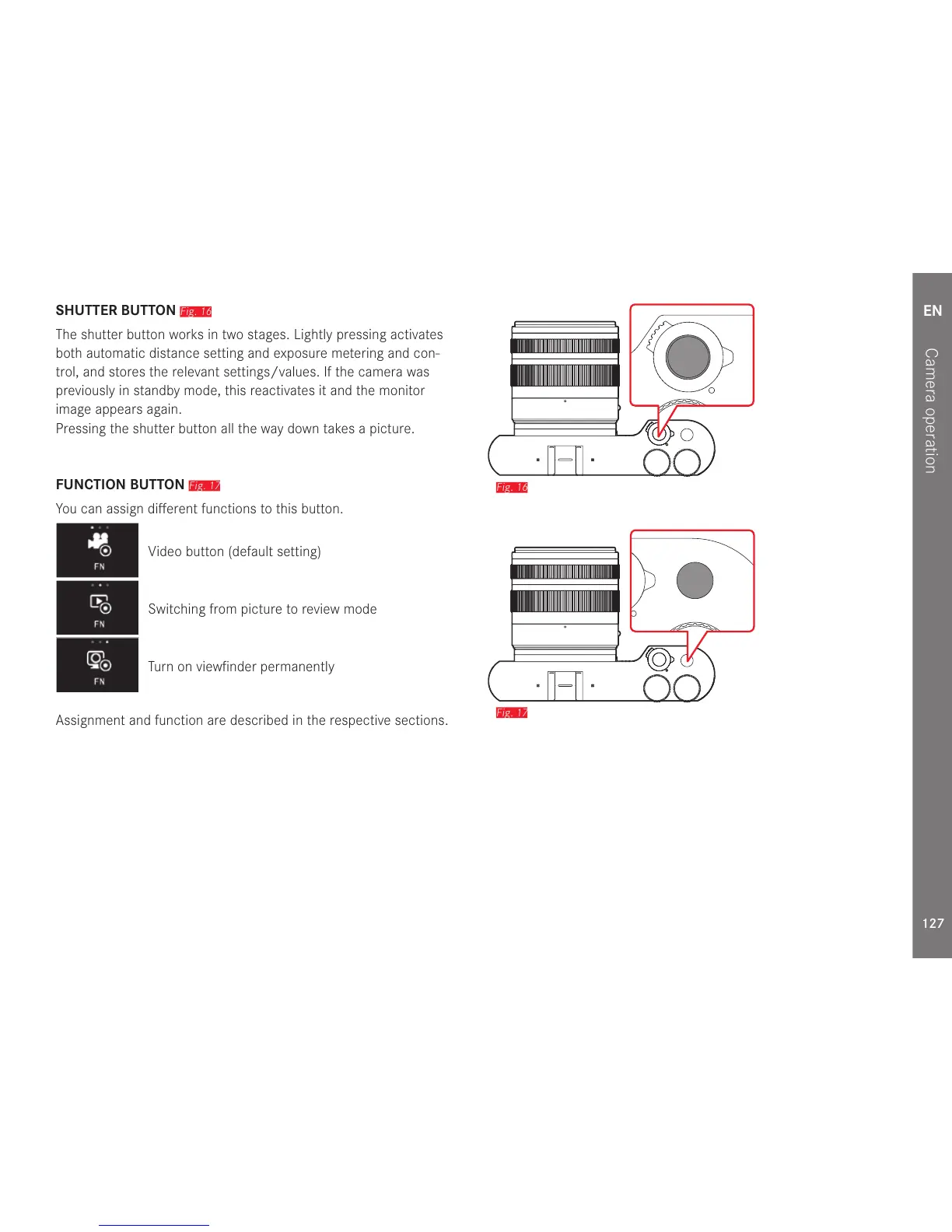
SHUTTER BUTTON
Fig. 16
The shutter button works in two stages. Lightly pressing activates
both automatic distance setting and exposure metering and con-
trol, and stores the relevant settings/values. If the camera was
previously in standby mode, this reactivates it and the monitor
image appears again.
Pressing the shutter button all the way down takes a picture.
FUNCTION BUTTON
Fig. 17
You can assign different functions to this button.
Video button (default setting)
Switching from picture to review mode
Turn on viewfinder permanently
Assignment and function are described in the respective sections.
Fig. 16
Fig. 17



 To Next Page