EN
140
Basic camera settings
BASIC CAMERA SETTINGS
MENU LANGUAGE
► In the main menu, select
►
Select
► Select the desired language in the submenu
DATE/TIME
► In the main menu, select
►
Select
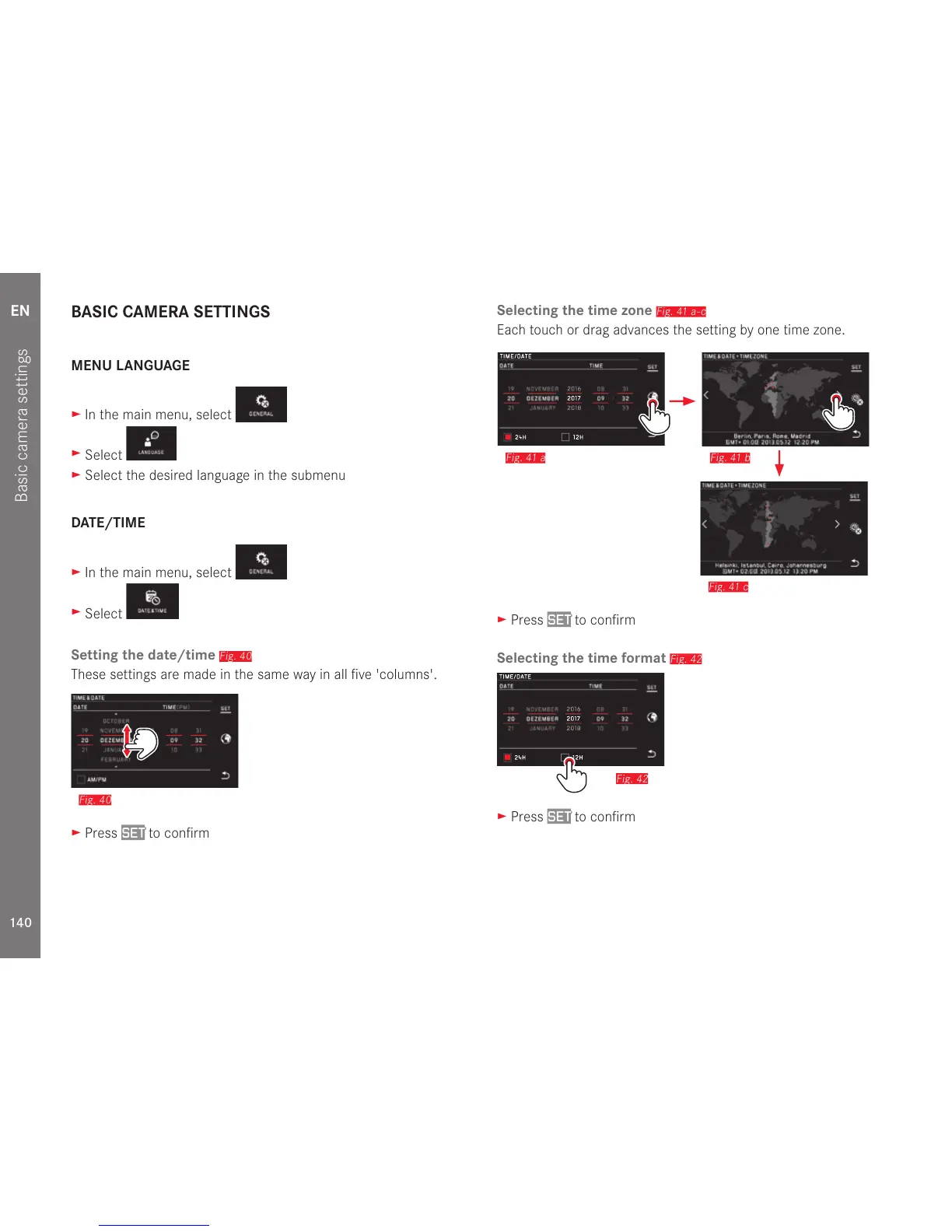
Setting the date/time
Fig. 40
These settings are made in the same way in all five 'columns'.
Fig. 40
► Press SET to confirm
Selecting the time zone
Fig. 41 a-c
Each touch or drag advances the setting by one time zone.
Fig. 41 c
Fig. 41 bFig. 41 a
Fig. 42a
► Press SET to confirm
Selecting the time format
Fig. 42
Fig. 42
► Press SET to confirm



 To Next Page