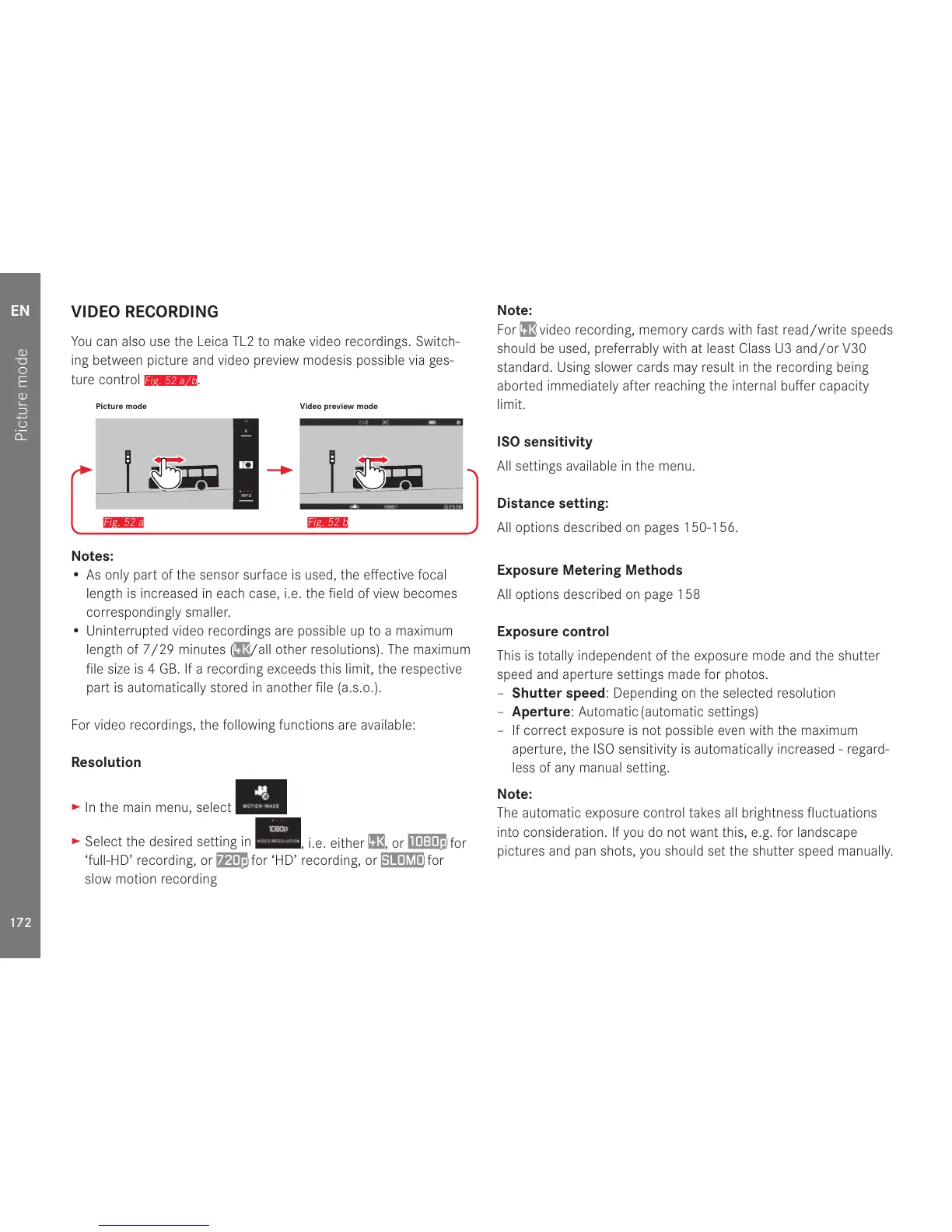
Fig. 52 b
Picture mode Video preview mode
Notes:
• As only part of the sensor surface is used, the effective focal
length is increased in each case, i.e. the field of view becomes
correspondingly smaller.
• Uninterrupted video recordings are possible up to a maximum
length of 7/29 minutes (
4K/all other resolutions). The maximum
file size is 4 GB. If a recording exceeds this limit, the respective
part is automatically stored in another file (a.s.o.).
For video recordings, the following functions are available:
Resolution
► In the main menu, select
► Select the desired setting in
, i.e. either
4K
, or
1080p
for
‘full-HD’ recording, or
720p for ‘HD’ recording, or SLOMO for
slow motion recording
Note:
For
4K video recording, memory cards with fast read/write speeds
should be used, preferrably with at least Class U3 and/or V30
standard. Using slower cards may result in the recording being
aborted immediately after reaching the internal buffer capacity
limit.
ISO sensitivity
All settings available in the menu.
Distance setting:
All options described on pages 150-156.
Exposure Metering Methods
All options described on page 158
Exposure control
This is totally independent of the exposure mode and the shutter
speed and aperture settings made for photos.
– Shutter speed: Depending on the selected resolution
– Aperture: Automatic (automatic settings)
– If correct exposure is not possible even with the maximum
aperture, the ISO sensitivity is automatically increased - regard-
less of any manual setting.
Note:
The automatic exposure control takes all brightness fluctuations
into consideration. If you do not want this, e.g. for landscape
pictures and pan shots, you should set the shutter speed manually.



 To Next Page