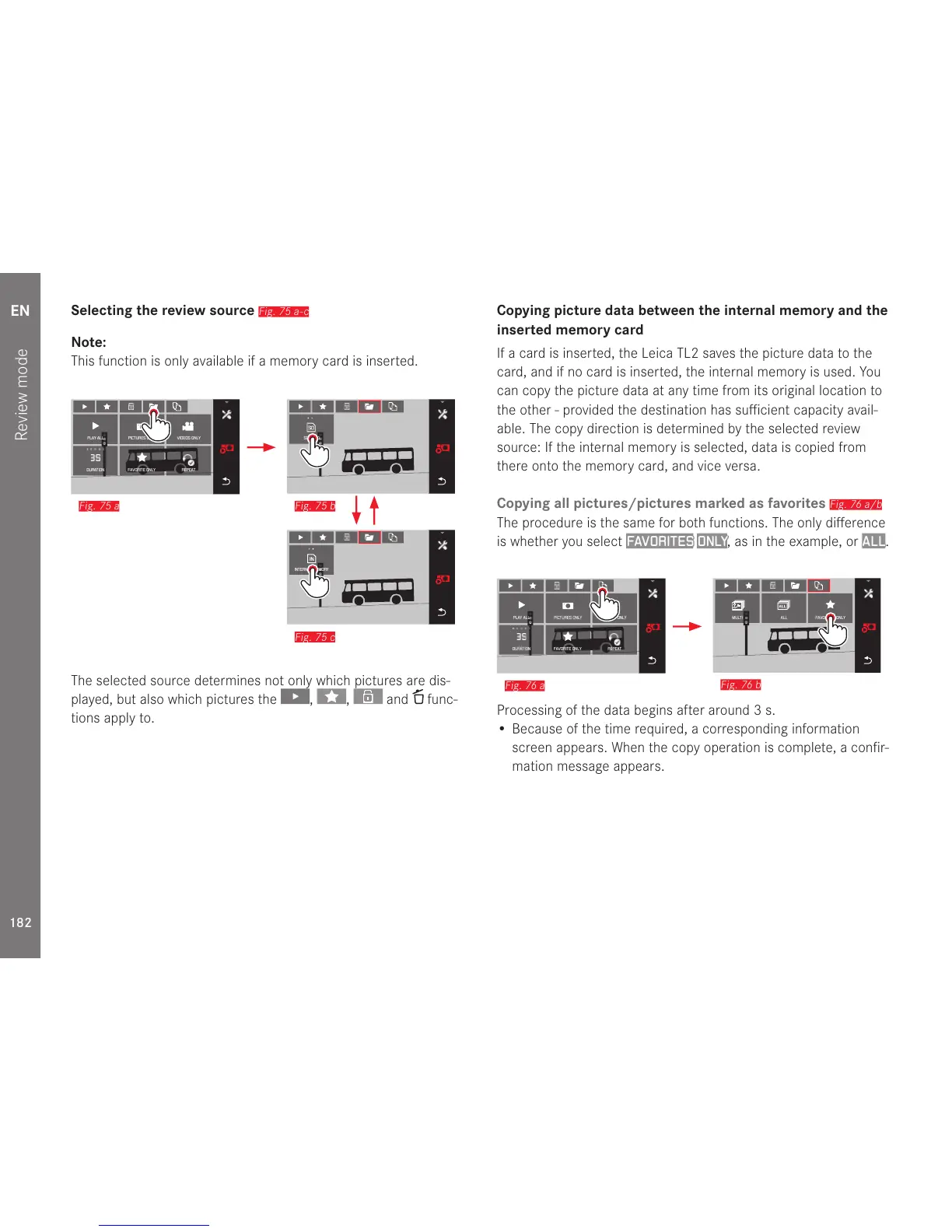
Fig. 75 a
The selected source determines not only which pictures are dis-
played, but also which pictures the
, , and func-
tions apply to.
Copying picture data between the internal memory and the
inserted memory card
If a card is inserted, the Leica TL2 saves the picture data to the
card, and if no card is inserted, the internal memory is used. You
can copy the picture data at any time from its original location to
the other - provided the destination has sufficient capacity avail-
able. The copy direction is determined by the selected review
source: If the internal memory is selected, data is copied from
there onto the memory card, and vice versa.
Copying all pictures/pictures marked as favorites
Fig. 76 a/b
The procedure is the same for both functions. The only difference
is whether you select
FAVORITES ONLY, as in the example, or ALL.
#
Fig. 76 a
Processing of the data begins after around 3s.
• Because of the time required, a corresponding information
screen appears. When the copy operation is complete, a confir-
mation message appears.



 To Next Page