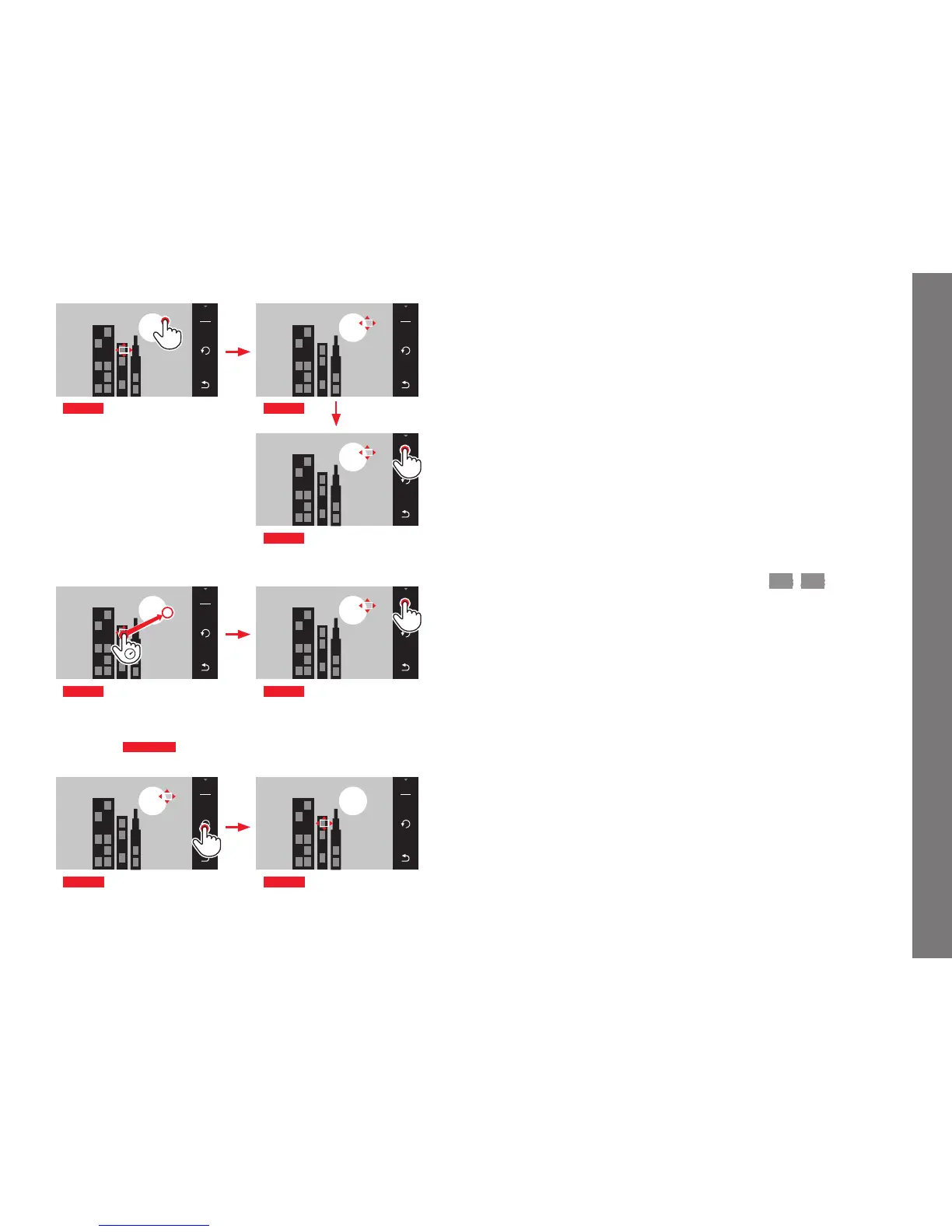
Fig. 48 b
Note:
In both cases, the metering zones remain at the last positions set
even if the metering method is changed or the camera is turned
off.
Taking photographs
1. Aim the AF frame at the desired subject or move it there
accordingly
2. Press the shutter button to the first pressure point
• The metering system locks on to the registered subject.
3. Keep the shutter button half-pressed until you take the picture
• The AF frame ‘follows’ the locked subject.
4. Push the shutter button all the way down to take the picture
Notes:
• Tracking works regardless of which AF mode (
AFs/AFc) is
selected.
• Tracking stops when you let the shutter button go. In this case
the metering zone will remain at the last position reached.



 To Next Page