Version 2.1
09/2010
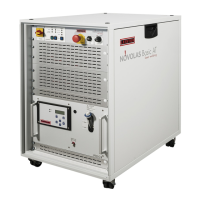
NOVOLAS Basic AT
Installation 33
Step
General Installation Remarks
1.1
Select a suitable location for the NOVOLAS Basic AT. A
suitable location will provide sufficient fresh air to the
system and enables a free escape of the exhaust air on
the back side. The distance between processing optics
and the system cabinet should be kept short to avoid
false operation. Fiber optic cables must be protected
against mechanical stress.
Prepare AC power
connection
see 0
1.2
Unpack and check for transportation damage. Store / ship back packaging
materials
1.3
Place the NOVOLAS Basic AT in desired location.
Open the upper cover plate and back plates to access
connection zones. If possible also open right side panel.
5.3 , 0
Step
Cooling system Remarks
2.1
Fill cooling system with distilled or filtered water
(residual particle size < 10µm), depending on the laser
module.
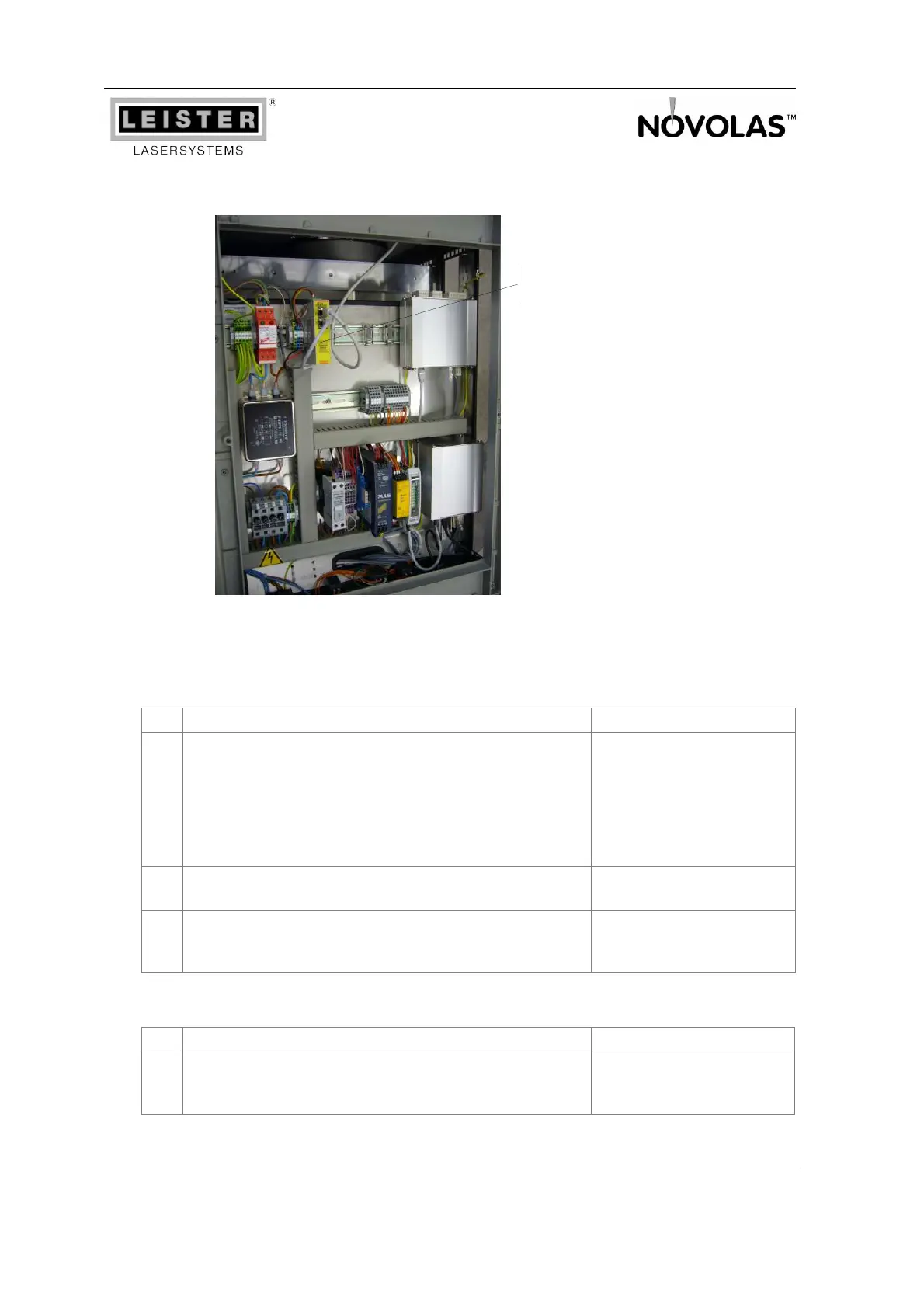
Figure 12: Basic AT Control Rack with POE Injector
(optional)






 To Next Page