Sharpness
Press the ▲▼ button to select Sharpness and press the ◄► button to adjust the value. Press the
MENU button to return to the previous menu.
Color Temperature
Press the ▲▼ button to select Color Temperature and press the ◄► button to select Middle, Cool
or Warm. Press the MENU button to return to the previous menu.
DNR (Digital Noise Reduction)
Press the ▲▼ button to select DNR and press the ◄► button to select Low, Middle, Strong or Off.
Press the MENU button to return to the previous menu.
Black Level Extender
Press the ▲▼ button to select Black Level Extender and press the ◄► button to select On or Off.
Press the MENU button to return to the previous menu.
CTI (Color Transient Intensity)
Press the ▲▼ button to select CTI and press the ◄► button to select On or Off.. Press the MENU
button to return to the previous menu.
Flesh Tone
Press the ▲▼ button to select Flesh Tone and press the ◄► button to select On or Off. Press the
MENU button to return to the previous menu.
Adaptive Luma Control
Press the ▲▼ button to select Adaptive Luma Control and press the ◄► button to select On or
Off. Press the MENU button to return to the previous menu.
Advanced Picture Adjust
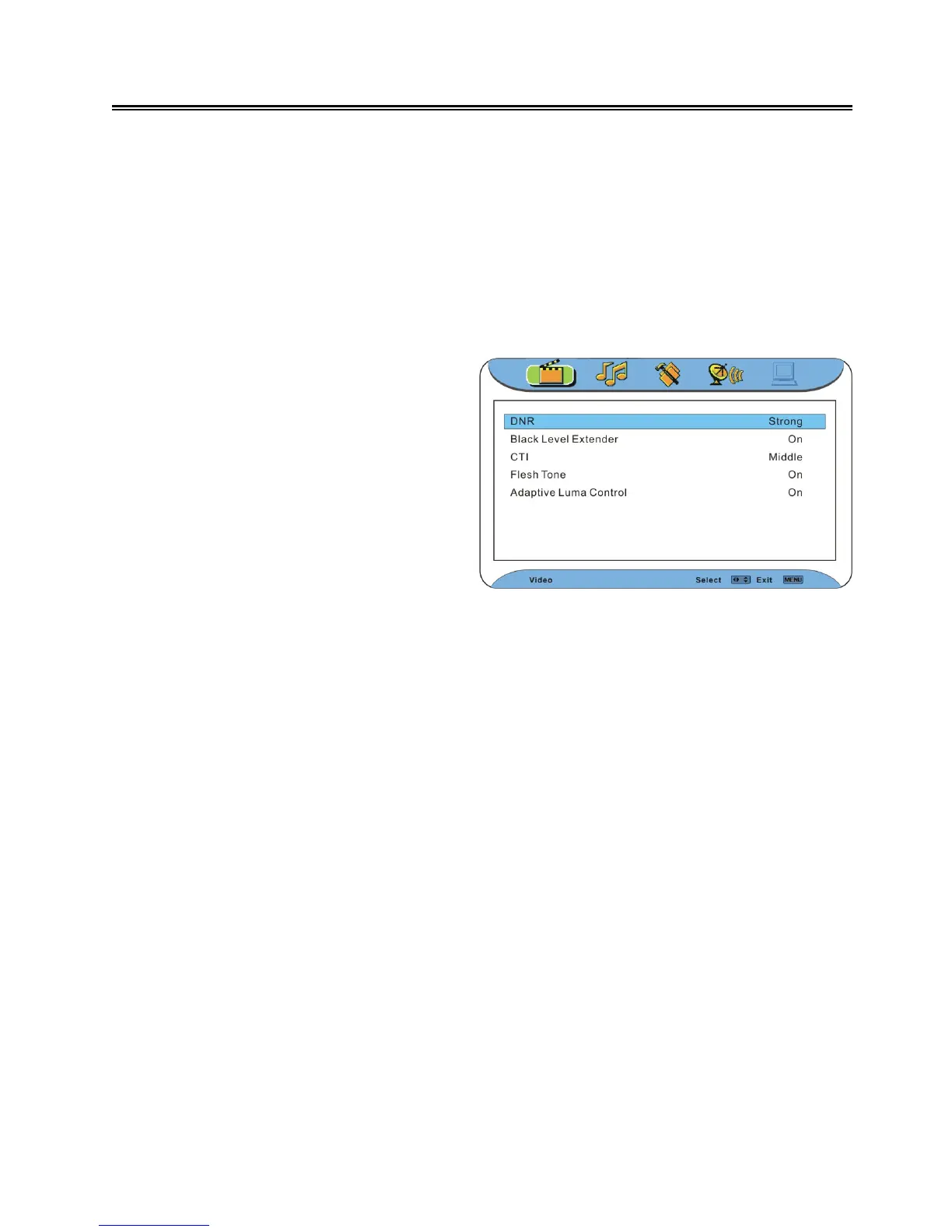
Press the ▲▼ button to select Advanced
Picture Adjust. Press the OK or ► button
to enter the setup, as show on the right:
In the menu, press the ▲▼ button to select
an item. Press the ◄► button to set.
Press the EXIT button to exit the menu.



 To Next Page