NOTE: In other mode, you can refer to the following instructions in TV mode to go on
with some settings.
Preparation
1. After connection, press the POWER button to turn on the unit.
2. Press the INPUT button on the remote control or the SOURCE button on the TV set repeatedly
to select TV mode. Then you can go on with the following setup:
Video Setting
Note: the items in the Video Setting menu can be set when there is signal provided.
Contrast
Press the ▲▼ button to select Contrast and press the ◄► button to adjust the value. Press the
MENU button to return to the previous menu.
Brightness
Press the ▲▼ button to select Brightness and press the ◄► button to adjust the value. Press the
MENU button to return to the previous menu.
Saturation
Press the ▲▼ button to select Saturation and press the ◄► button to adjust the value. Press the
MENU button to return to the previous menu.
Hue
Press the ▲▼ button to select Hue and press the ◄► button to adjust the value. Press the MENU
button to return to the previous menu.
NOTE: This item is only available under NTSC TV signal mode.
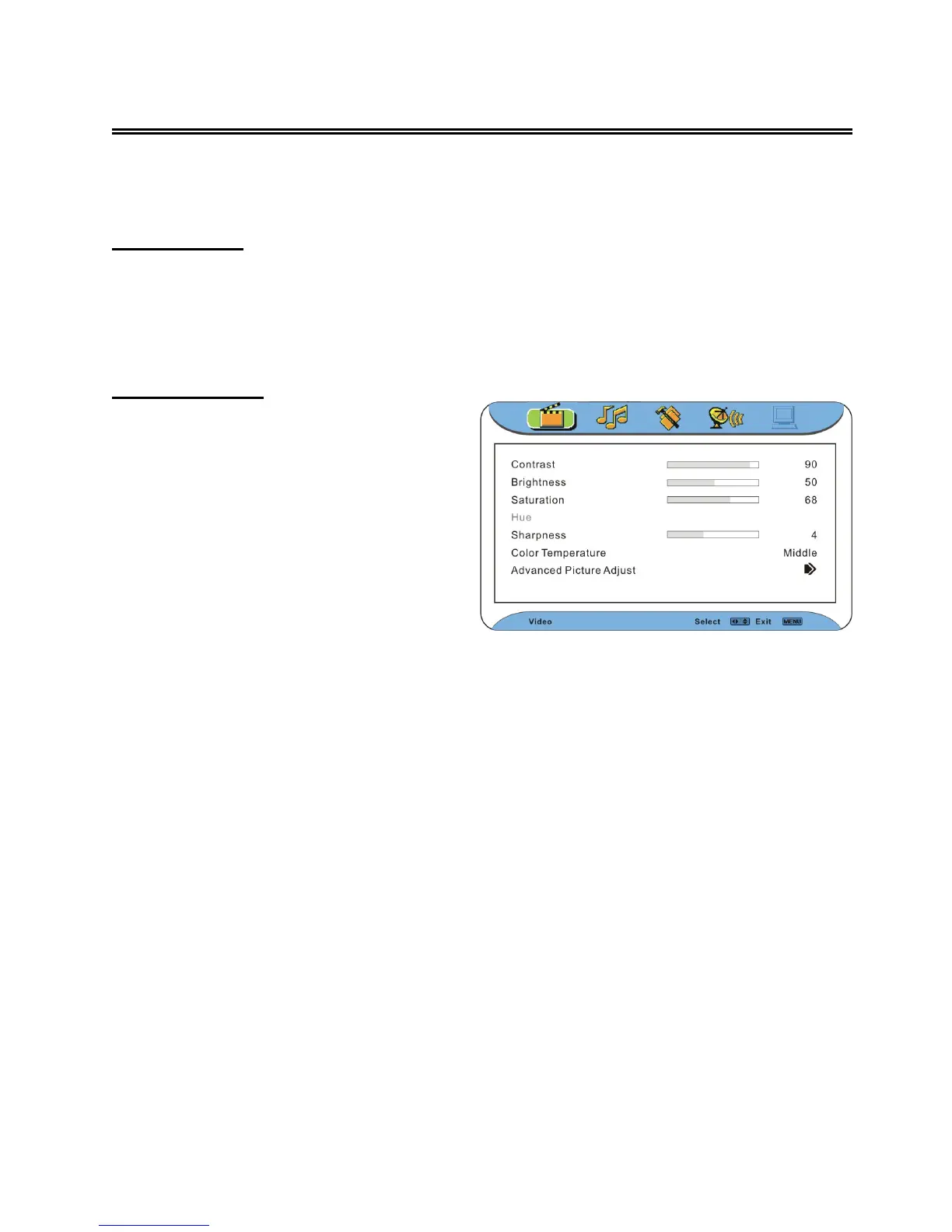
Press the MENU button once to enter the
main setup menu. Press the ◄► button to
select Video, and the screen will display as
shown on the right:
Press the OK or ▼ button to enter the Video
setting menu. Press the ▲▼ button to select
an item.
Press the EXIT button to exit the menu.



 To Next Page