- 30 -
DVD Playback Operation
Preparation
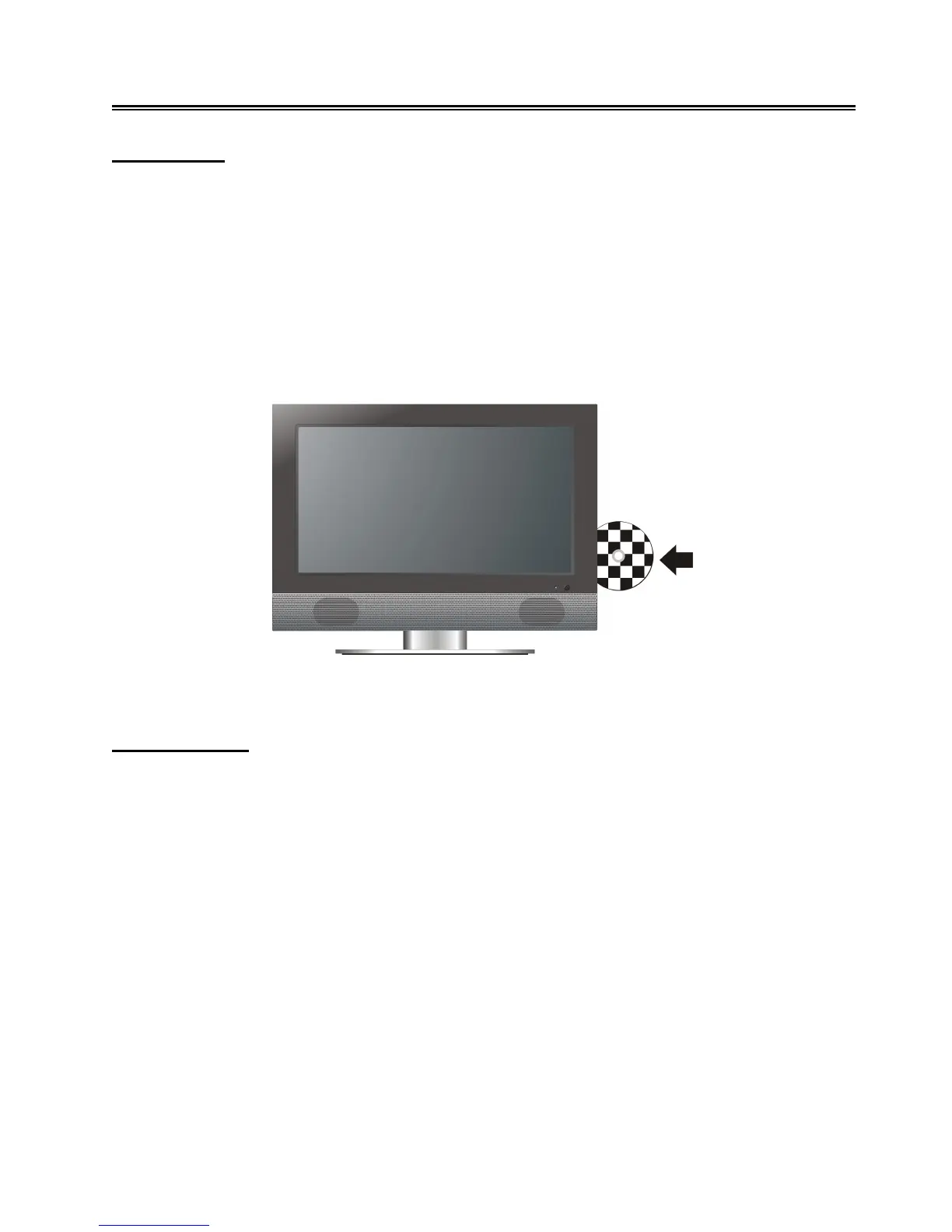
1. Connect the unit to the power supply and press the POWER button to turn on the unit.
2. Press the INPUT button on the remote control or the SOURCE button on the TV set to select
DVD mode and press the OK button to enter.
3. Gently insert the disc, with the label side toward the front of the television, into the disc tray slot
until about half of the disc is in the tray.
4. The disc will draw into the unit and load automatically.
5. Press the EJECT button to eject the disc and push the disc into the disc tray until about half of
the disc is in the tray, and then the disc can be drew into the disc tray again automatically.
Warning: Use of poor quality discs could result in damage to the television.
DVD Playback
Region Code
DVD players and discs are coded by region. These regional codes must match the played discs. If
the codes don’t match, the disc cannot be played. This player’s default code is region 2.
Play
Press the PLAY button to start playback.
Stop
During playback, press the ■ STOP button once to stop playback and press the ► PLAY button to
resume normal playback. Press the ■ STOP button twice to stop playback completely.
Pause
During playback, press the PAUSE button once to pause the playback; press it repeatedly to start
step-by-step playback. Press the ► PLAY button to resume normal playback.



 To Next Page