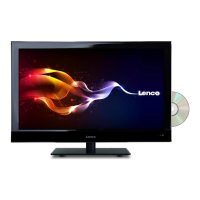
Preparation
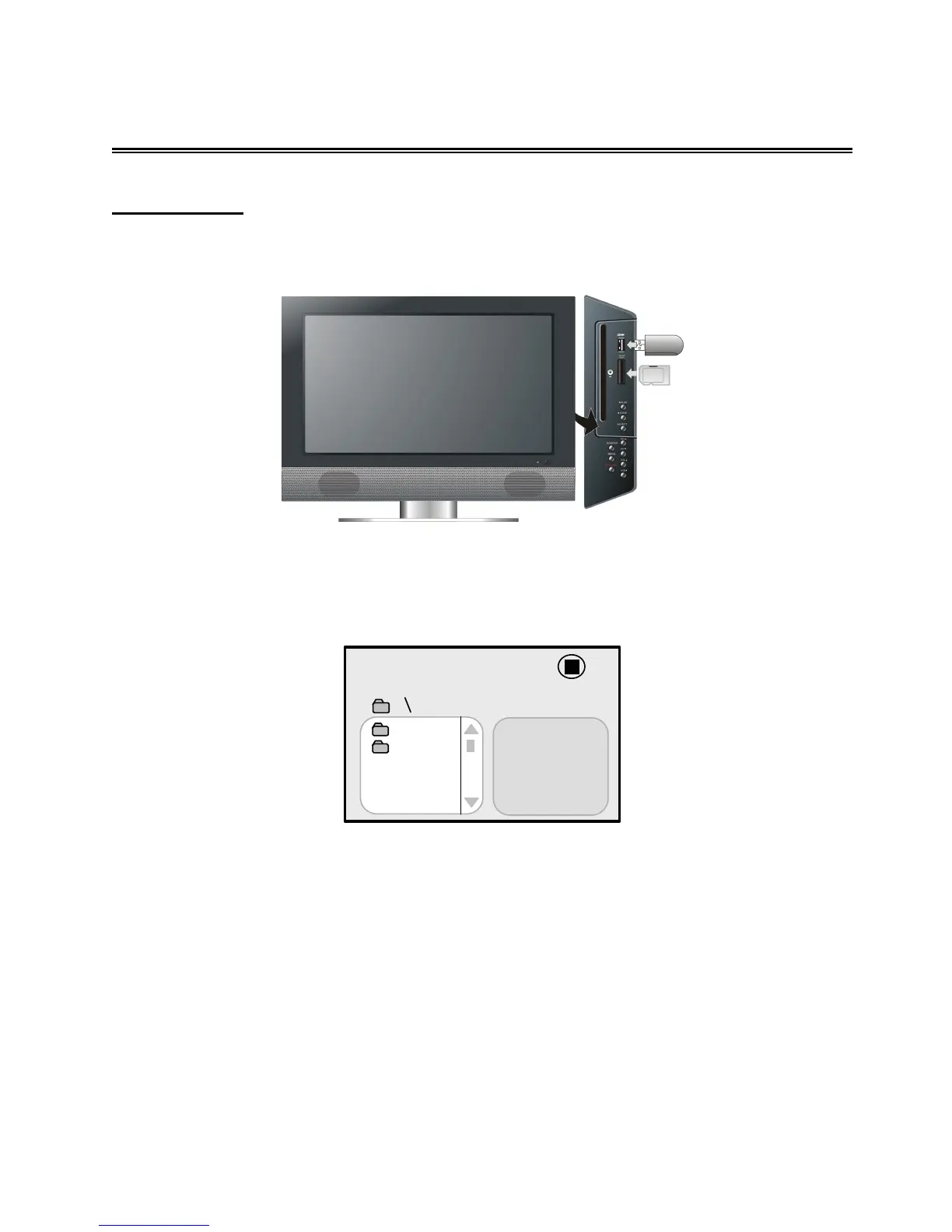
In DVD mode, connect USB device to the a USB port or insert SD/MS/MMC card into the
SD/MS/MMC card slot on the right side of the unit.
Make sure that files are stored in the USB and SD/MS/MMC card before connection.
1. Press the CARD button to shift between Disc playback, USB playback and SD/MS/MMC
playback. The default state is disc playback. Please see the figure below:
2. Press the ▲▼ buttons to select the folder. Press the OK button to enter.
3. Press the ▲▼ buttons to select the desired track. Then press the PLAY ► button to start
playback.
4. Press the
STOP button to stop playback. Press the ◄ button to return to the folder menu.
Note:
The screen display will vary from disc to disc.
Pull out the USB or SD/MS/MMC card directly after the files are played. The unit will now return
to disc playback mode.
00


 To Next Page