H Position
Press the ▲▼ button to select H Position and press the ◄► button to adjust the value.
V Position
Press the ▲▼ button to select V Position and press the ◄► button to adjust the value.
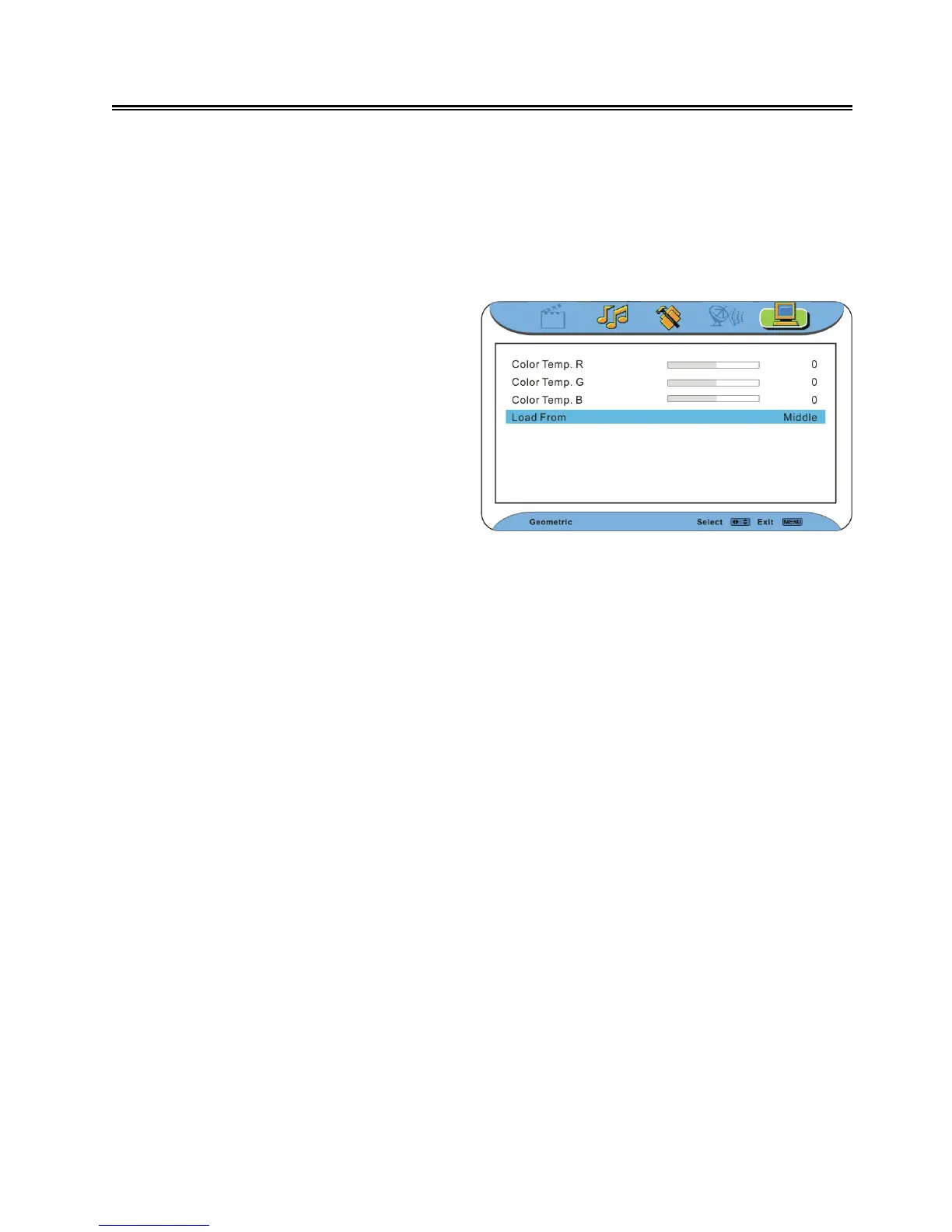
Color Temp. R
Press the ▲▼ button to select Color Temp. R and press the ◄► button to adjust the value.
Color Temp. G
Press the ▲▼ button to select Color Temp. G and press the ◄► button to adjust the value.
Color Temp. B
Press the ▲▼ button to select Color Temp. B and press the ◄► button to adjust the value.
Load From
Press the ▲▼ button to select Load From and press the ◄► button to select Middle, Warm, Cool
or User.
Note: Color Temp. R, Color Temp. G and Color Temp.B are only available when Load From is
set to User.
Color Temperature
Press the ▲▼ button to select Color
Temperature. Press the ◄ ► button to
enter the menu as shown on the right:
In the menu, press the ▲▼ button to select
items.
Press the MENU button to return to the
previous menu.
Press the EXIT button to exit.



 To Next Page