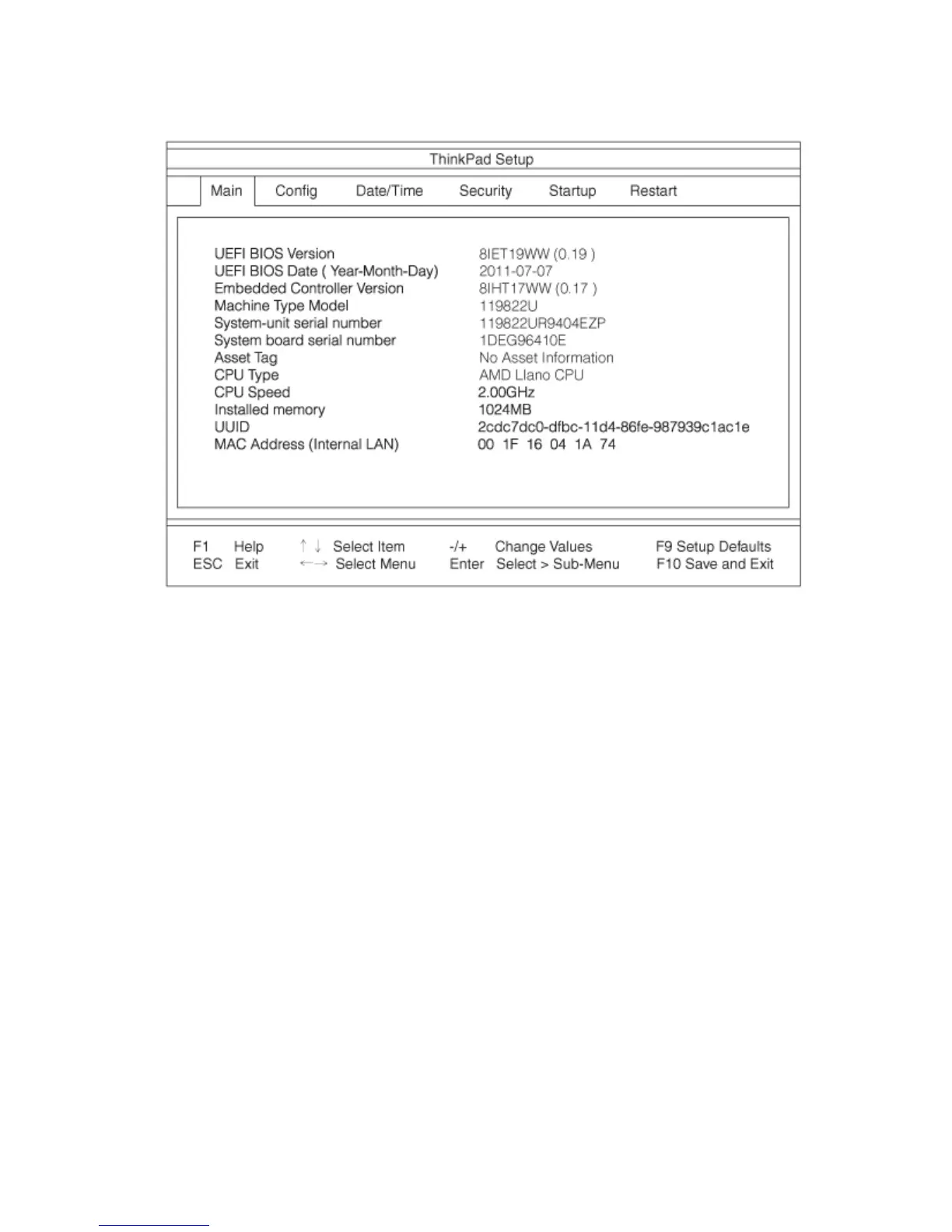
ThefollowingisanexampleoftheThinkPadSetupprogrammainmenu.
4.Usingthecursorkeys,movetoanitemyouwanttochange.Whentheitemyouwantishighlighted,
pressEnter.Asubmenuisdisplayed.
5.Changetheitemsyouwishtochange.Tochangethevalueofanitem,pressthe+or-key.Iftheitem
hasasubmenu,youcandisplayitbypressingEnter.
6.PressEsctoexitfromthesubmenu.
7.Ifyouareinanestedsubmenu,pressEscrepeatedlyuntilyoureachtheThinkPadSetupprogram
mainmenu.
Note:Ifyouneedtorestorethesettingstotheiroriginalstateasofthetimeofpurchase,pressF9to
loadthedefaultsettings.YoucanalsoselectanoptionontheRestartsubmenutoloadthedefault
settingsordiscardthechanges.
8.SelectRestart.Movethecursortotheoptionyouwantforrestartingyourcomputer;thenpressEnter.
Yourcomputerrestarts.
Congmenu
Ifyouneedtochangethecongurationofyourcomputer,selectCongfromtheThinkPadSetupprogram
mainmenu.
Notes:
•Thedefaultsettingsarealreadyoptimizedforyou.Ifyouconsiderchangingthecomputerconguration,
proceedwithextremecaution.Settingthecongurationincorrectlymightcauseunexpectedresults.
•Oneachsubmenu,youcanenableafunctionbyselectingEnabled,ordisableitbyselectingDisabled.
Thefollowingsubmenuisdisplayed:
•Network:SettheLANfunction.
•USB:EnableordisableUSBrelatedfunctions.
96UserGuide














 To Next Page