Share content in a meeting
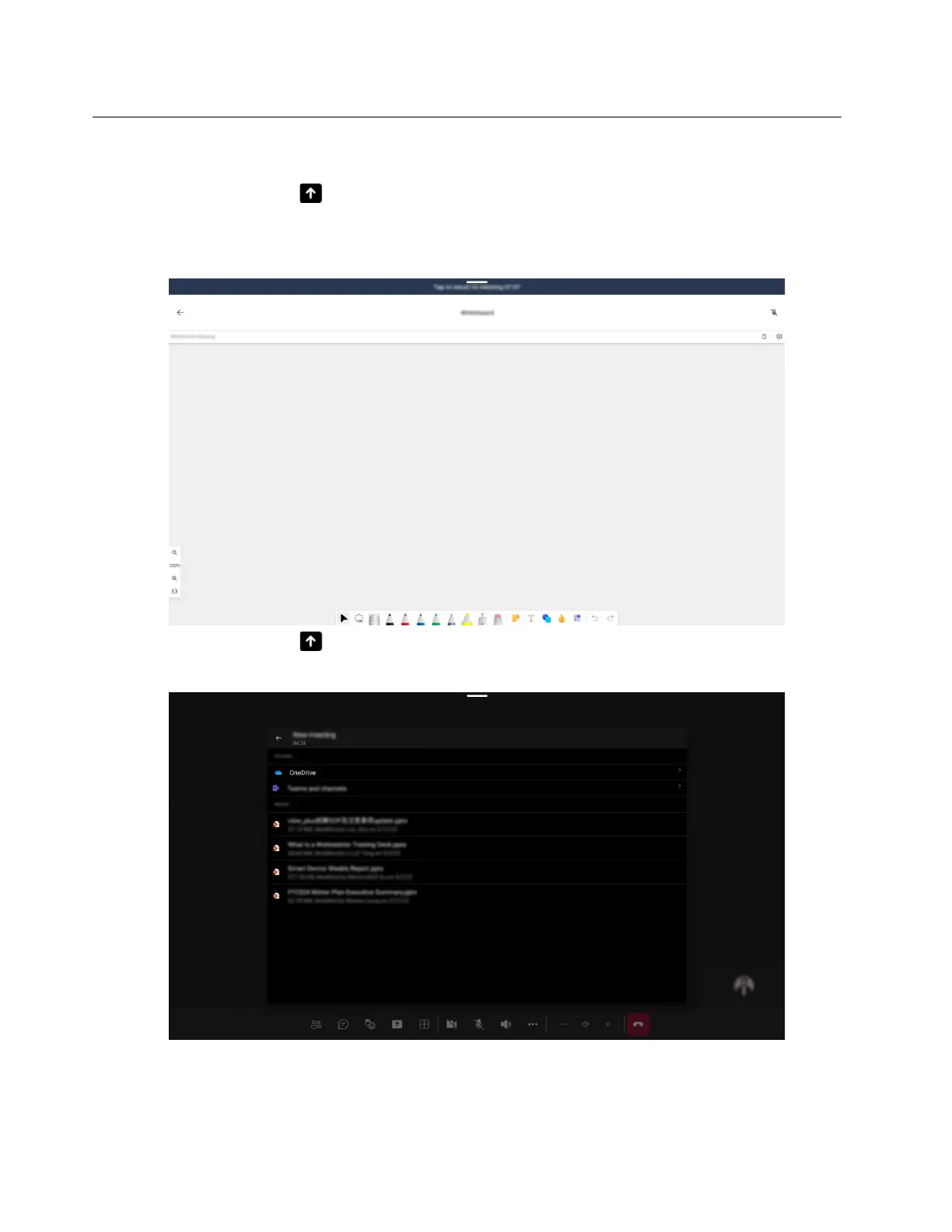
You can share content in a meeting by one of the following three options:
• Share Whiteboard: Select
in your meeting controls, and then select Share Whiteboard to open a
dedicated canvas where teammates have a common space to sketch and ideate together.
Note: This feature is available for scheduled meetings only.
• Share PowerPoint: Select in your meeting controls, and then select Share PowerPoint to open a
PowerPoint file for sharing.
34 ThinkSmart View Plus Deployment Guide





 To Next Page