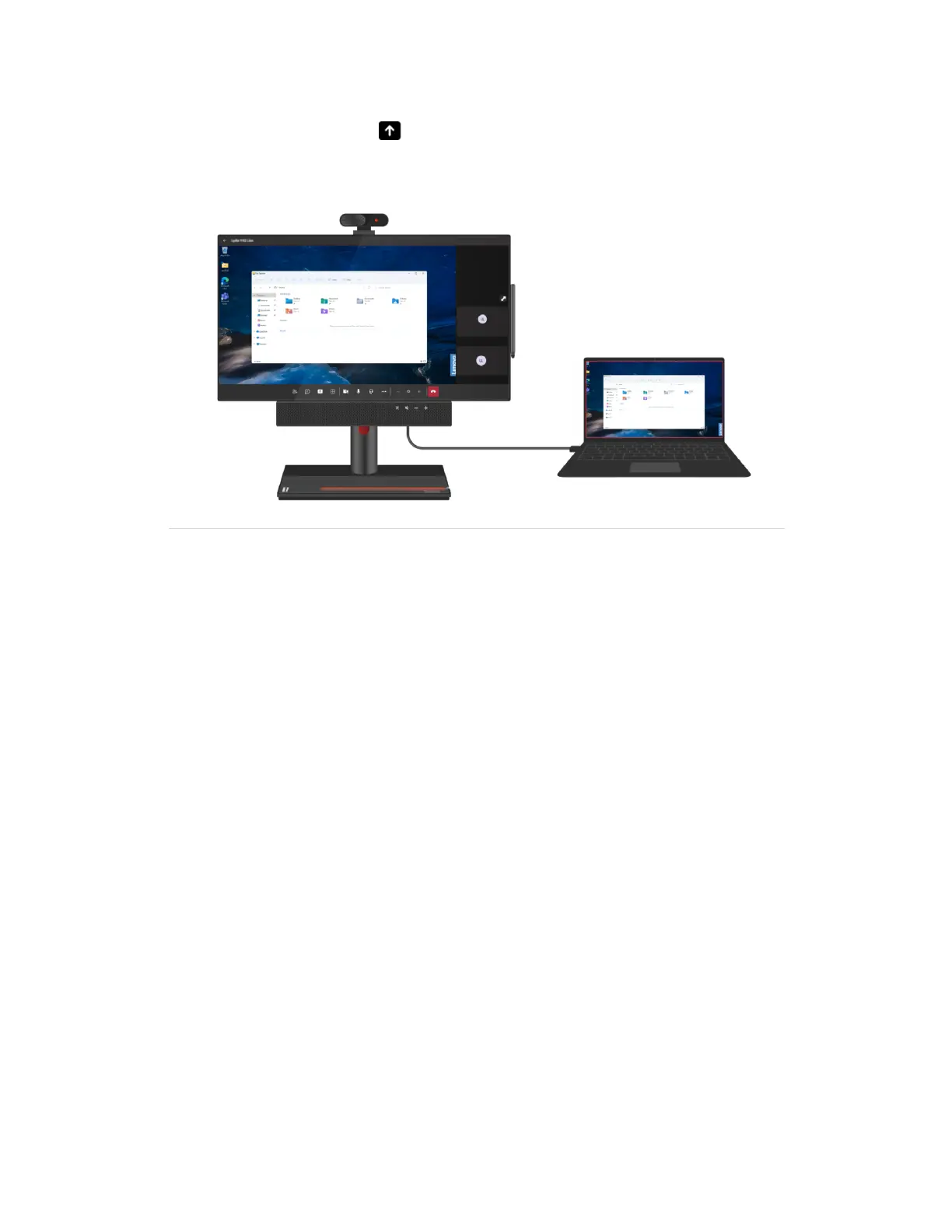
• Share Connected Device Connect your computer to the USB-C connector or DisplayPort in connector
on ThinkSmart View Plus. Then, select
in your meeting controls, and then select Connected device to
share your computer screen with teammates.
42 ThinkSmart View Plus Deployment Guide





 To Next Page