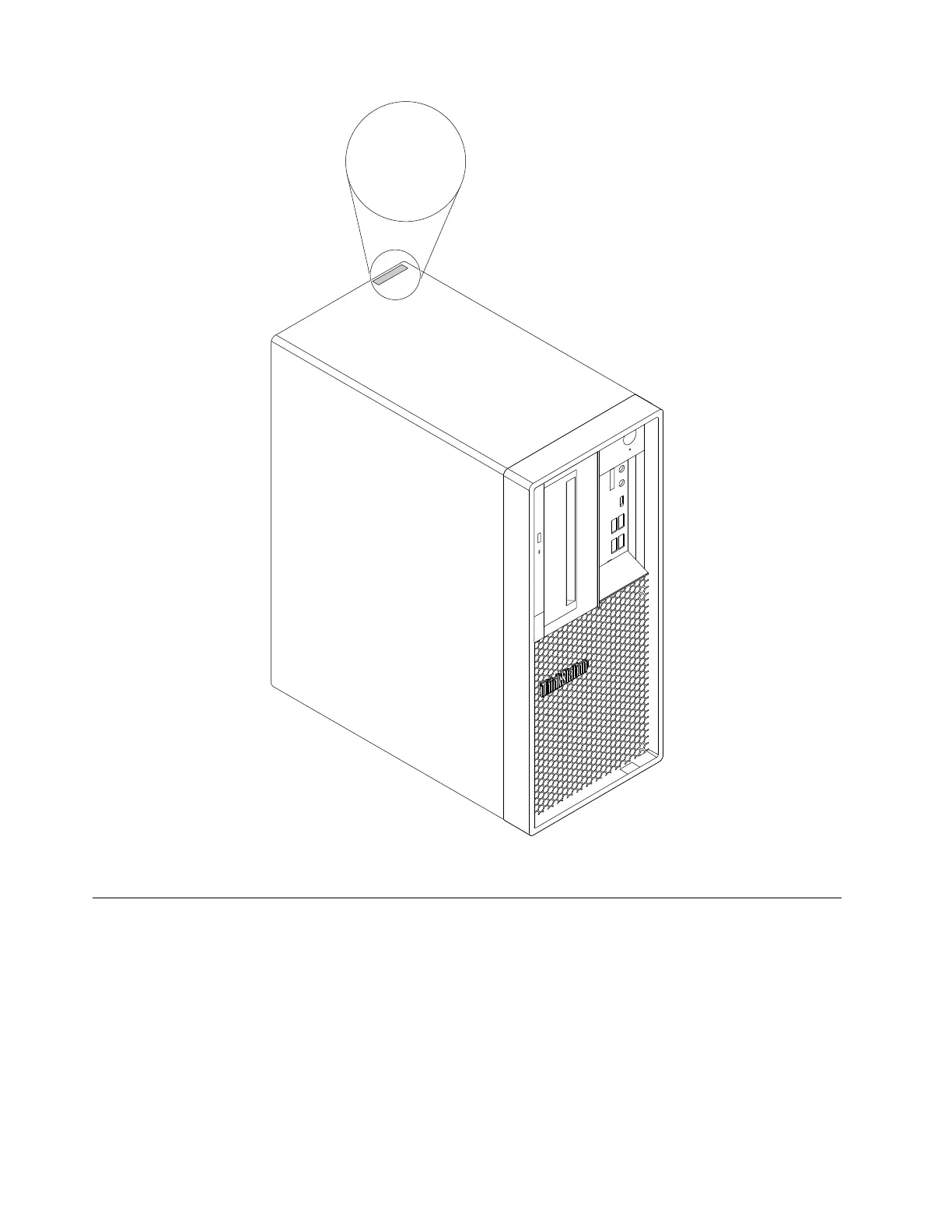
MT-M XXXX-XXXXXX
S/N XXXXXXXX
Figure 8. Machine type and model label
Computer features
For your specific computer model, some features might vary or not apply.
Information about your computer
• To view basic information (such as microprocessor and memory information) about your computer, do the
following:
1. Click the Start button to open the Start menu.
2. Click Settings ➙ System ➙ About.
• To view detailed information about the devices (such as the network adapters) on your computer, do the
following:
42
P330 Hardware Maintenance Manual














 To Next Page