34
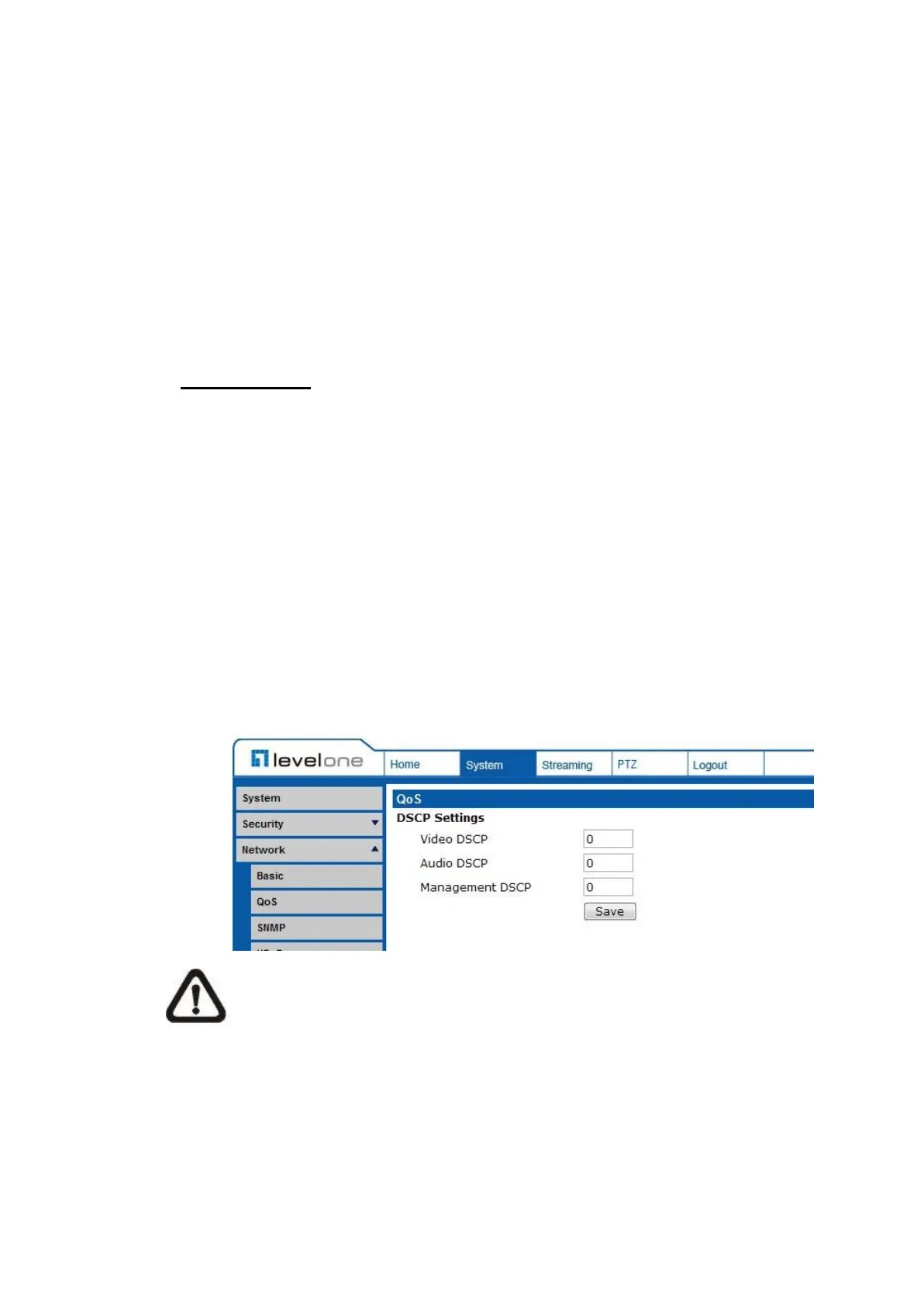
7.2.3.2 QoS
The QoS (Quality of Service) setting can be found under this path: System>
Network> QoS.
QoS allows providing differentiated service levels for different types of traffic
packets, which guarantees delivery of priority services especially when network
congestion occurs. Adapting the Differentiated Services (DiffServ) model, traffic
flows are classified and marked with DSCP (DiffServ Code Pint) values, and
thus receive the corresponding forwarding treatment from DiffServ capable
routers.
DSCP Settings
The DSCP value range is from 0 to 63. The default DSCP value is 0, which
means DSCP is disabled. The IP Camera uses the following QoS Classes:
Video, Audio and Management.
Video DSCP
The class consists of applications such as MJPEG over HTTP,
RTP/RTSP and RTSP/HTTP.
Audio DSCP
This setting is only available for the IP Cameras that support audio.
Management DSCP
The class consists of HTTP traffic: Web browsing.
NOTE: To enable this function, please make sure the switches/ routers
in the network support QoS.















 To Next Page