35
7.2.3.3 SNMP
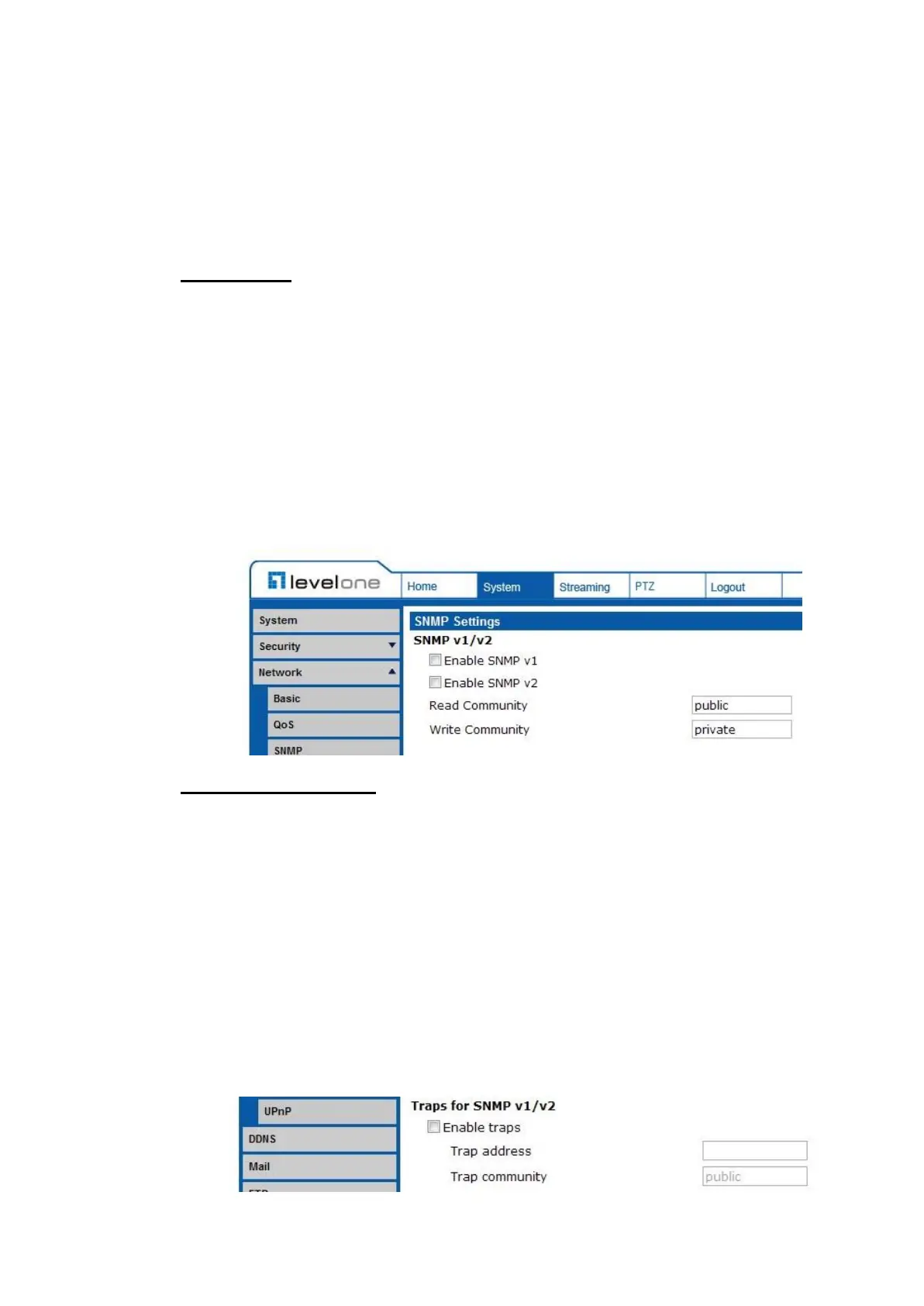
The SNMP (Simple Network Management Protocol) setting can be found under
this path: System> Network> SNMP.
With Simple Network Management Protocol (SNMP) support, the IP Camera
can be monitored and managed remotely by the network management system.
SNMP v1/ v2
Enable SNMP v1/ v2
Select the version of SNMP to use by checking the box.
Read Community
Specify the community name that has read-only access to all supported
SNMP objects. The default value is “public”.
Write Community
Specify the community name that has read/write access to all supported
SNMP objects (except read-only objects). The default value is “write”.
Traps for SNMP v1/ v2
Traps are used by the IP Camera to send massages to a management system
for important events or status changes.
Enable Traps
Check the box to activate trap reporting.
Trap address
Enter the IP address of the management server.
Trap community
Enter the community to use when sending a trap message to the
management system.















 To Next Page